
Side by side, with dates
CookieBunker copied our site.
Their site on September 21, their site now and ours. Pink boxes mark what they took.
14
parts of our site on theirs
100
of our lines next to theirs
4
Learn posts written from ours
7 of 7
get-started steps in our order
What happened when, 2026
Sep 9–21Ours
Our Learn guides go up, like Second PC on Sep 9.
Sep 21Theirs before
Their archived site: no get-started guide, no Learn page, no ranks, the old product page.
Sep 25Ours
mewdma.net goes live with our get-started guide, Learn page, ranks and profiles.
Oct 2–3Ours
Our setup diagram and our new forum go up.
Oct 22Theirs now
Their forum rules post is dated Oct 22, in our forum layout.
Oct 24Theirs now
Their Learn posts say Updated Oct 24, written from ours.
Oct 27–29Theirs now
We capture their site with our guide, diagram, product page, Learn and forum on it.
Where the dates come from
- Theirs before is the Wayback Machine. It has one capture day for cookiebunker.com, September 21, 2026, with 105 pages (the index).
- Theirs now is their public site, captured October 27 to 29, 2026 (UTC).
- Ours comes from our database, our git history, which starts October 15, 2026 (commit 512647a), and our production builds, kept in dated folders back to September 25, 2026, the day mewdma.net went live.
Click a picture to open it big. The arrows go through a section.
01
The get-started guide
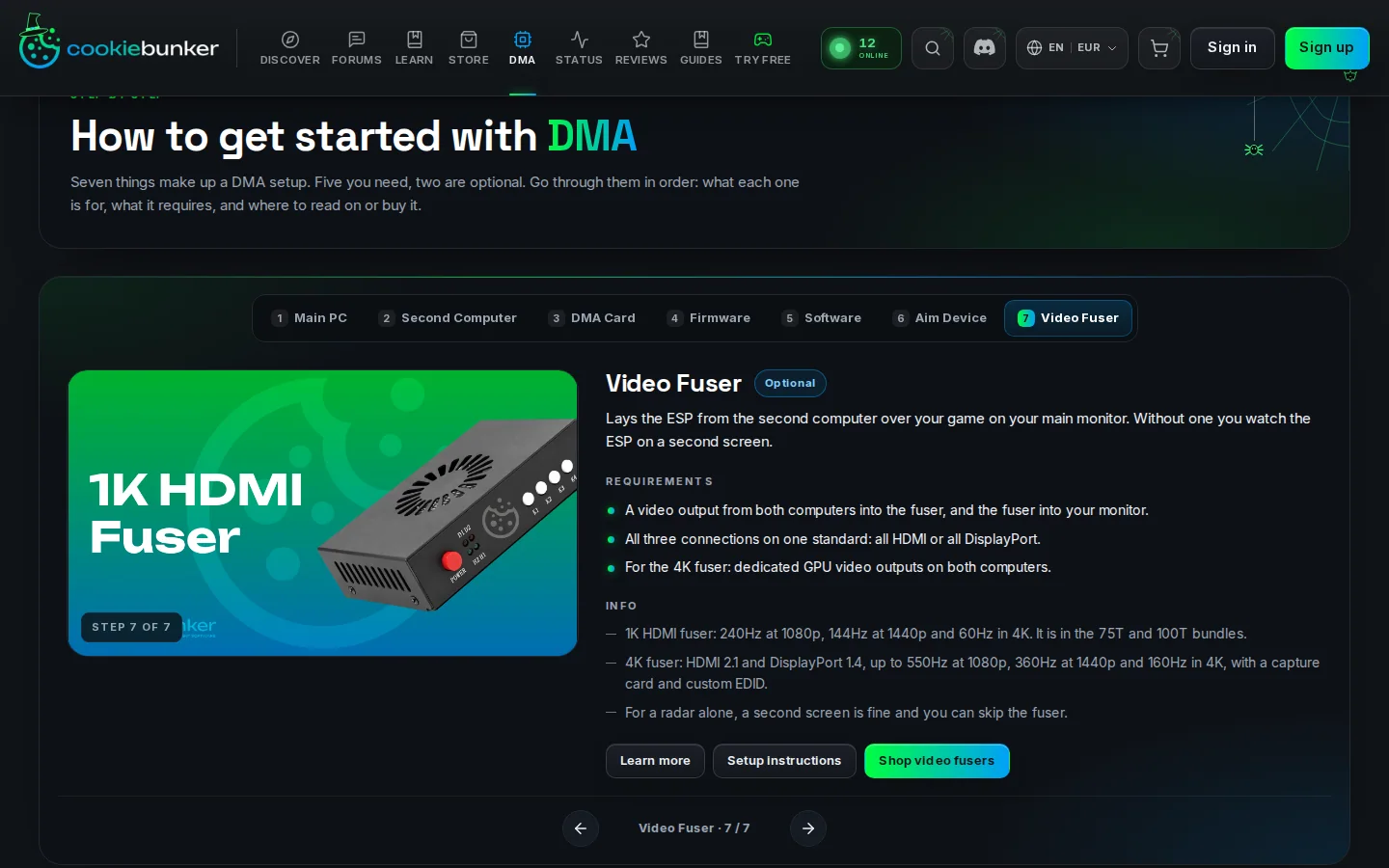
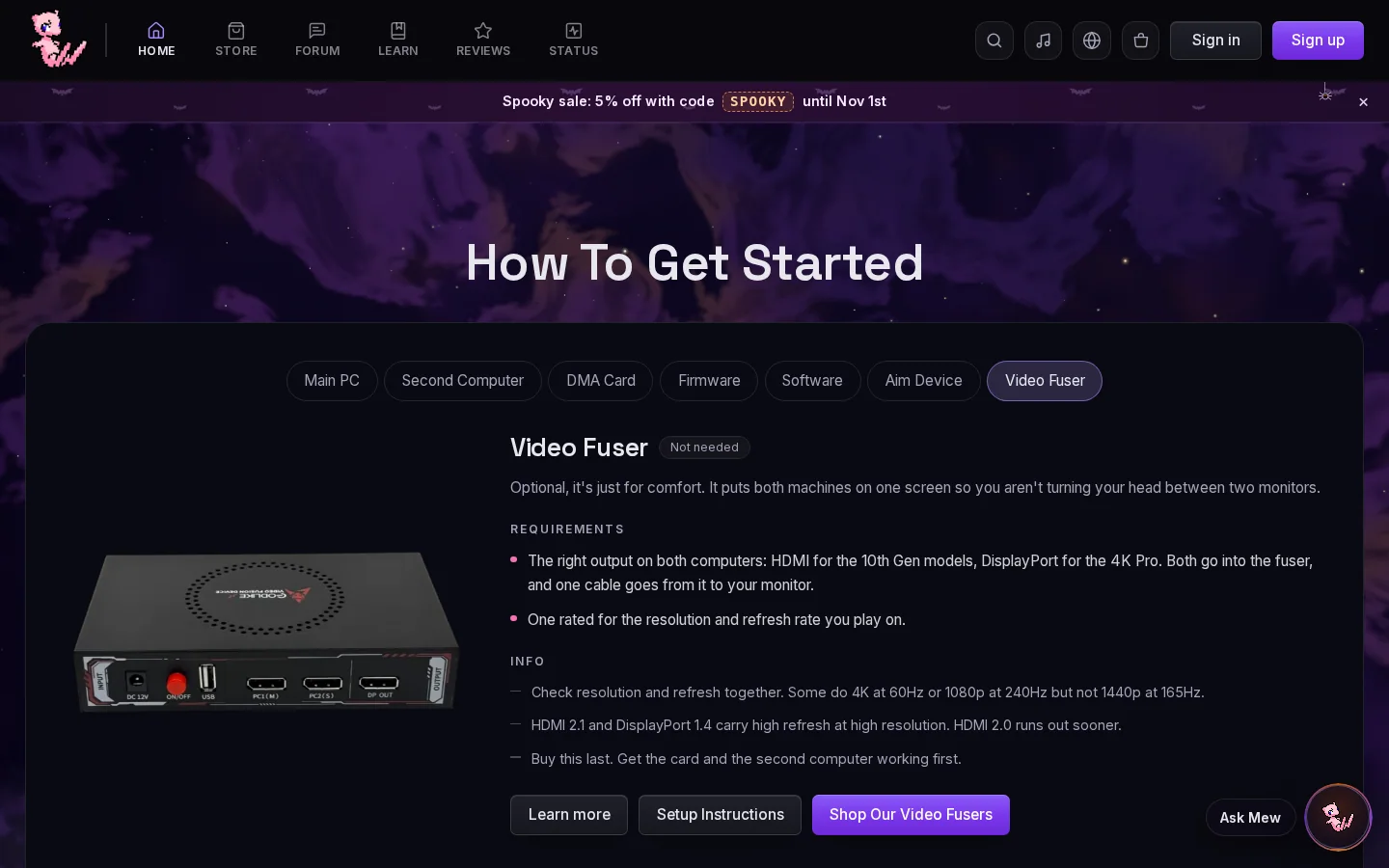
Our seven steps in our order, with our badges, our requirements and our lines.
- 1The same 7 steps in our order
- 2Step name with a Needed badge
- 3Our requirements and info, in our words
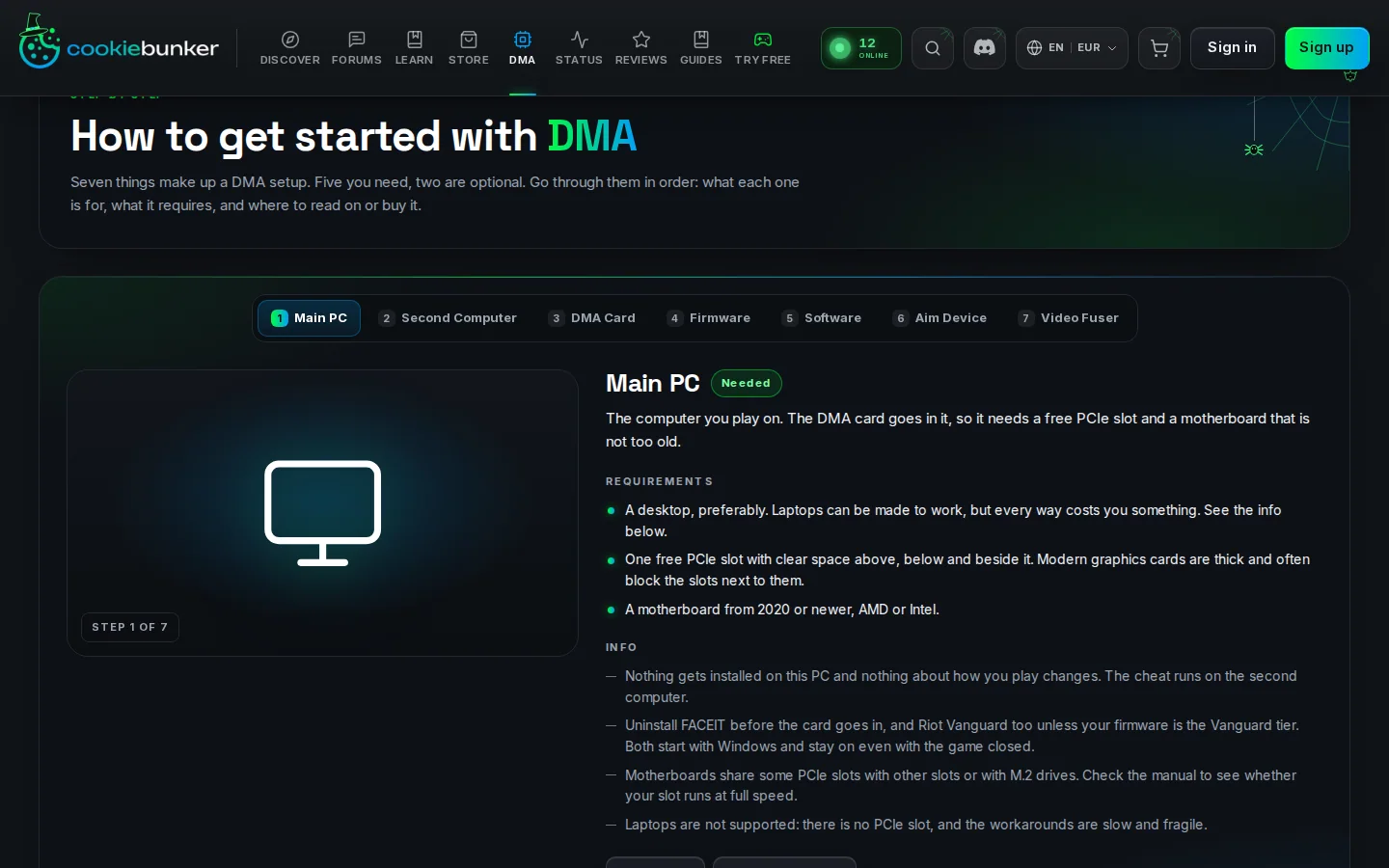
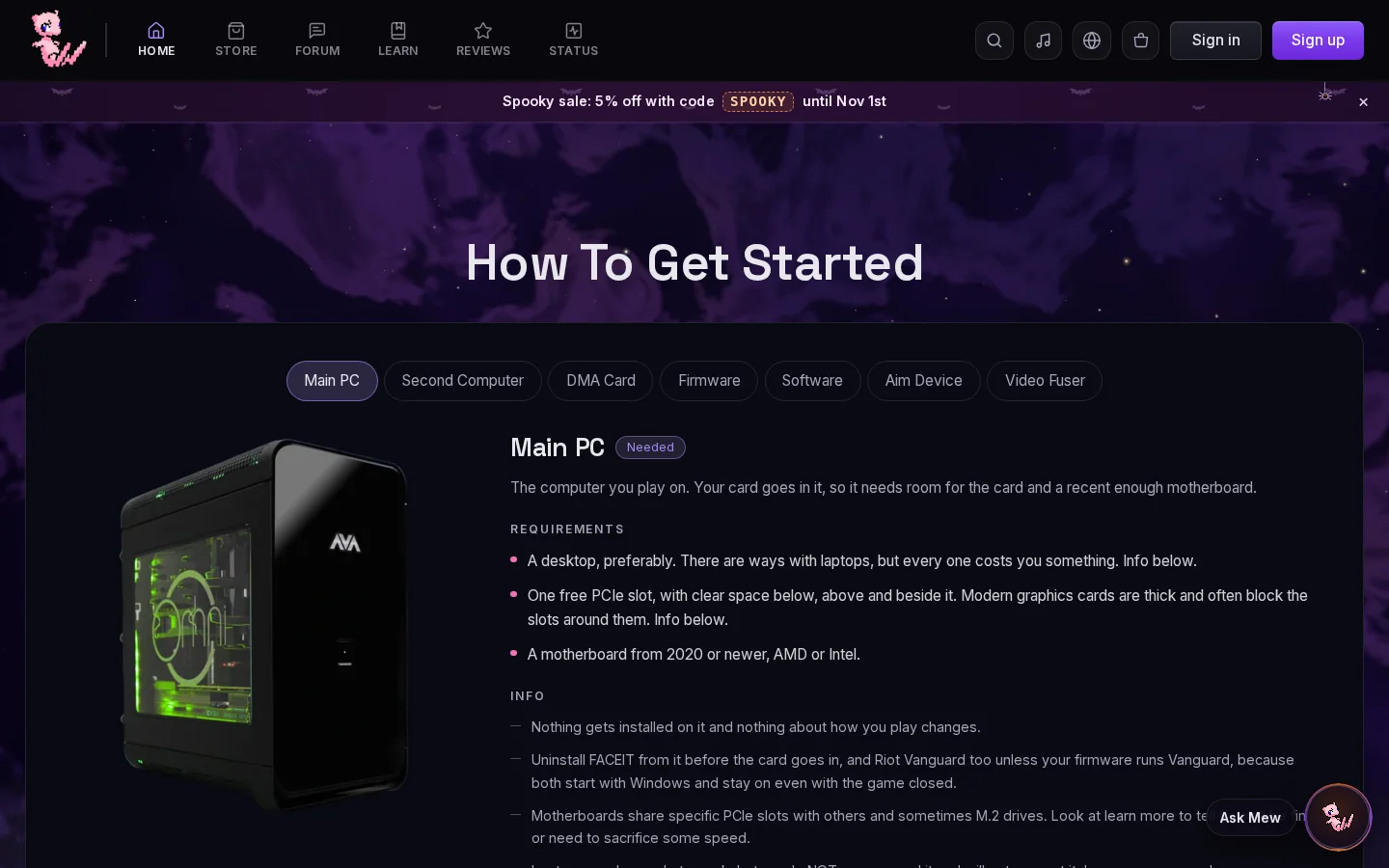
Show all 9 lines
Pink words are in both lines. 40 lines across the 7 steps, ours in git since October 15, 2026. “A motherboard from 2020 or newer, AMD or Intel.” is in our build of September 25.
Step 2: Second Computer 9 lines, theirs Needed, ours Needed
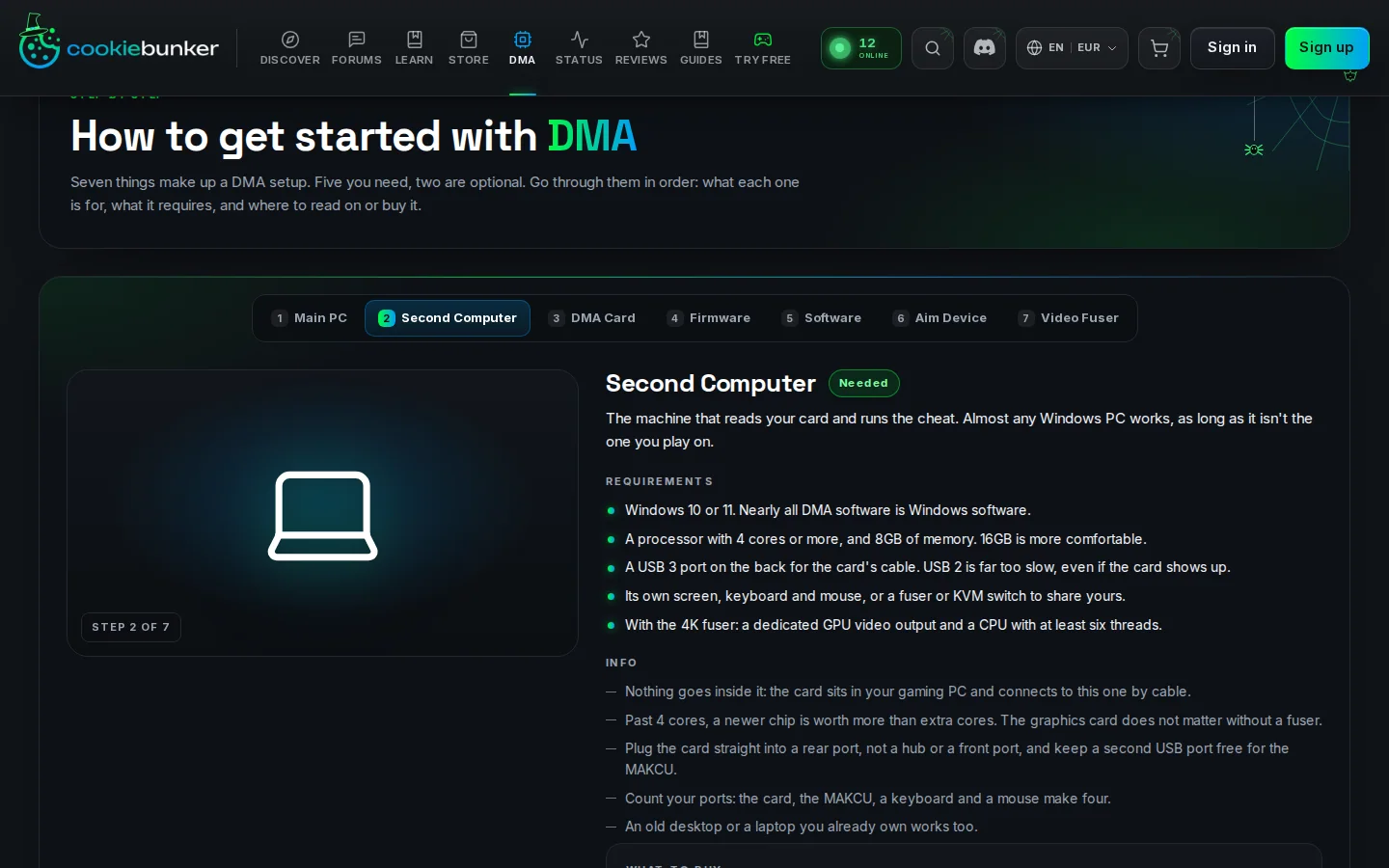
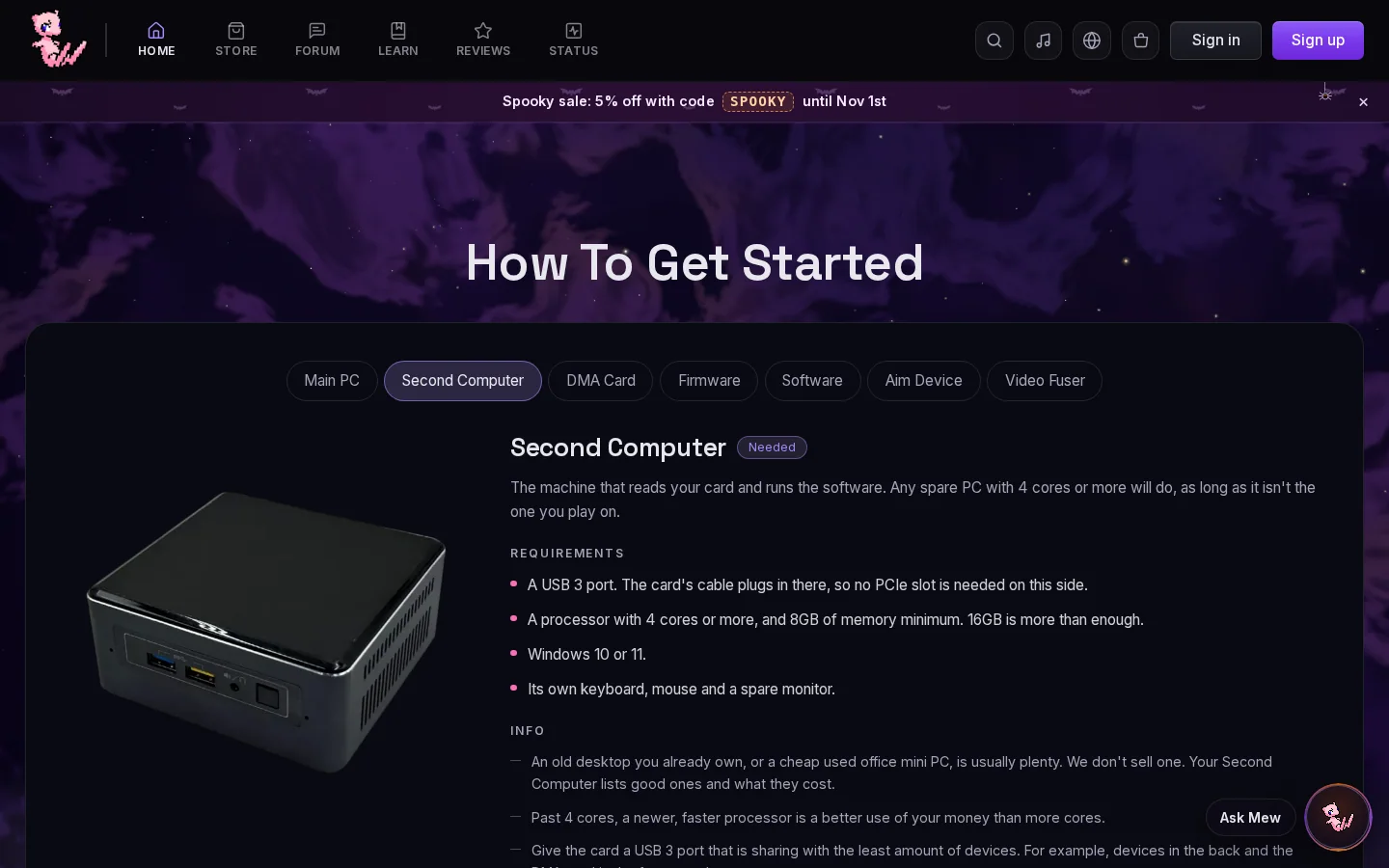
Step 3: DMA Card 5 lines, theirs Needed, ours Needed
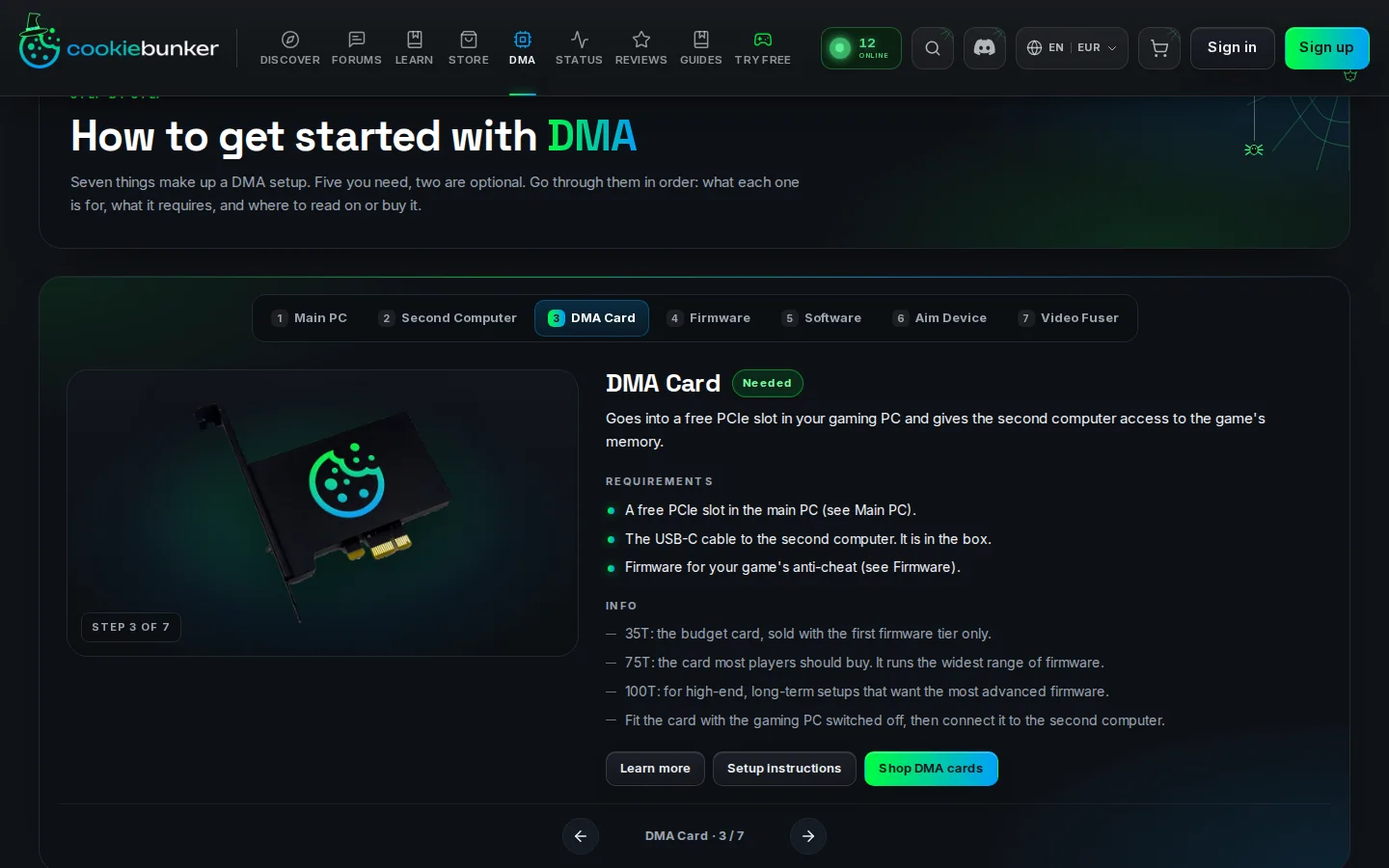
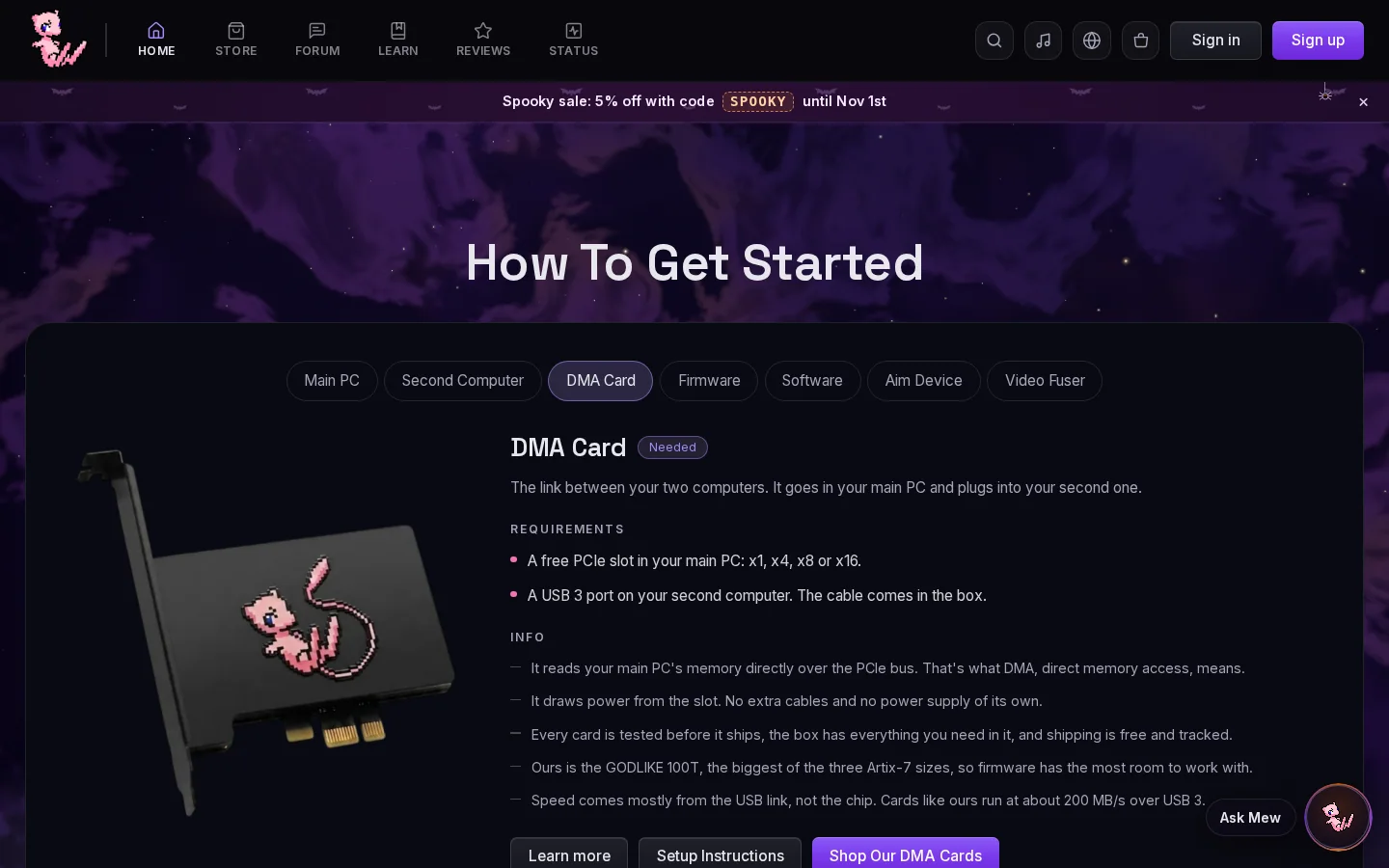
Step 4: Firmware 3 lines, theirs Needed, ours Needed
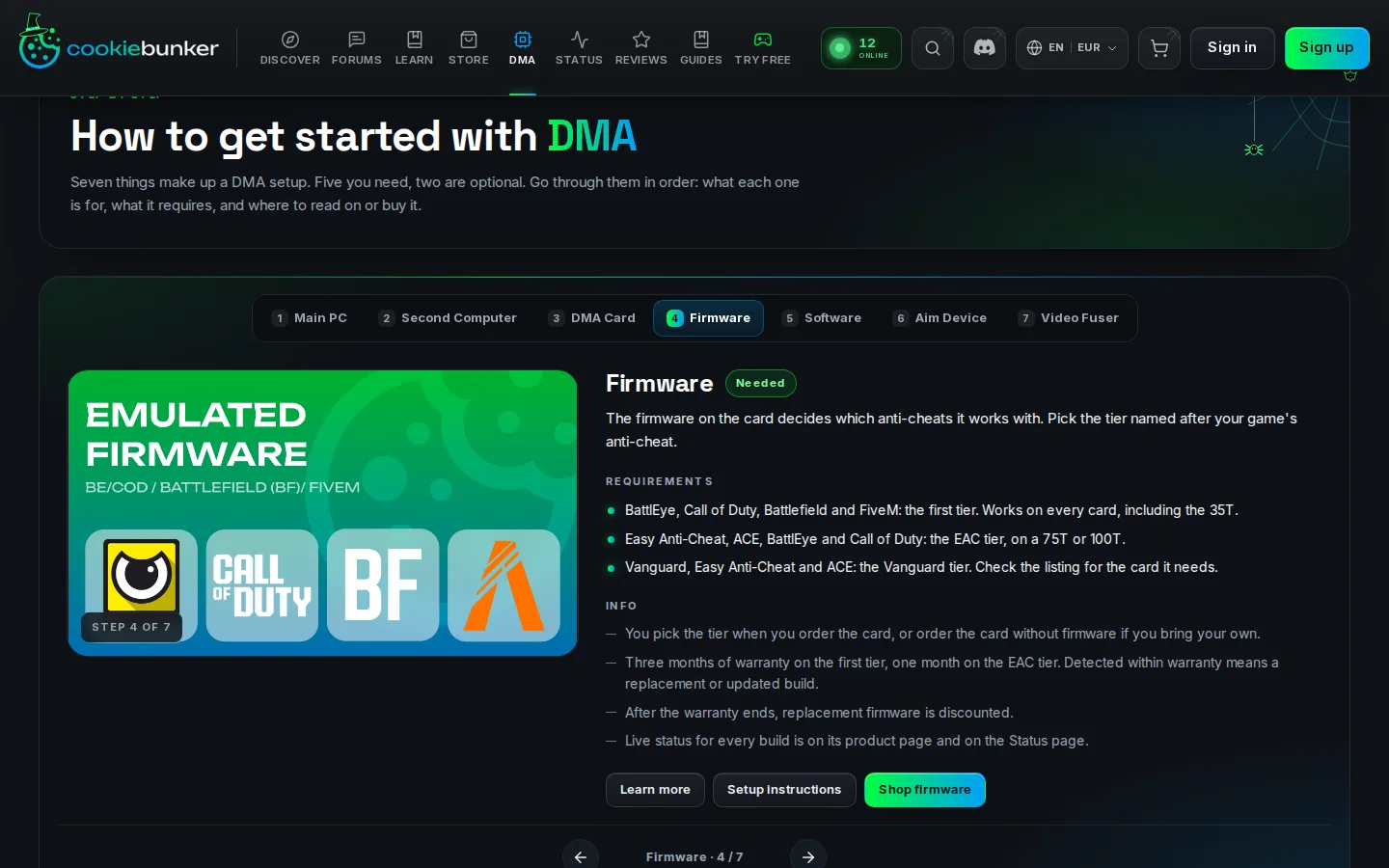
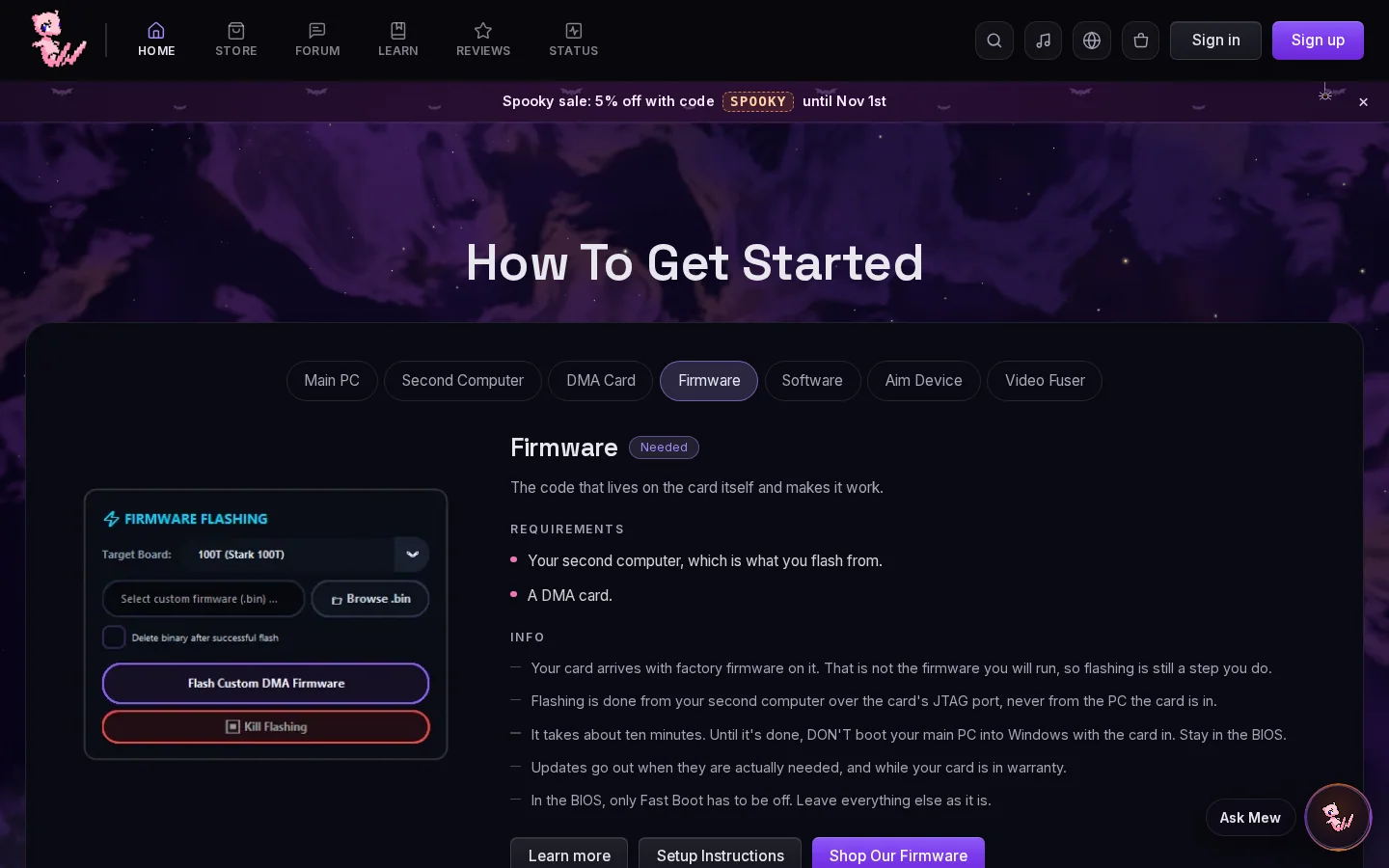
Step 5: Software 5 lines, theirs Needed, ours Needed
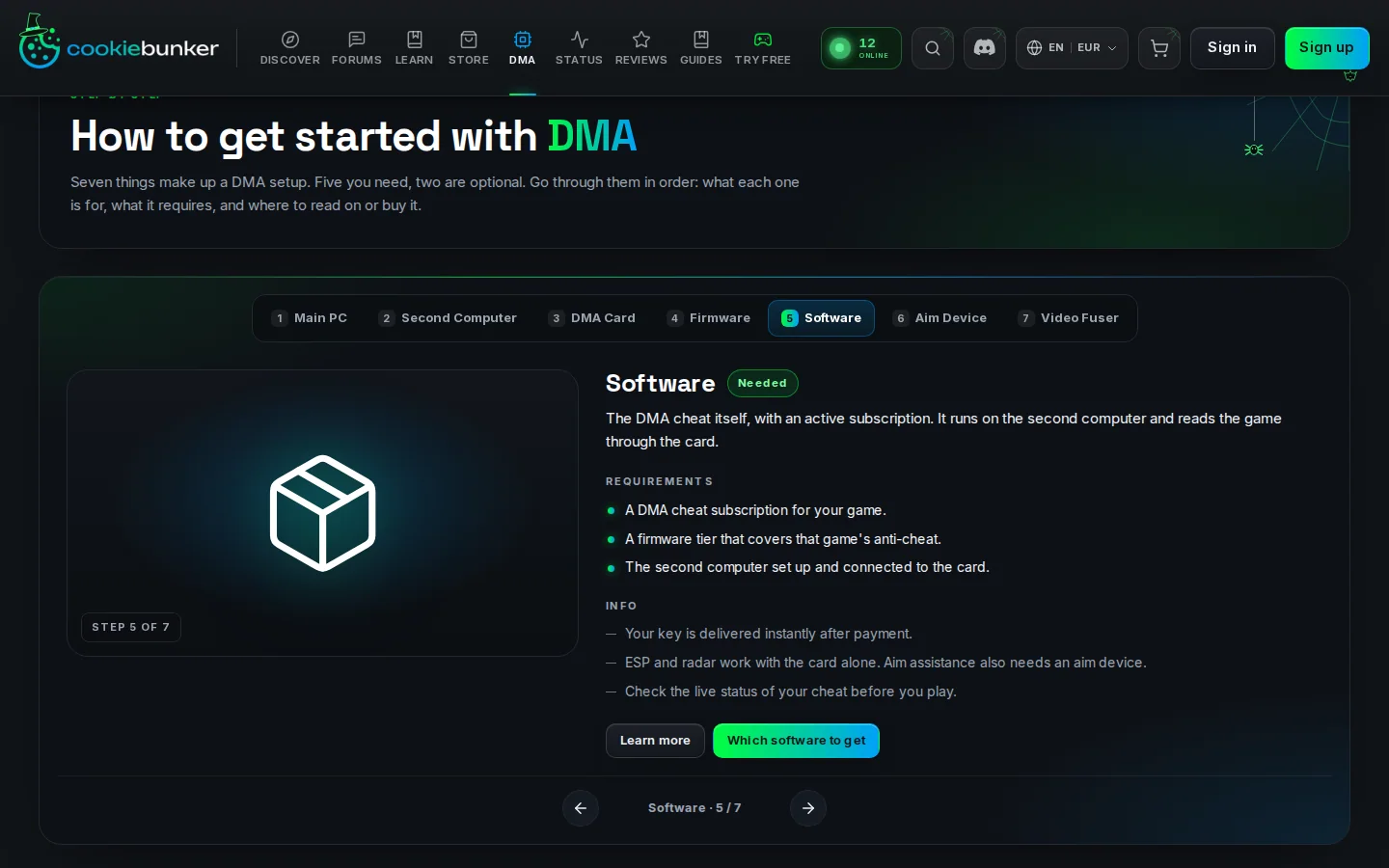
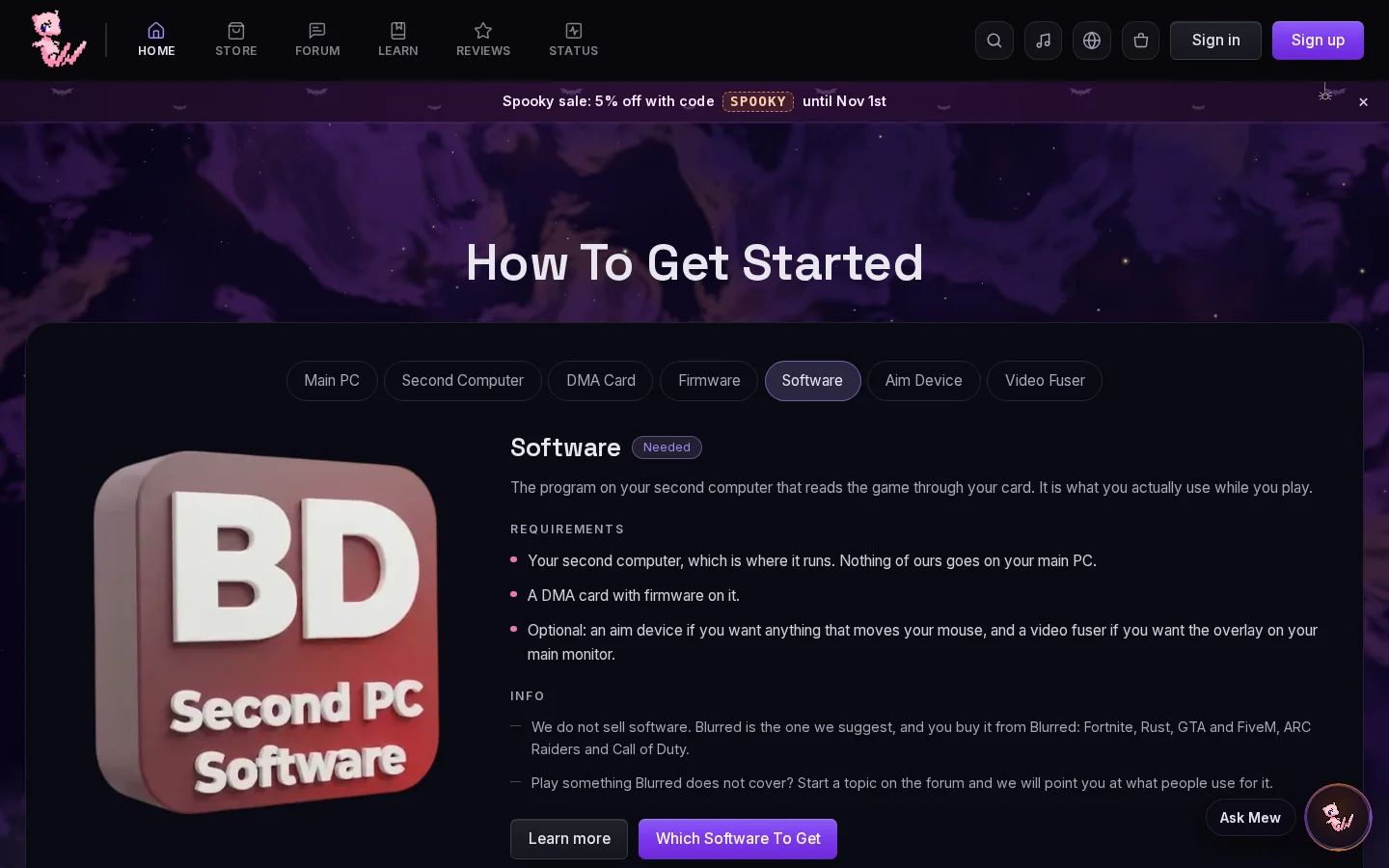
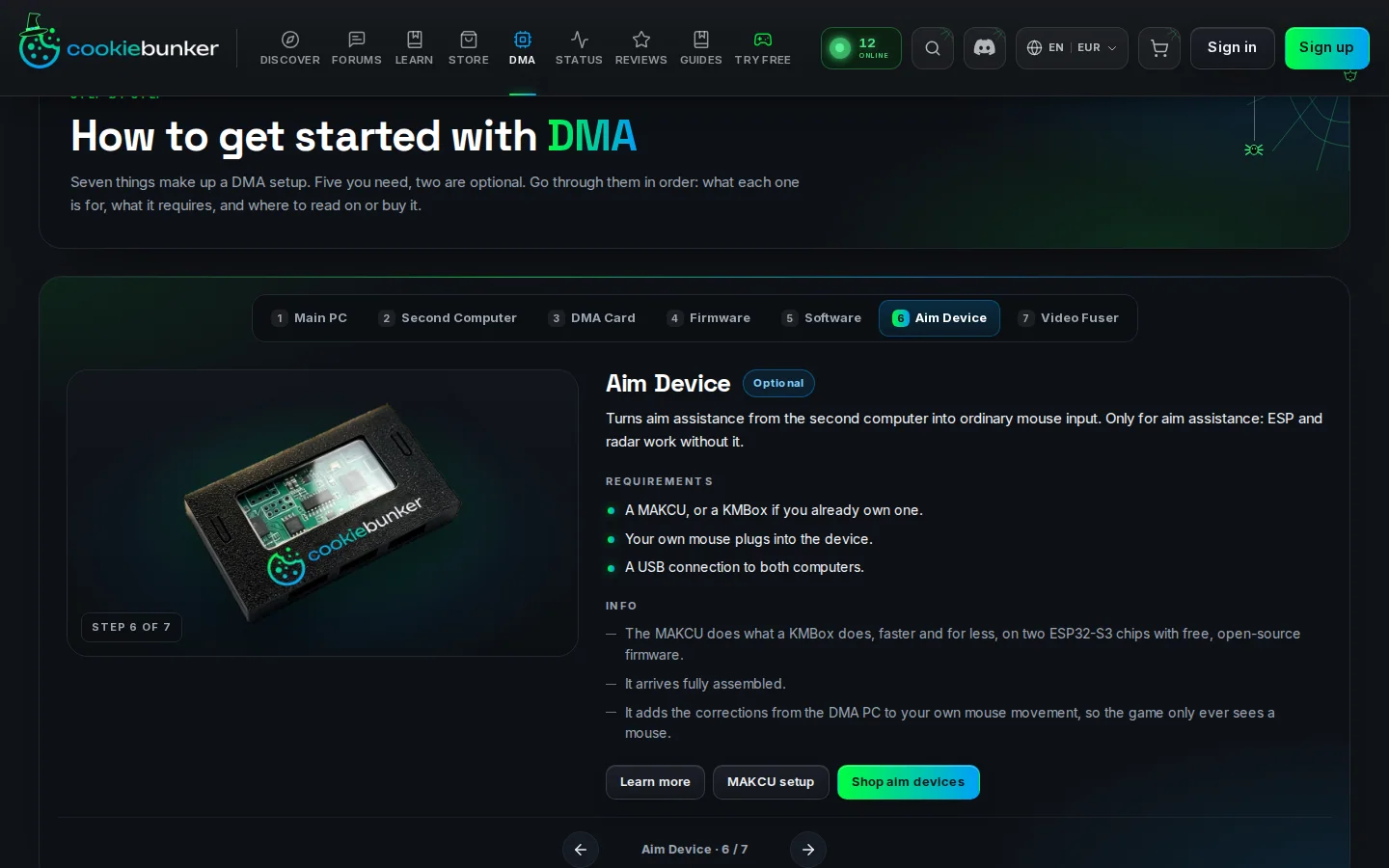
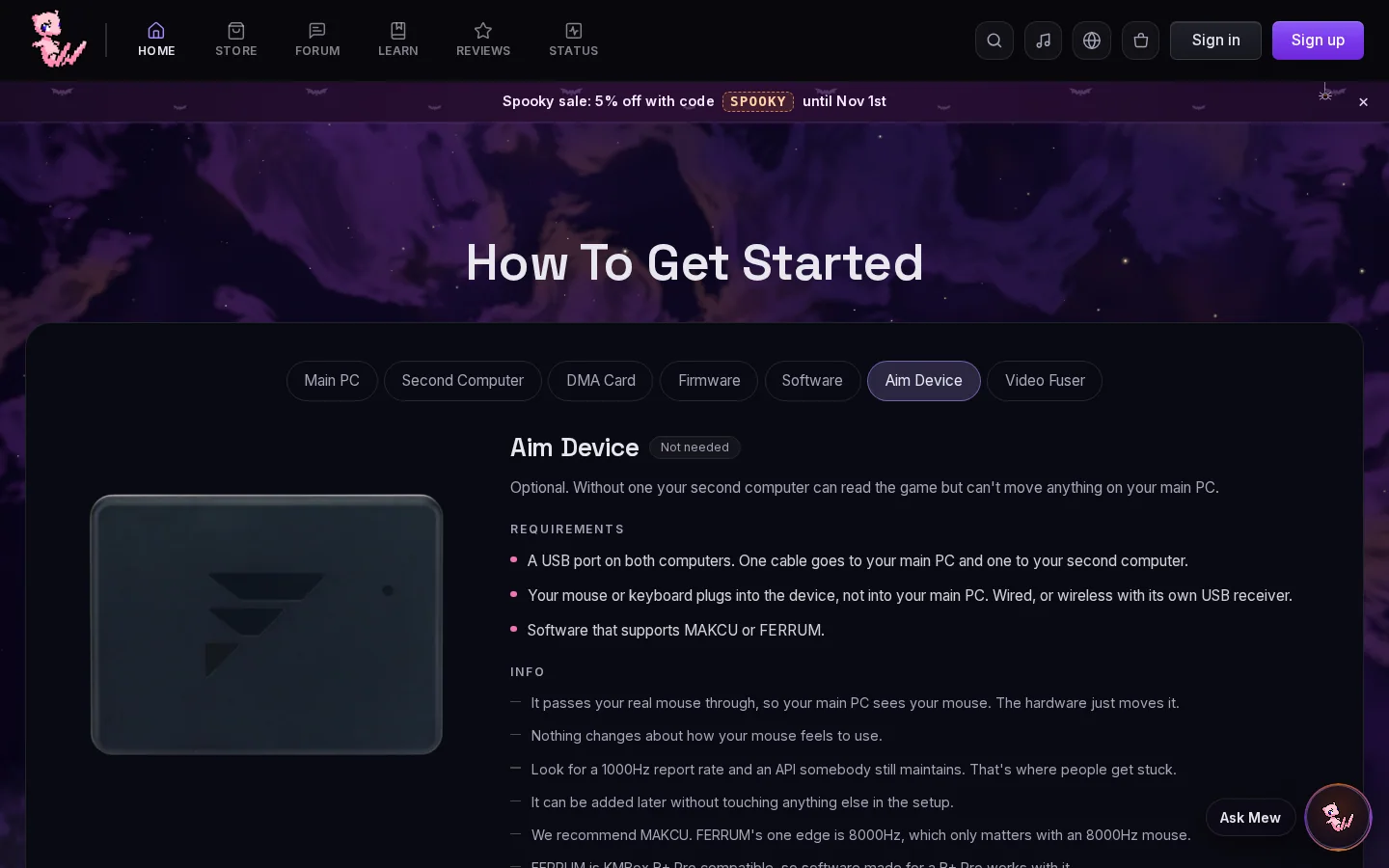
Step 6: Aim Device 5 lines, theirs Optional, ours Not needed
Step 7: Video Fuser 4 lines, theirs Optional, ours Not needed
02
The setup diagram
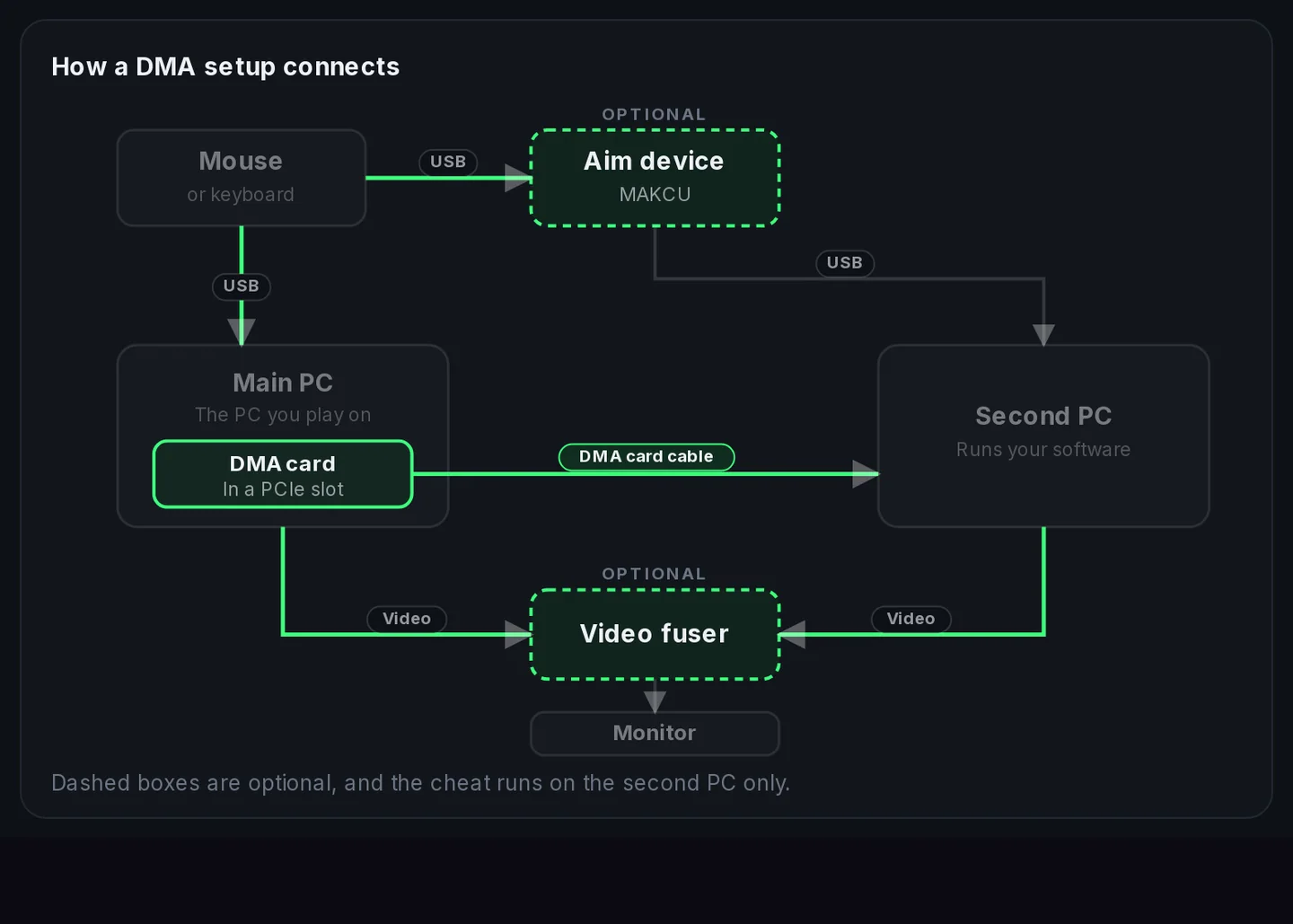
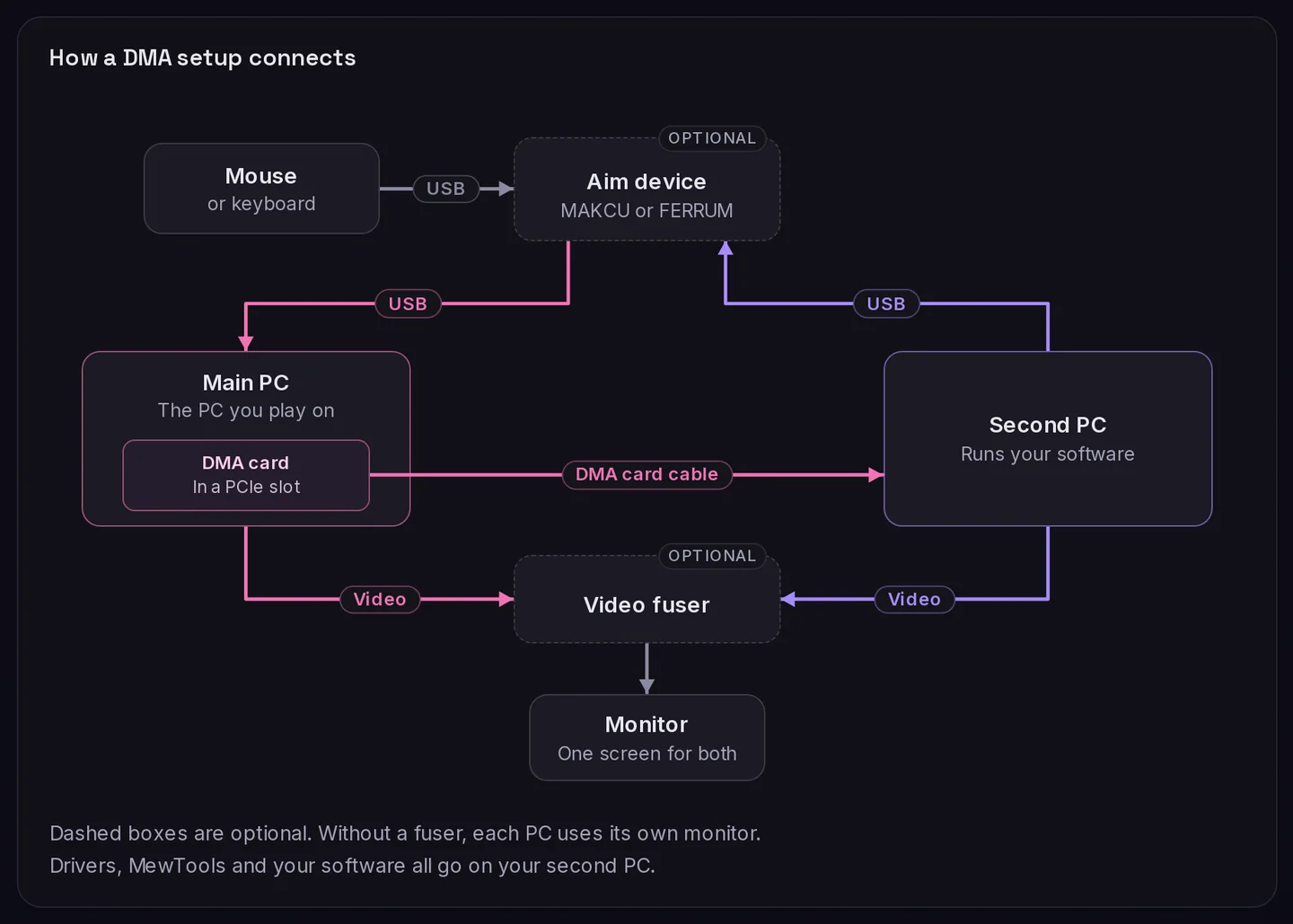
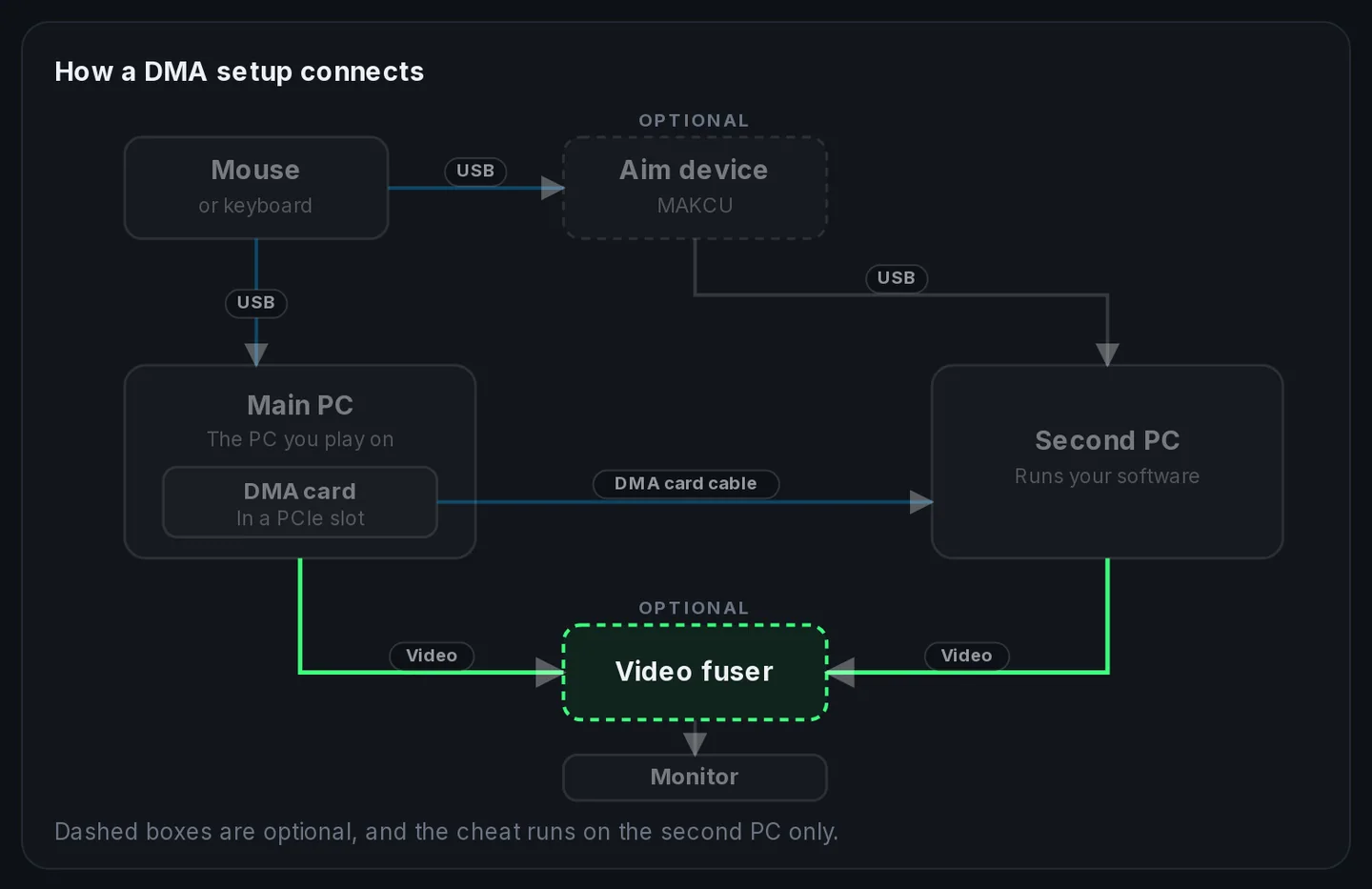
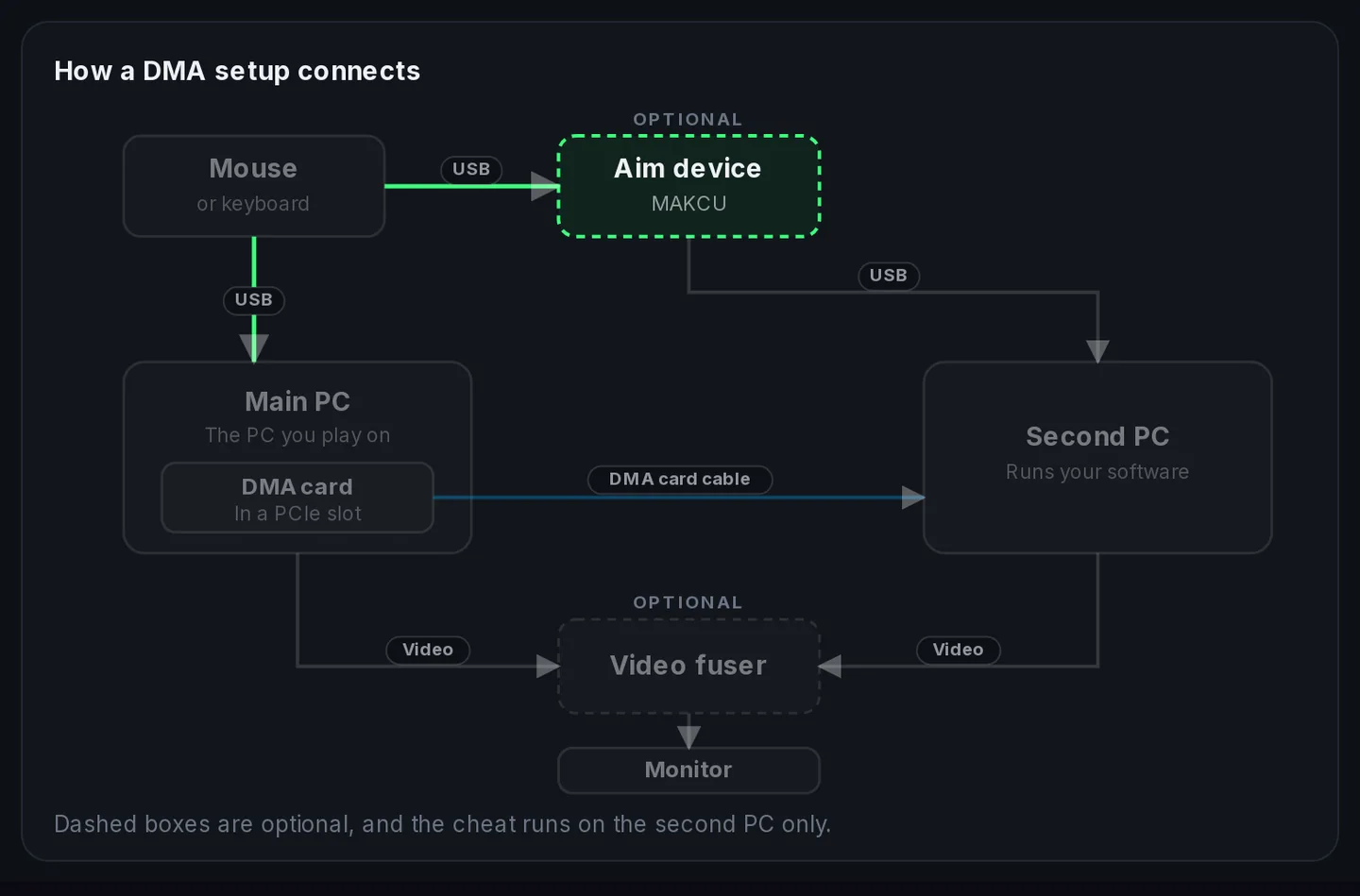
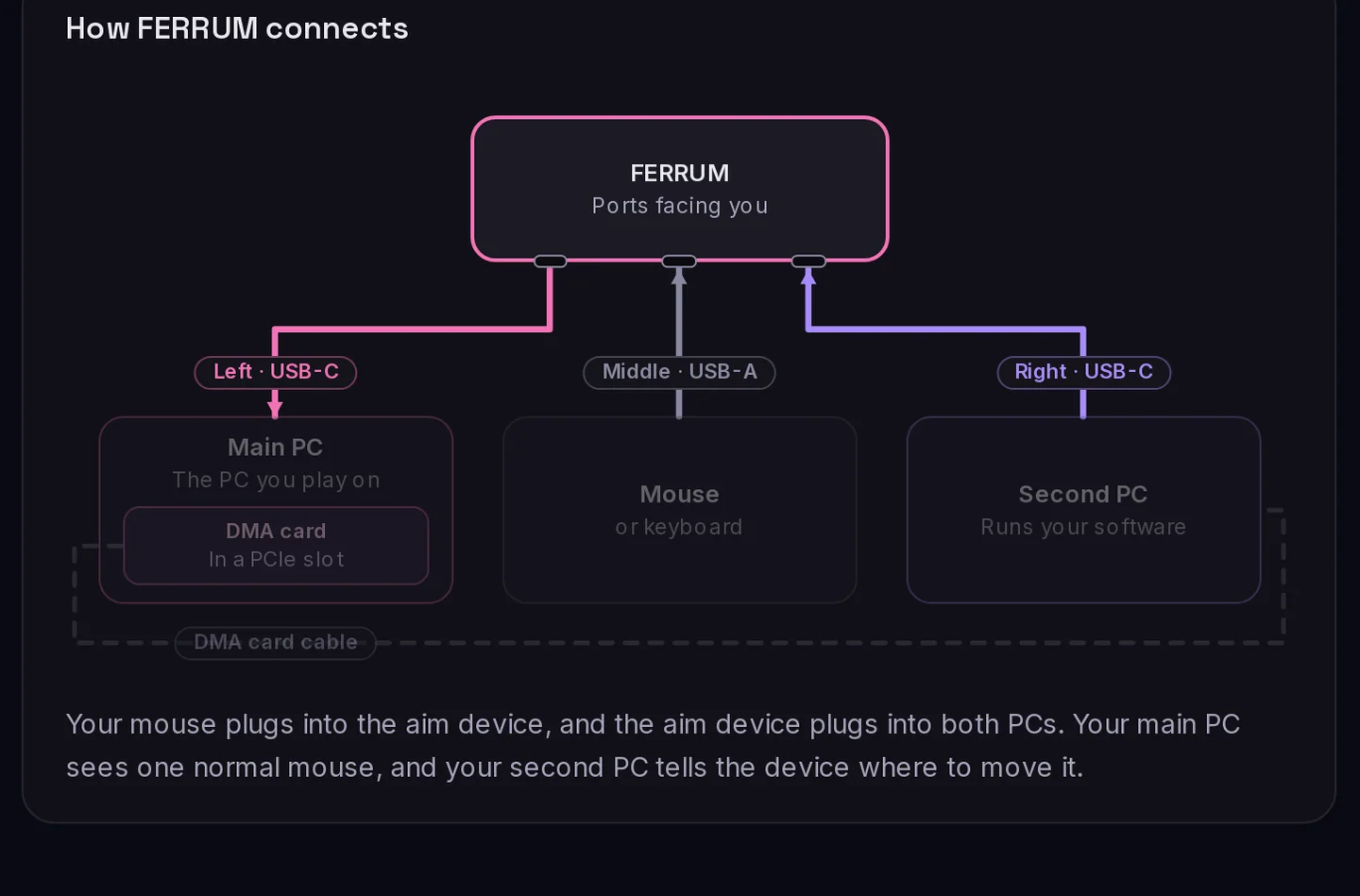
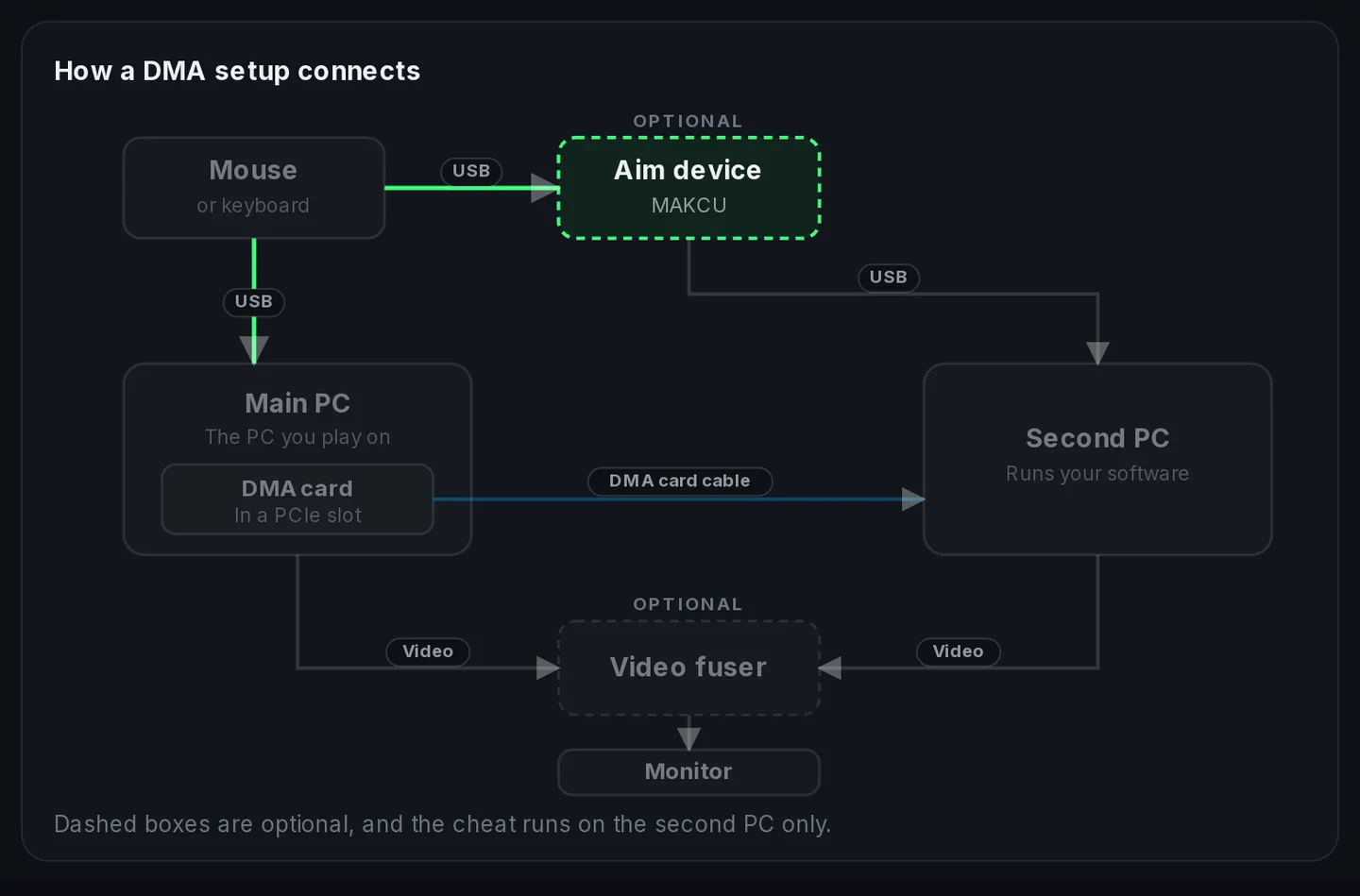
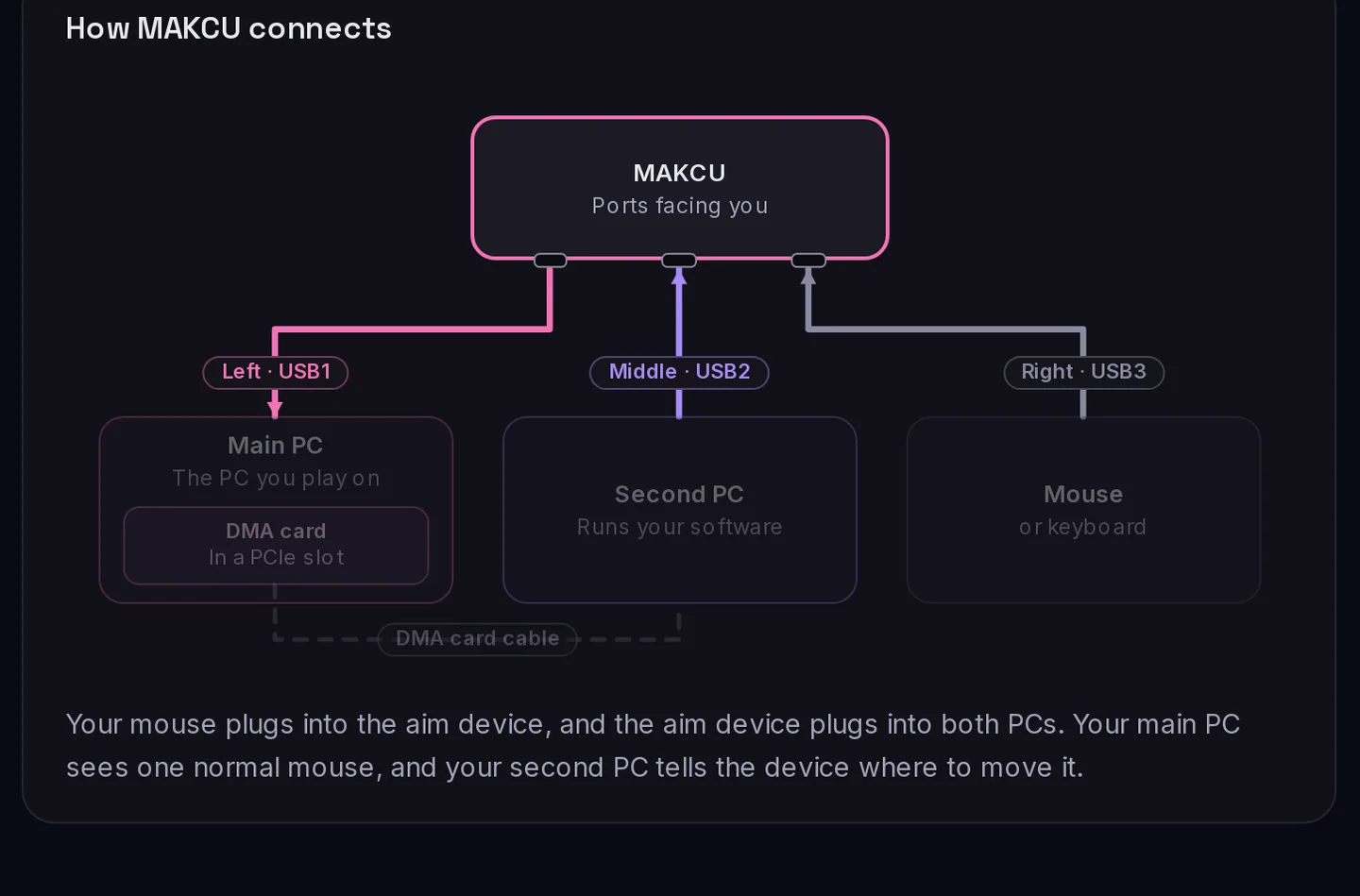
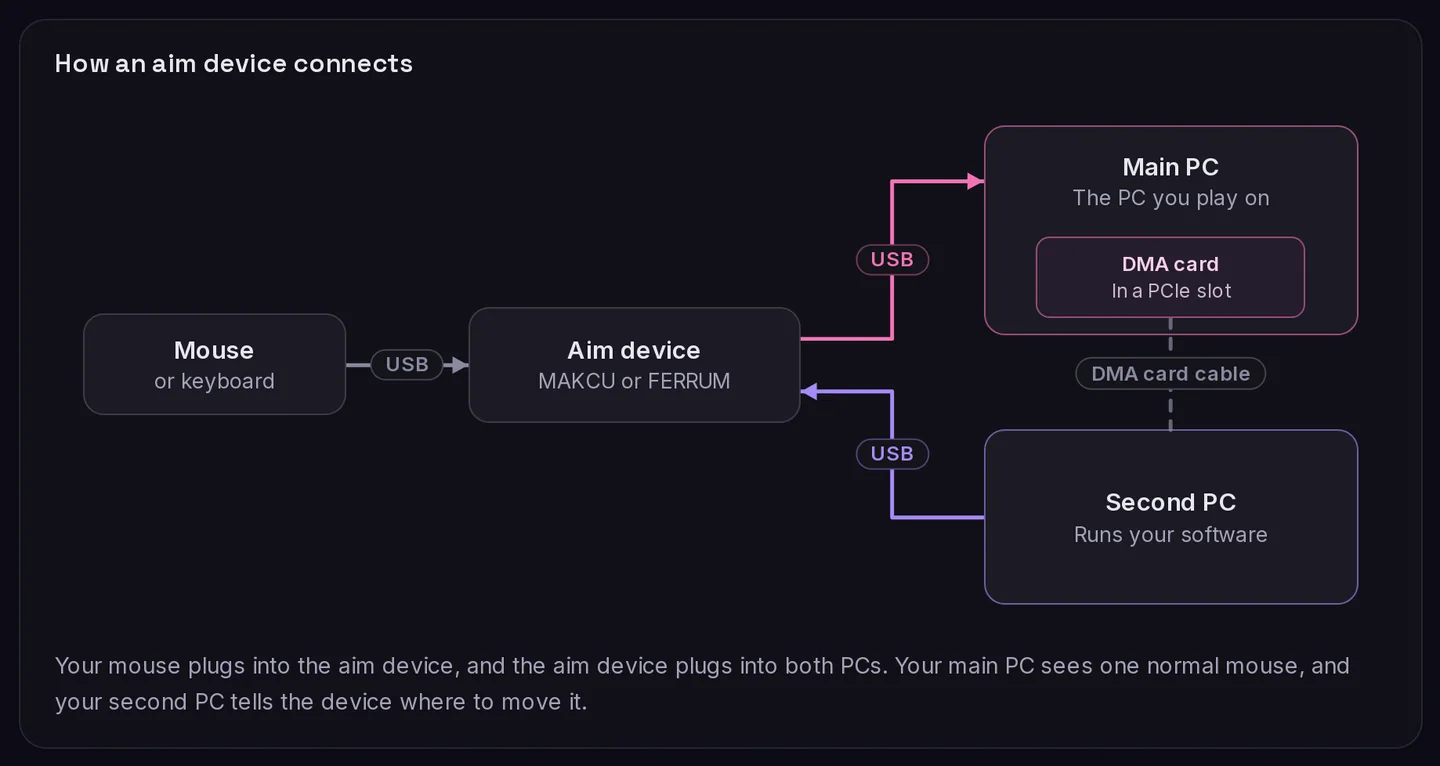
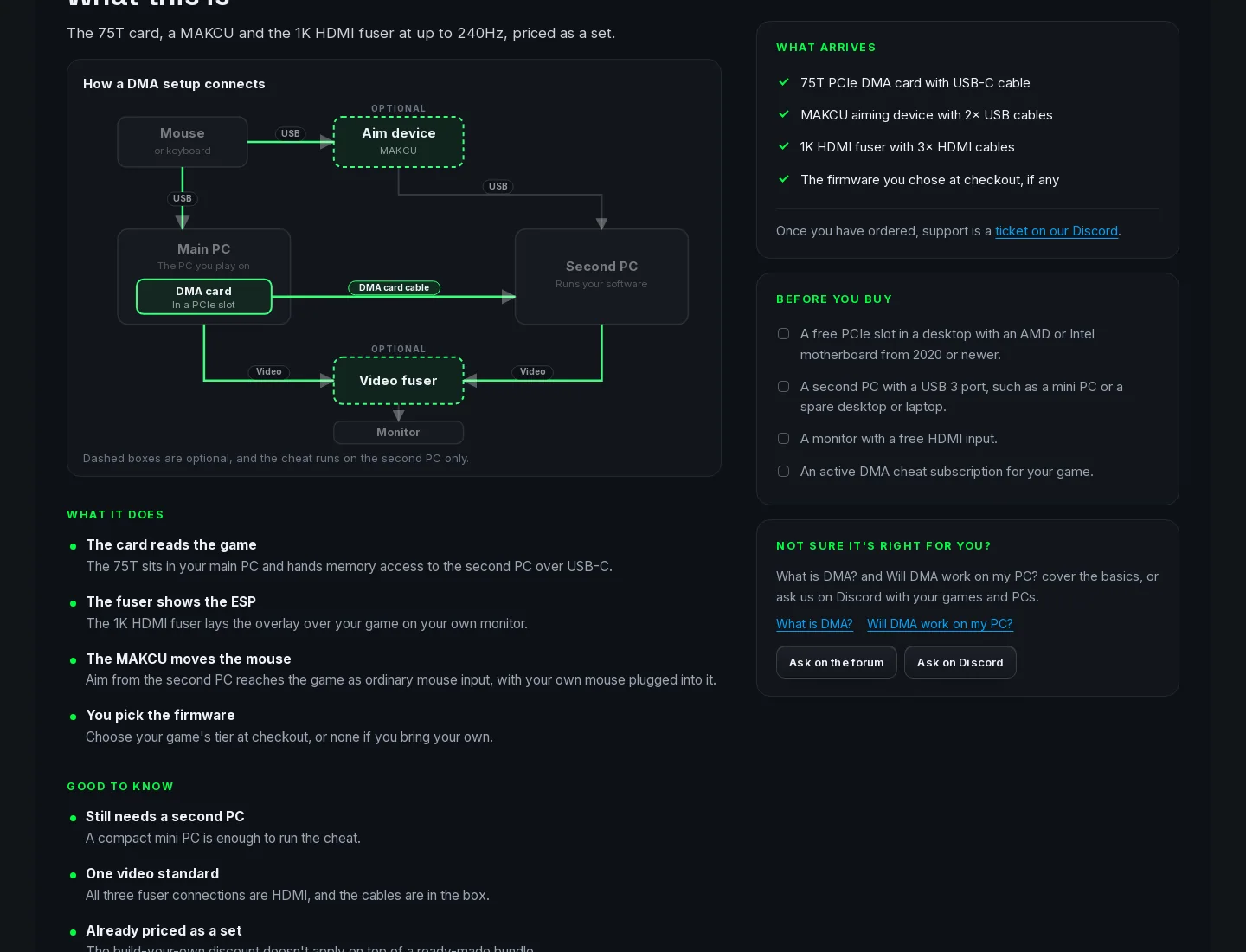
Our diagram, redrawn. Same title, same boxes in the same spots, same cable labels.
- 1Our title
- 2Dashed boxes for the optional parts
- 3Our DMA card cable label
- 4The fuser box in the same spot
5 more diagrams, on their product pages
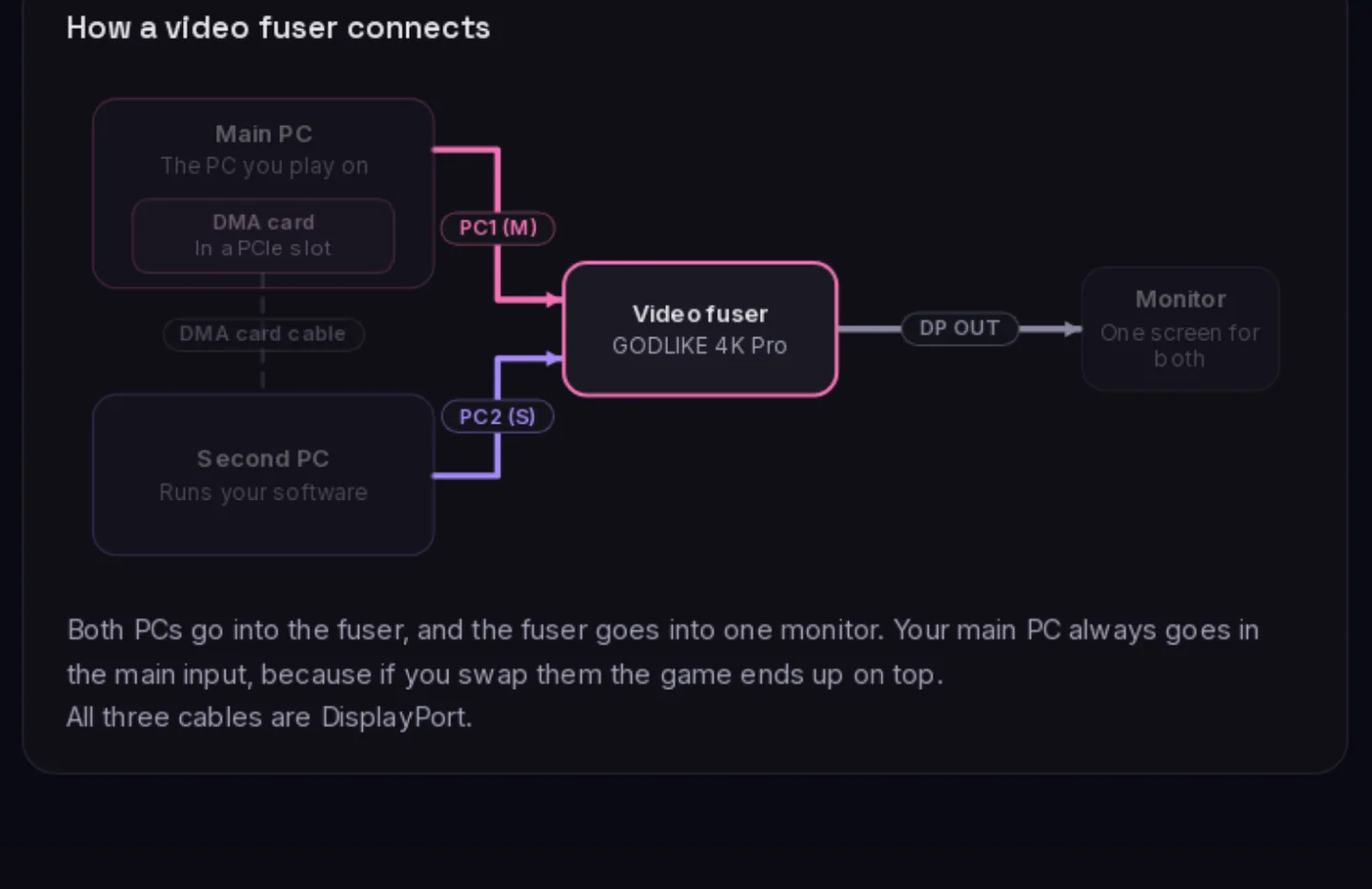
The same two on the product page, where ours lights up the part you're buying and theirs lights up the parts in the bundle.
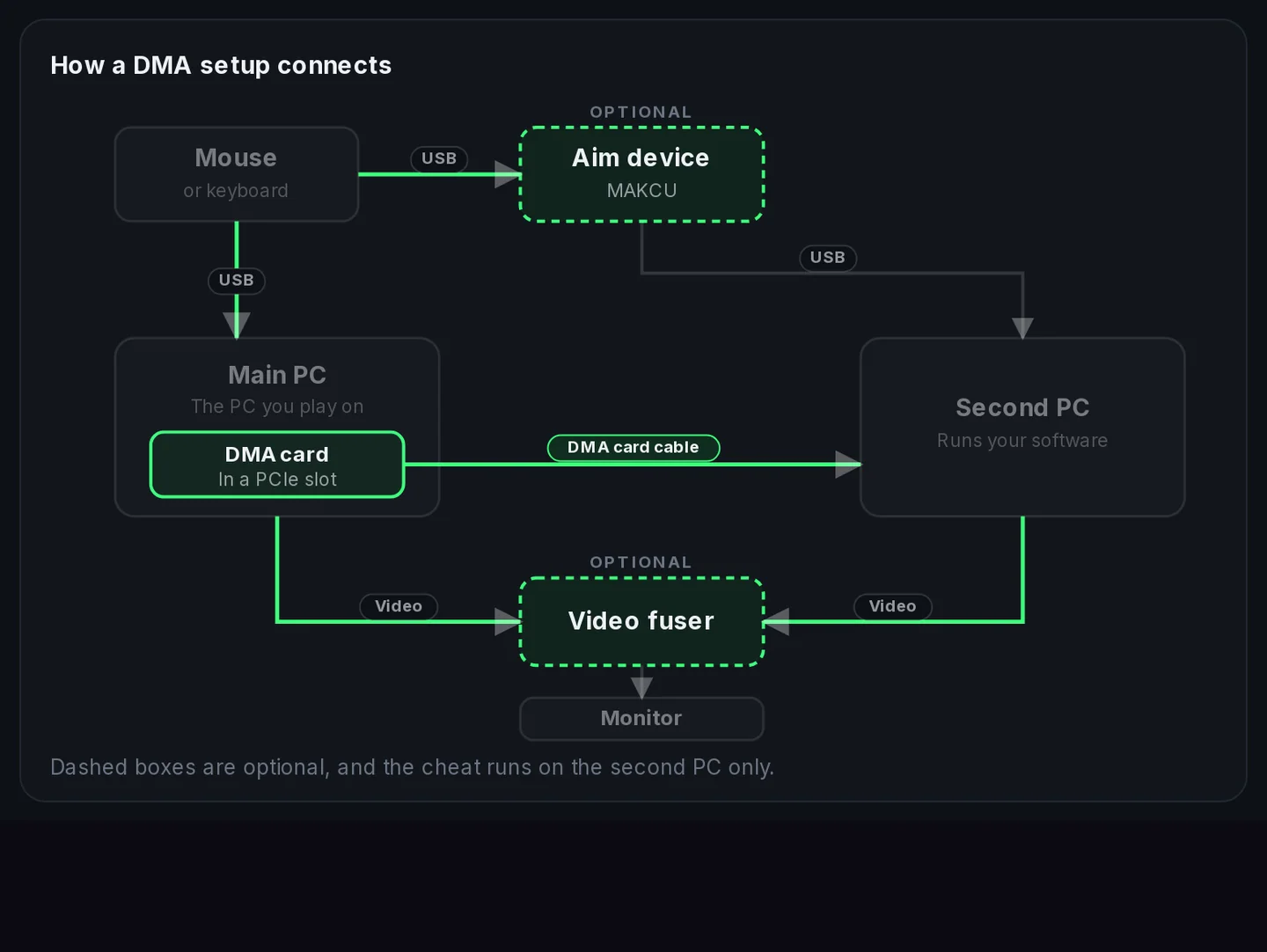
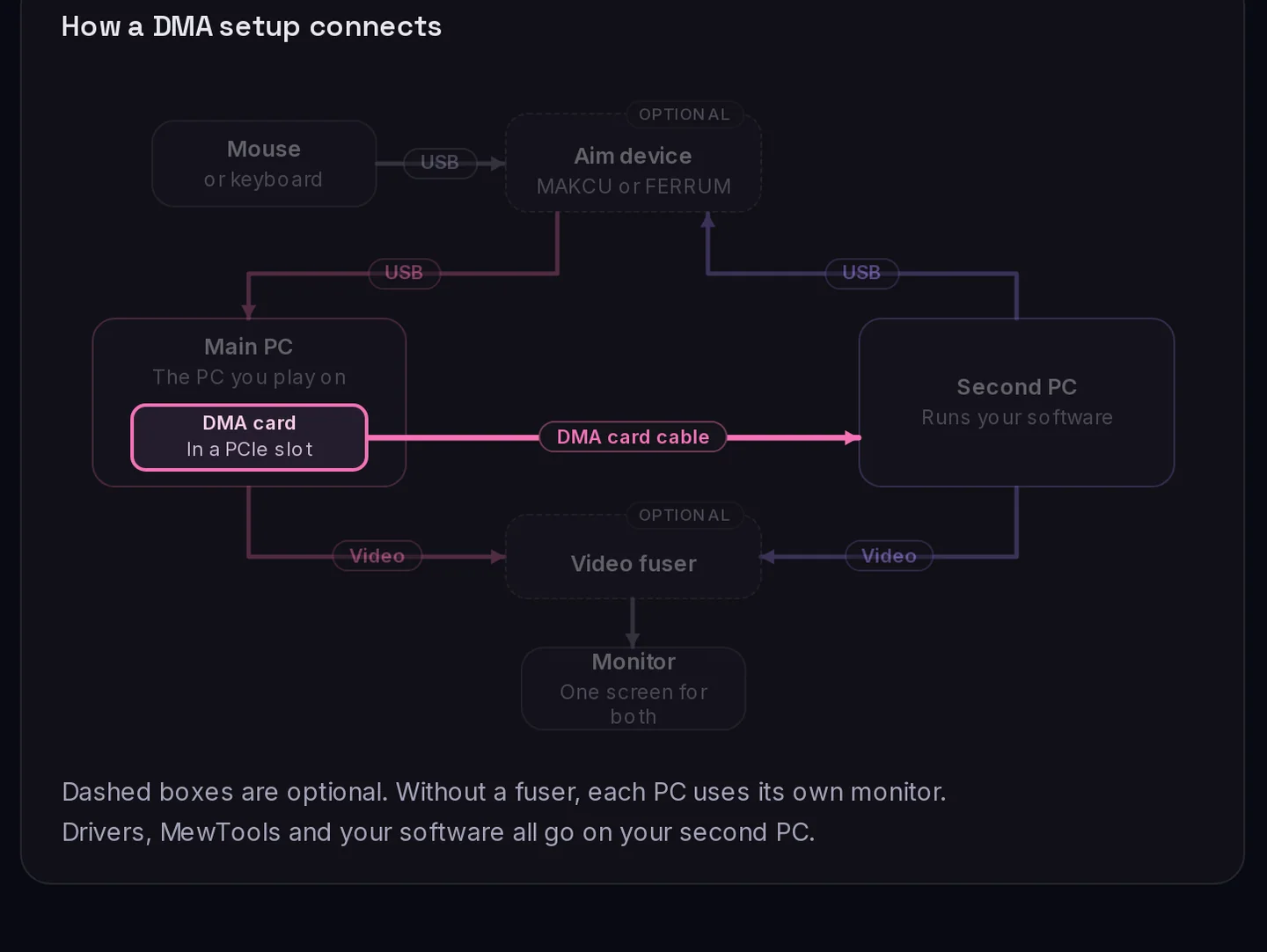
Each of our devices has its own diagram. On their fuser, FERRUM and MAKCU pages they show the setup diagram above.
03
The product page
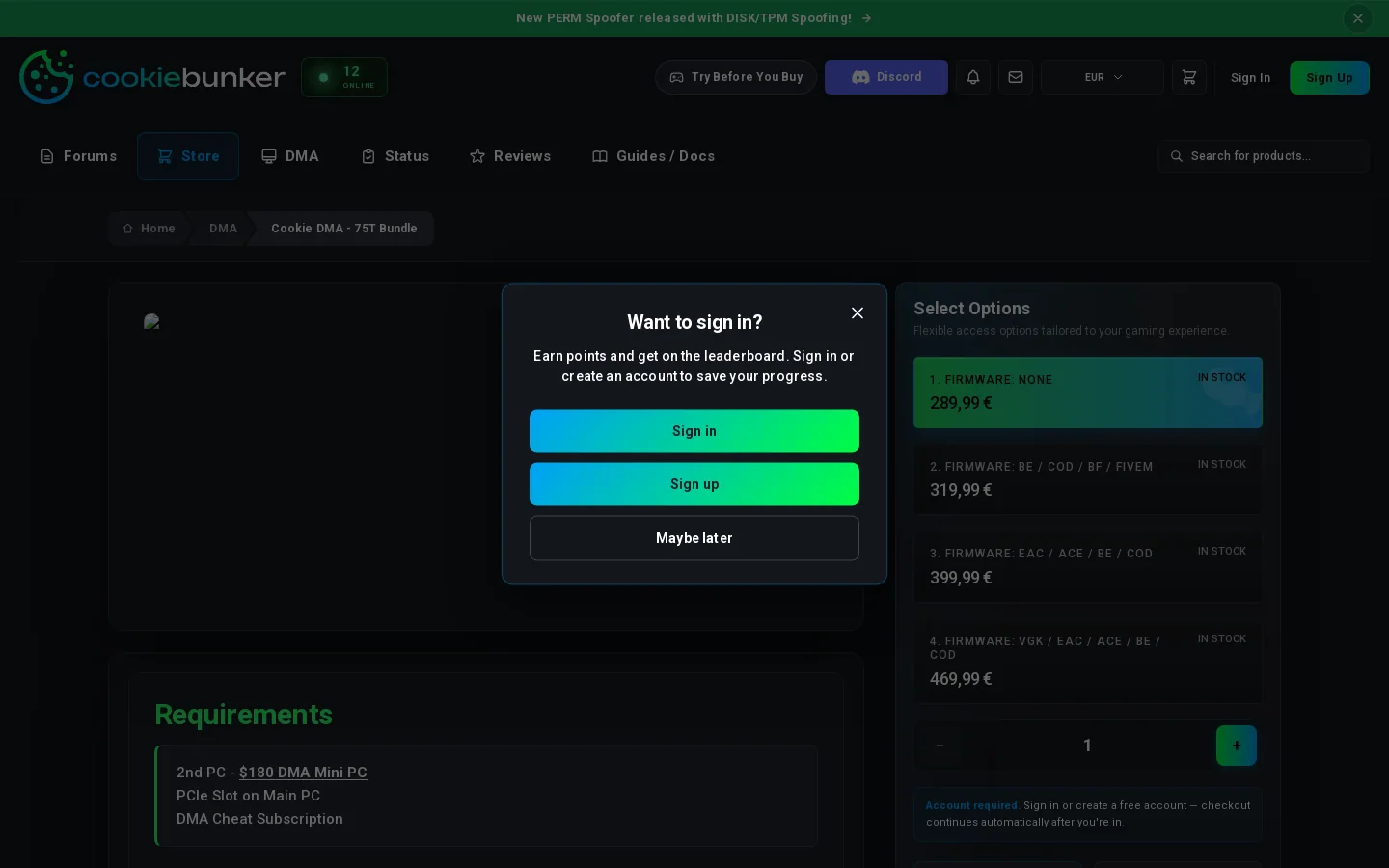
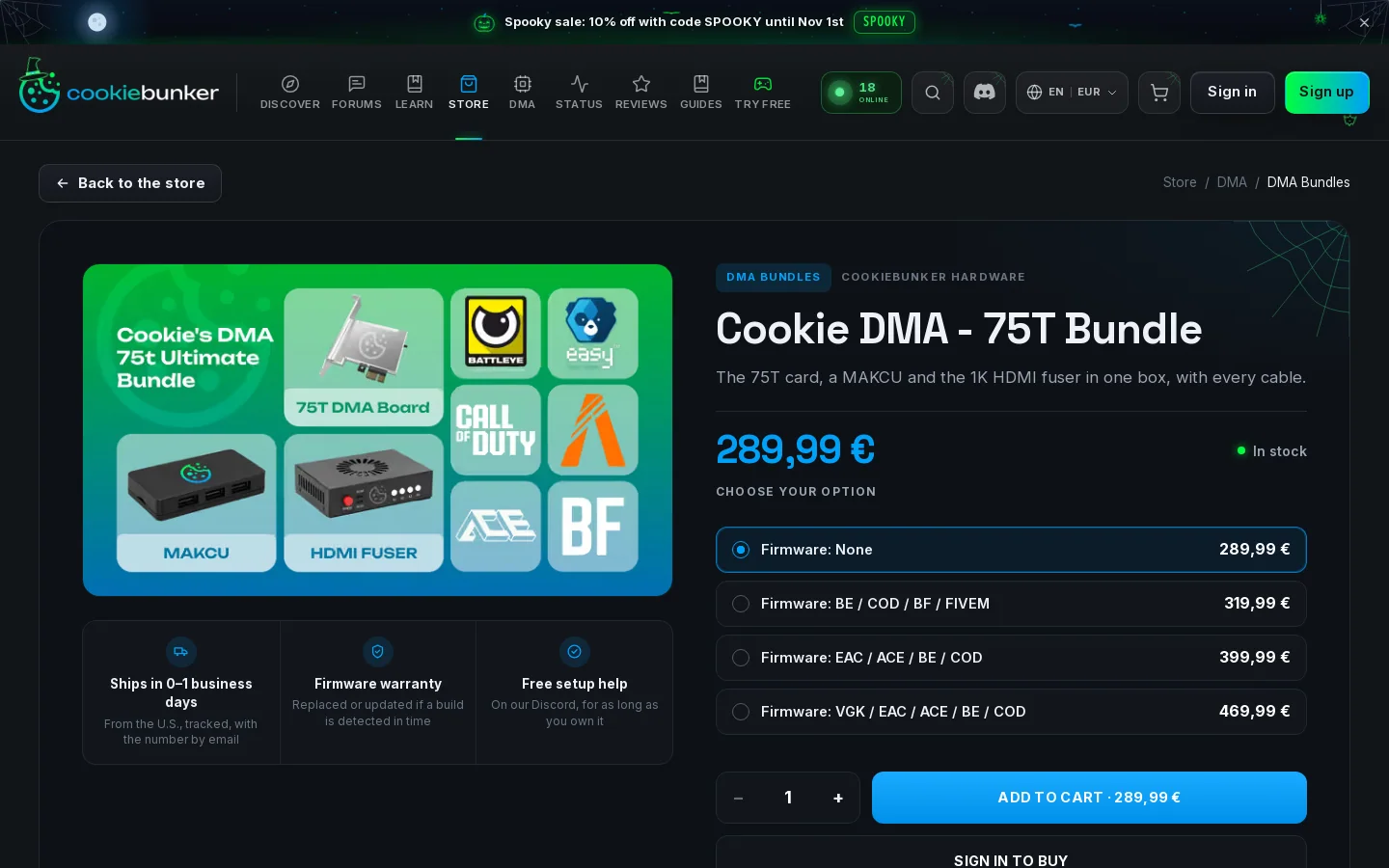
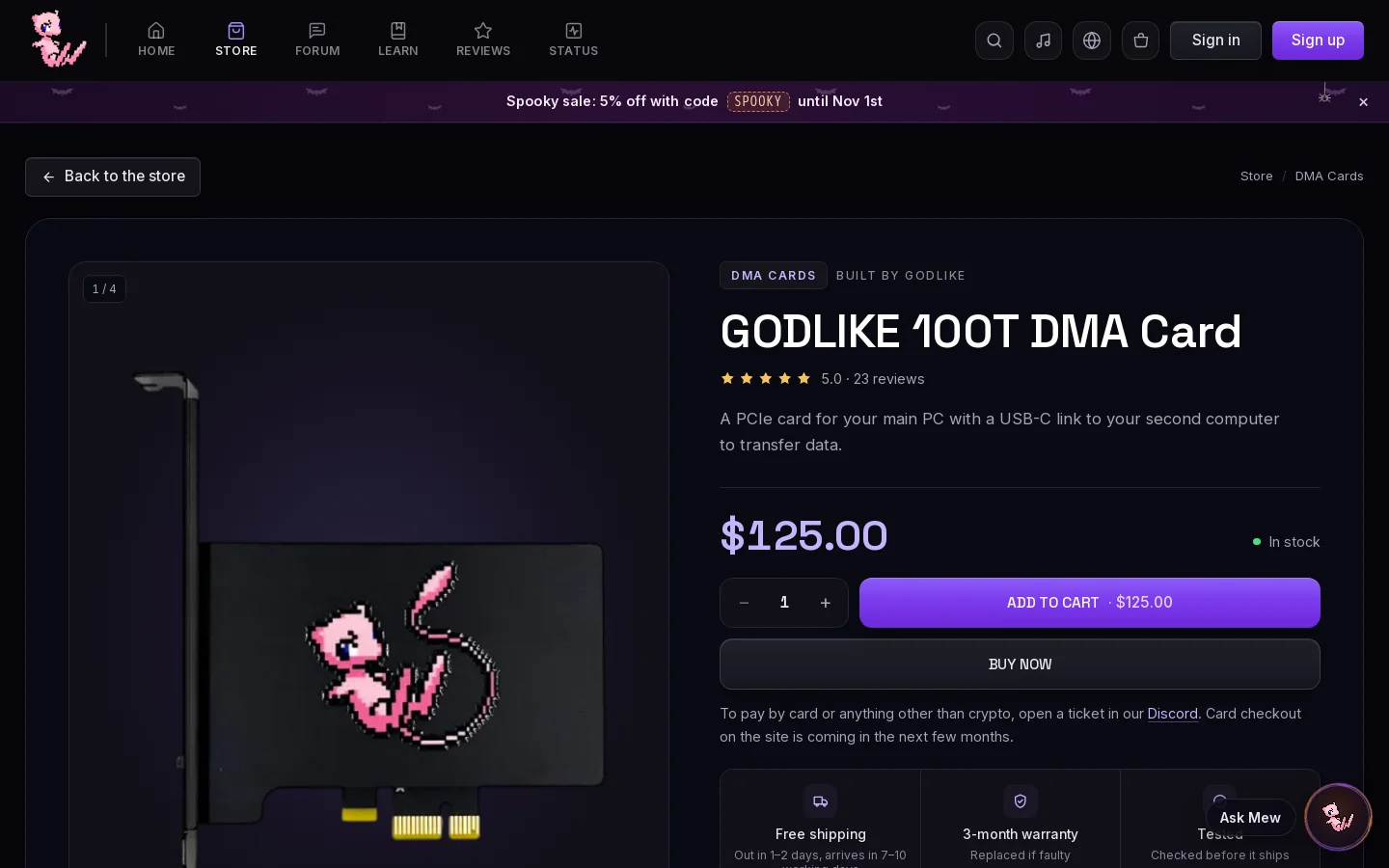
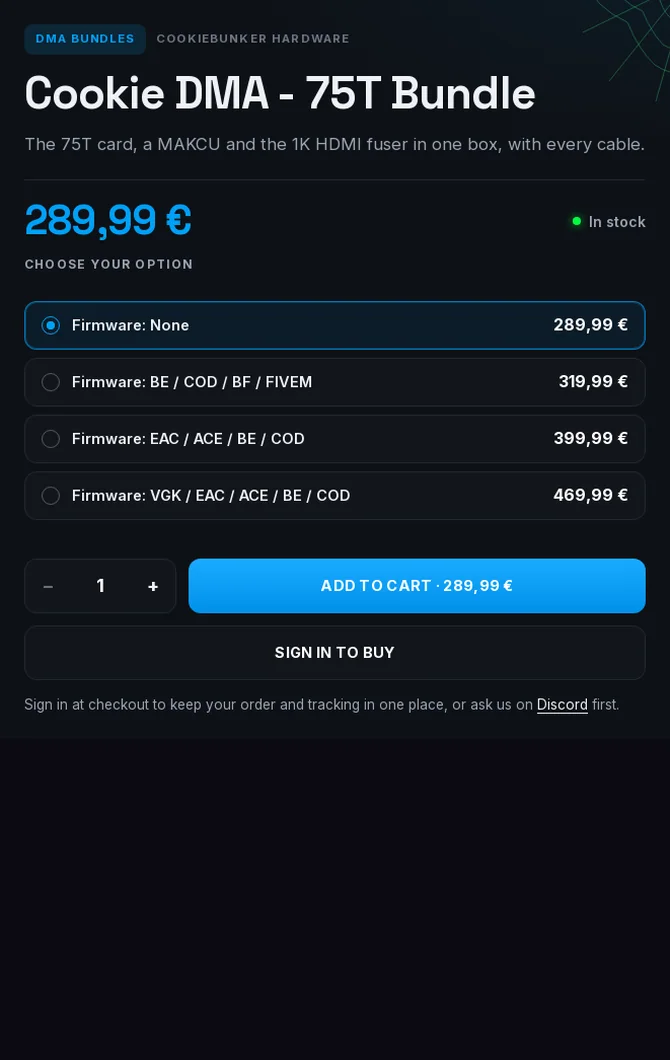
In September it was a Requirements, Included and Perks list. Now it has our layout, top to bottom.
- 1Back to the store and the breadcrumb
- 2Category tag, maker and title
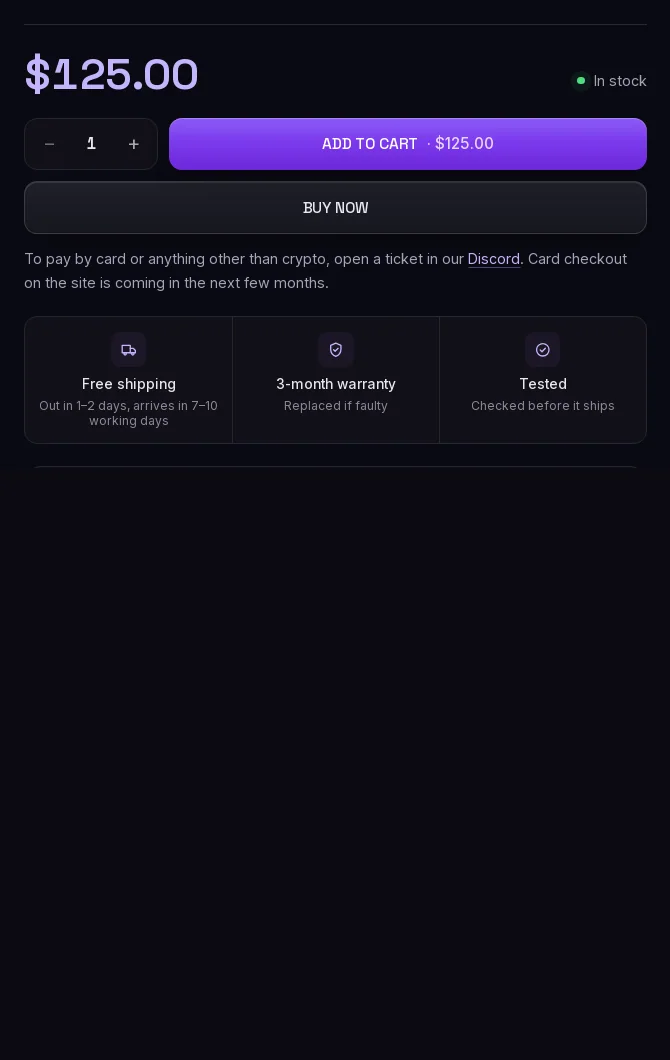
- 3Price with In stock
- 4ADD TO CART with the price on it
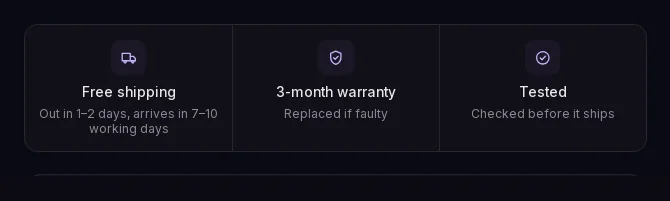
- 5Three boxes with an icon and two lines
5 more parts: the boxes, the buy row, the blocks, the tab bar and the FERRUM text
Three boxes, each with an icon, a bold line and a small line under it, for shipping, warranty and help.

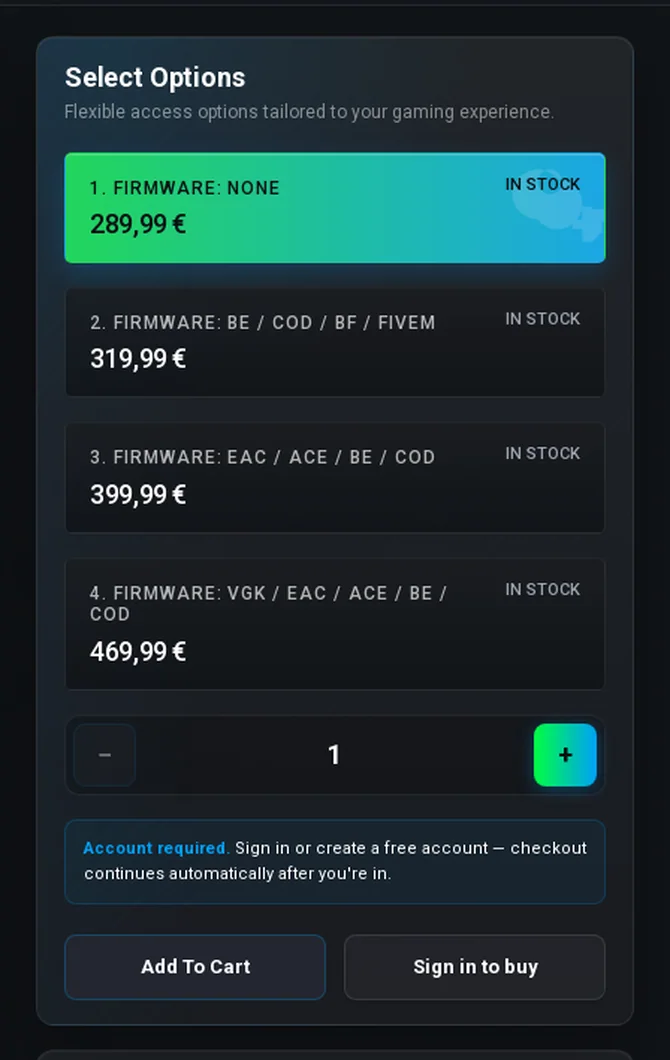
In September they had a Select Options box. Now it's our price row, our quantity stepper and our ADD TO CART · price button.
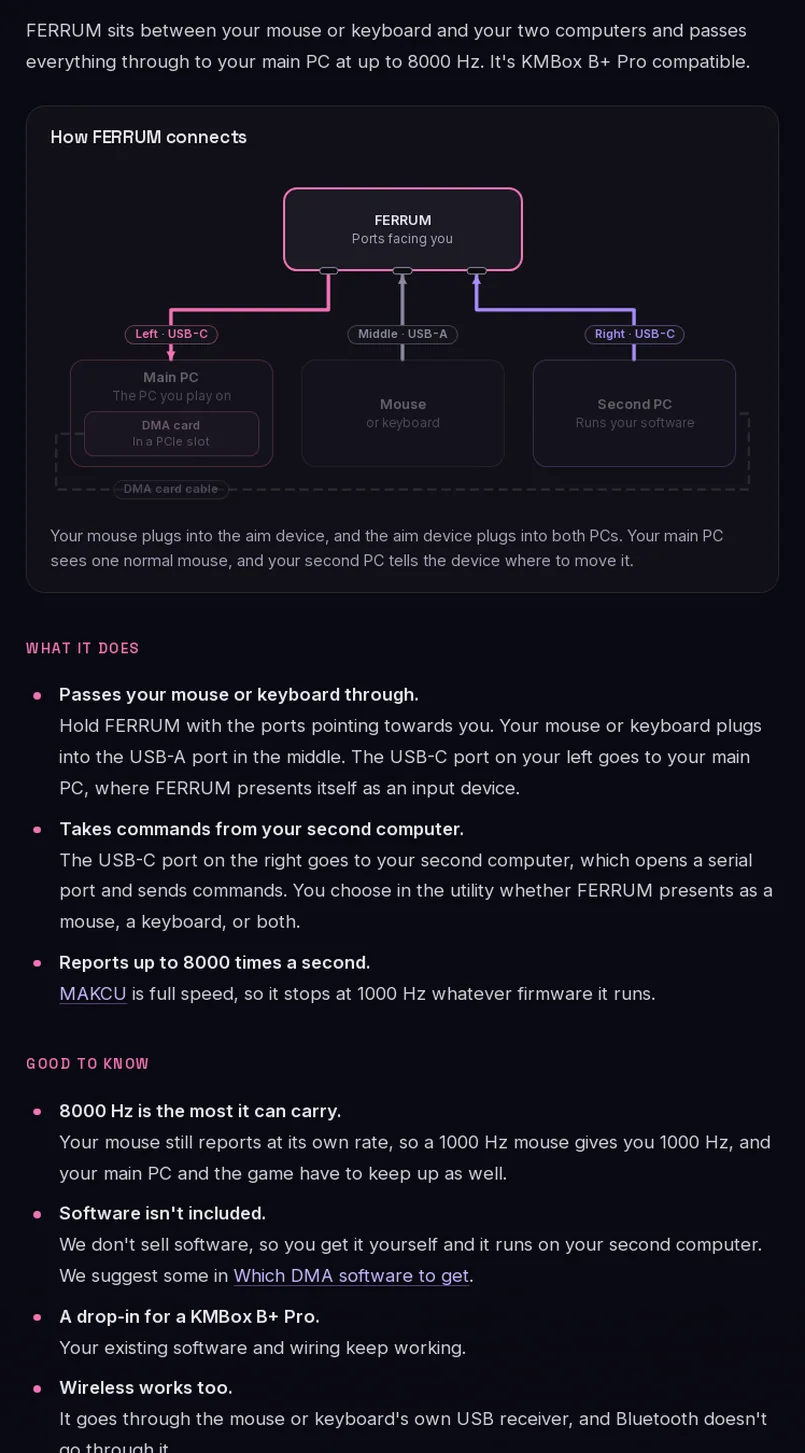
Further down, their page has our blocks: the diagram, What it does, What arrives, Before you buy and Not sure it's right for you.
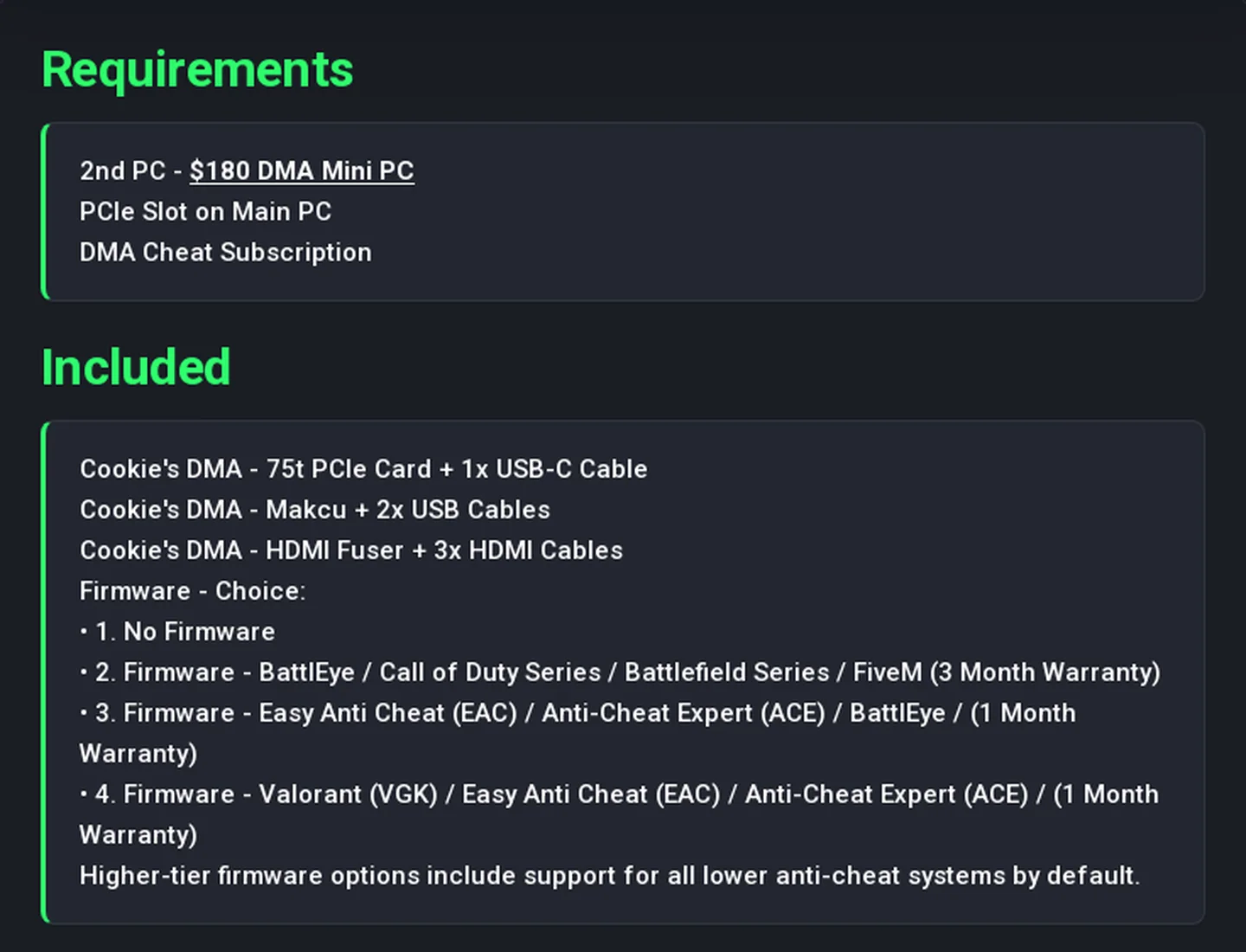
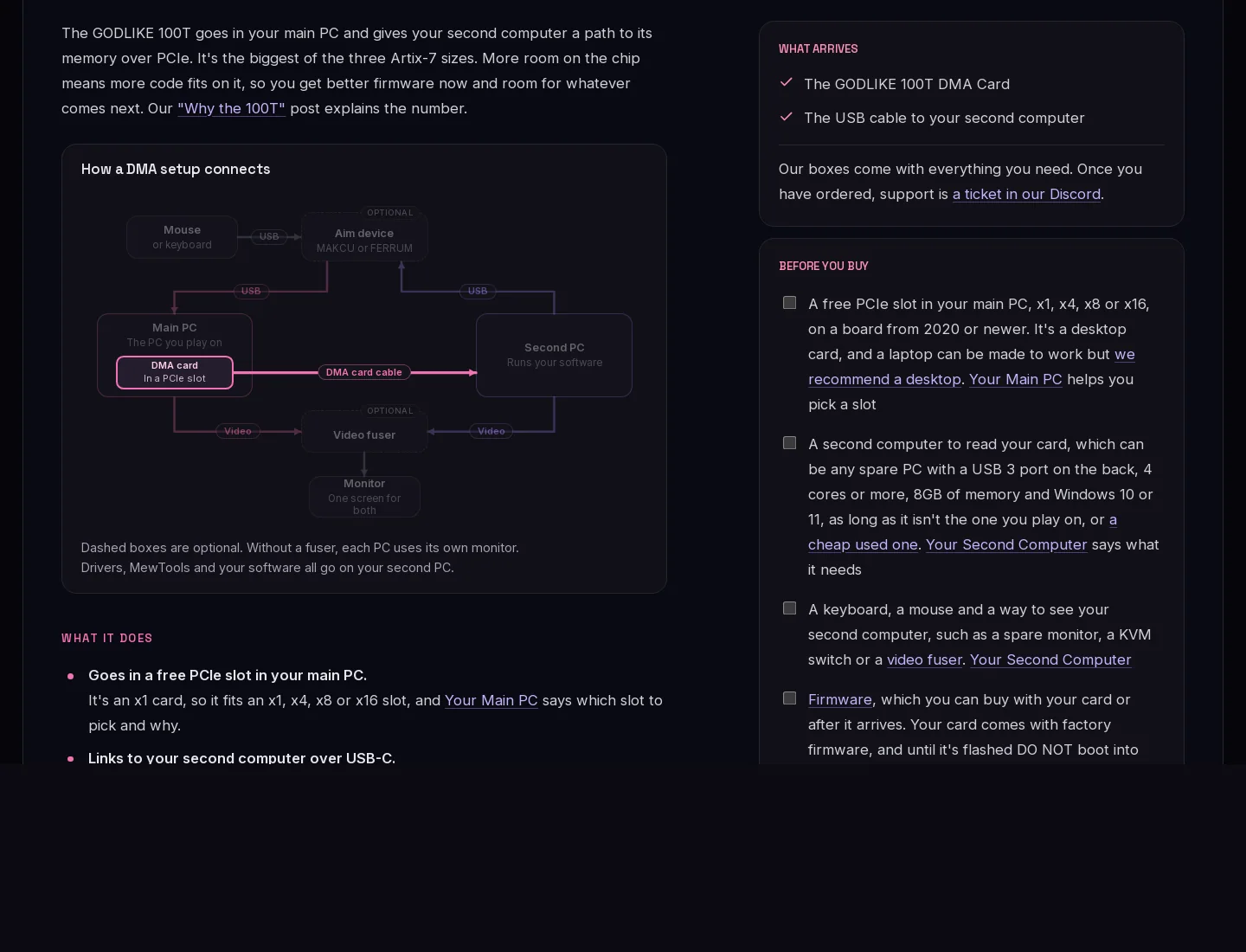
Scroll down and a bar sticks to the top with Overview, Specs, Questions and Goes with this, our tabs in our order.



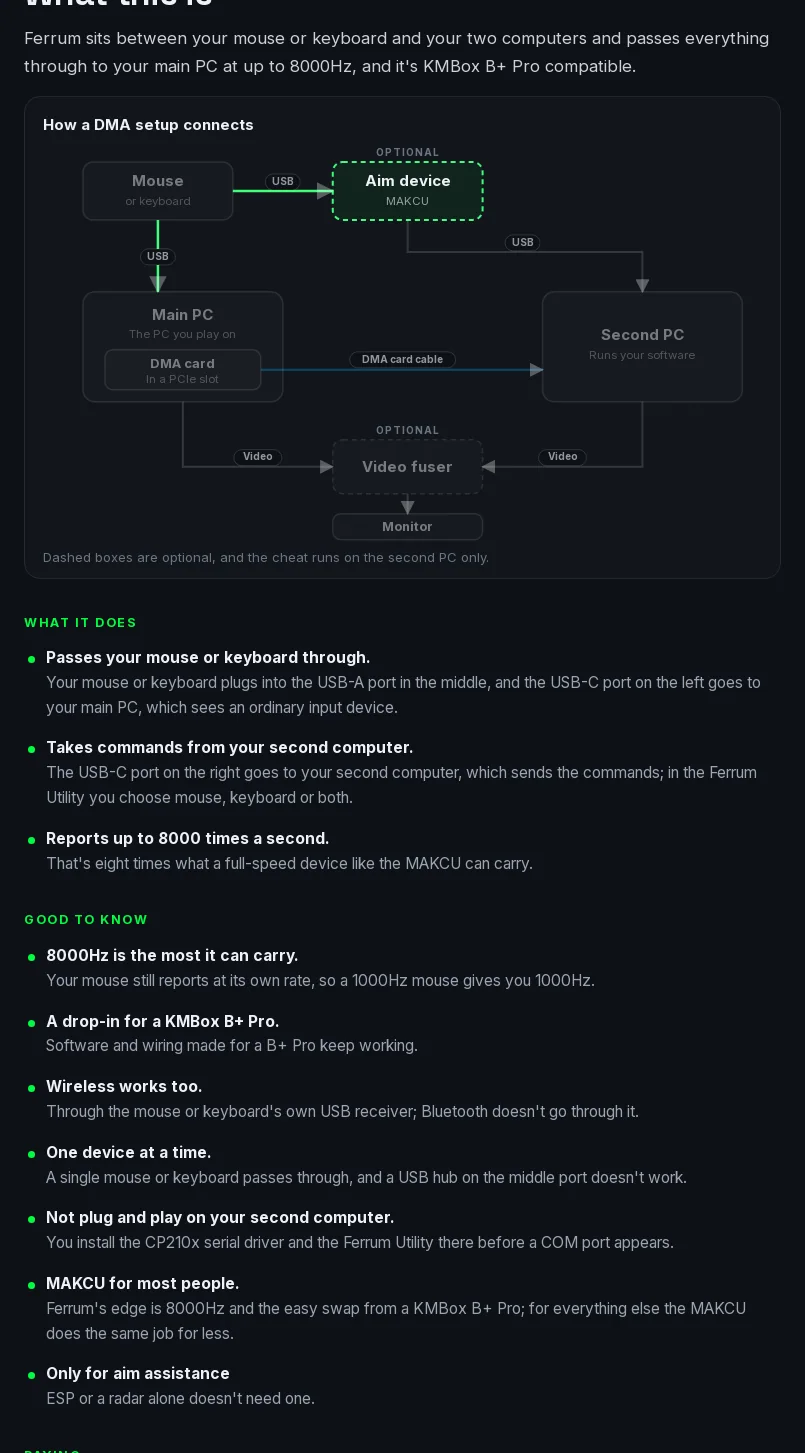
Their FERRUM text follows ours line by line with the same headings, What it does, Good to know and Paying. 107 runs of eight words match ours, the longest is 25 words.
04
Our sentences on their site
16 lines from our pages, on theirs. Pink words are in both.
Show all 16 lines
05
Product cards
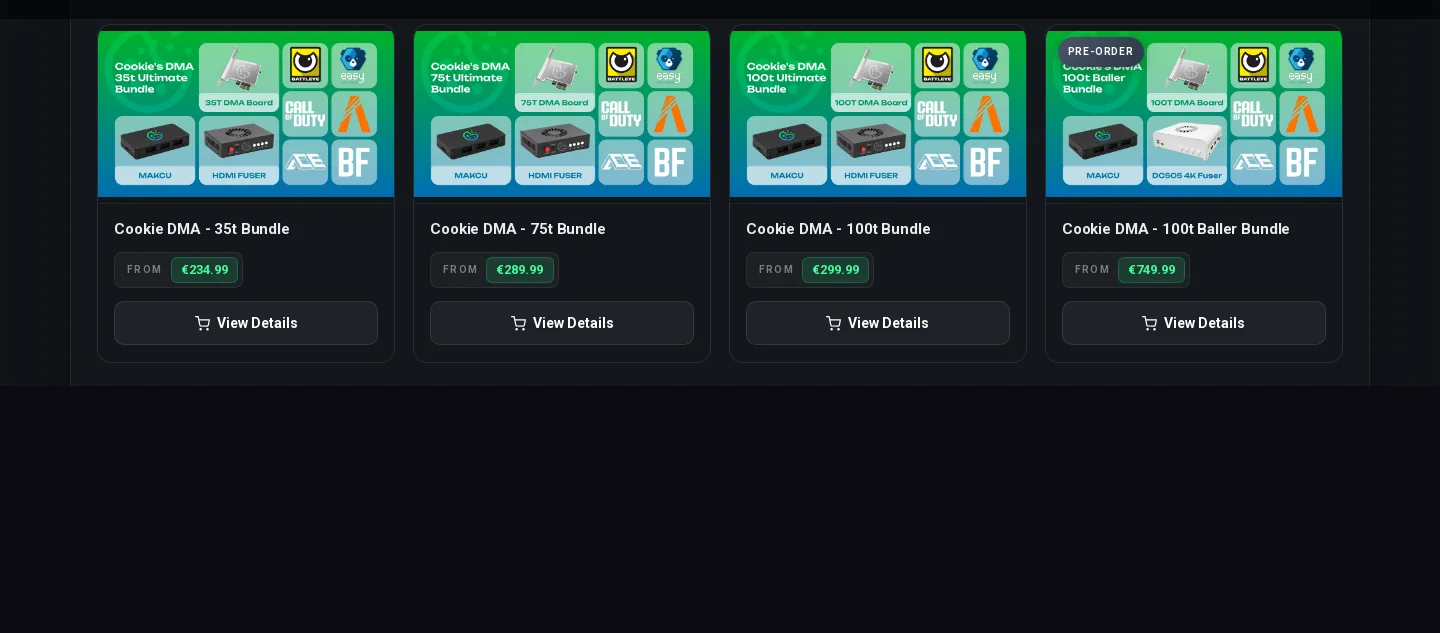
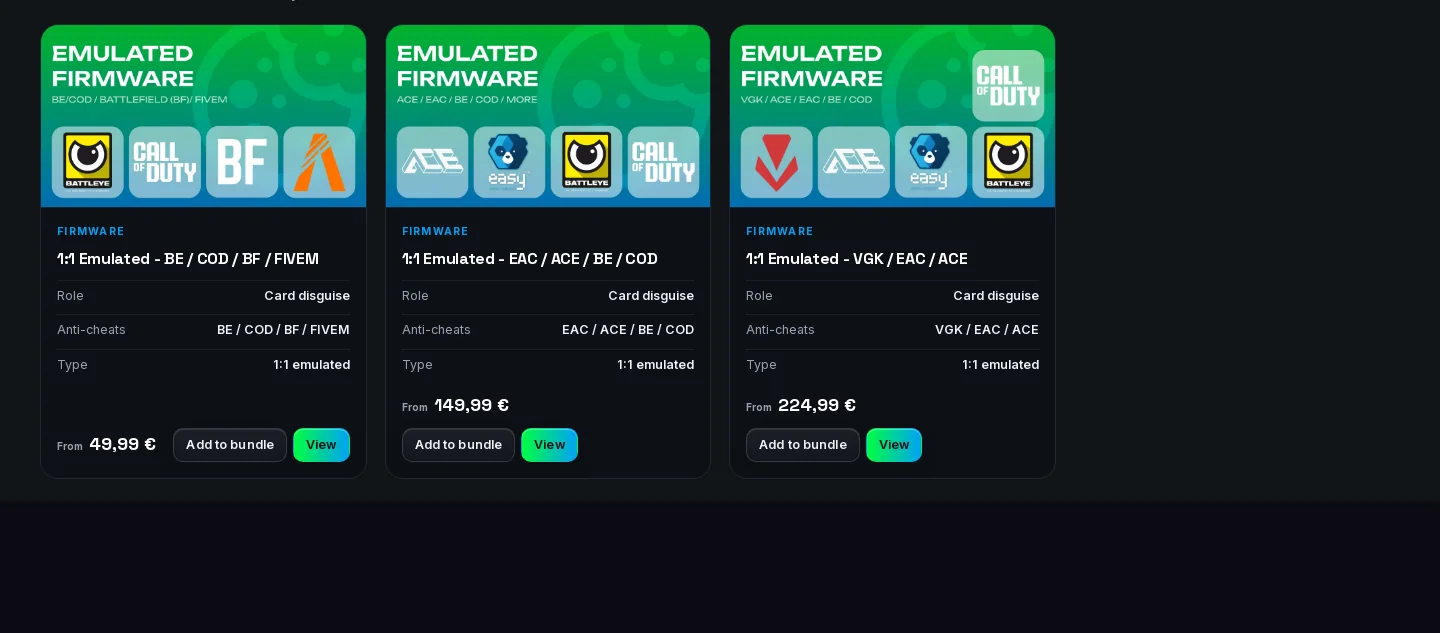
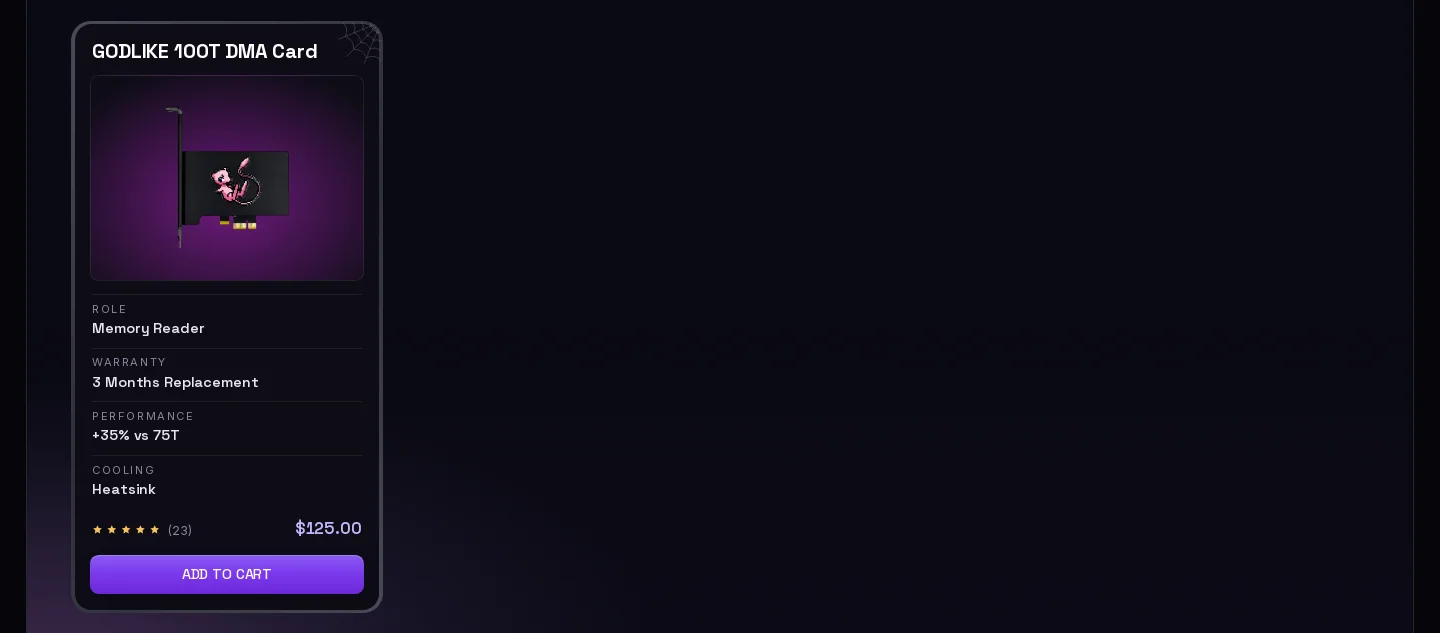
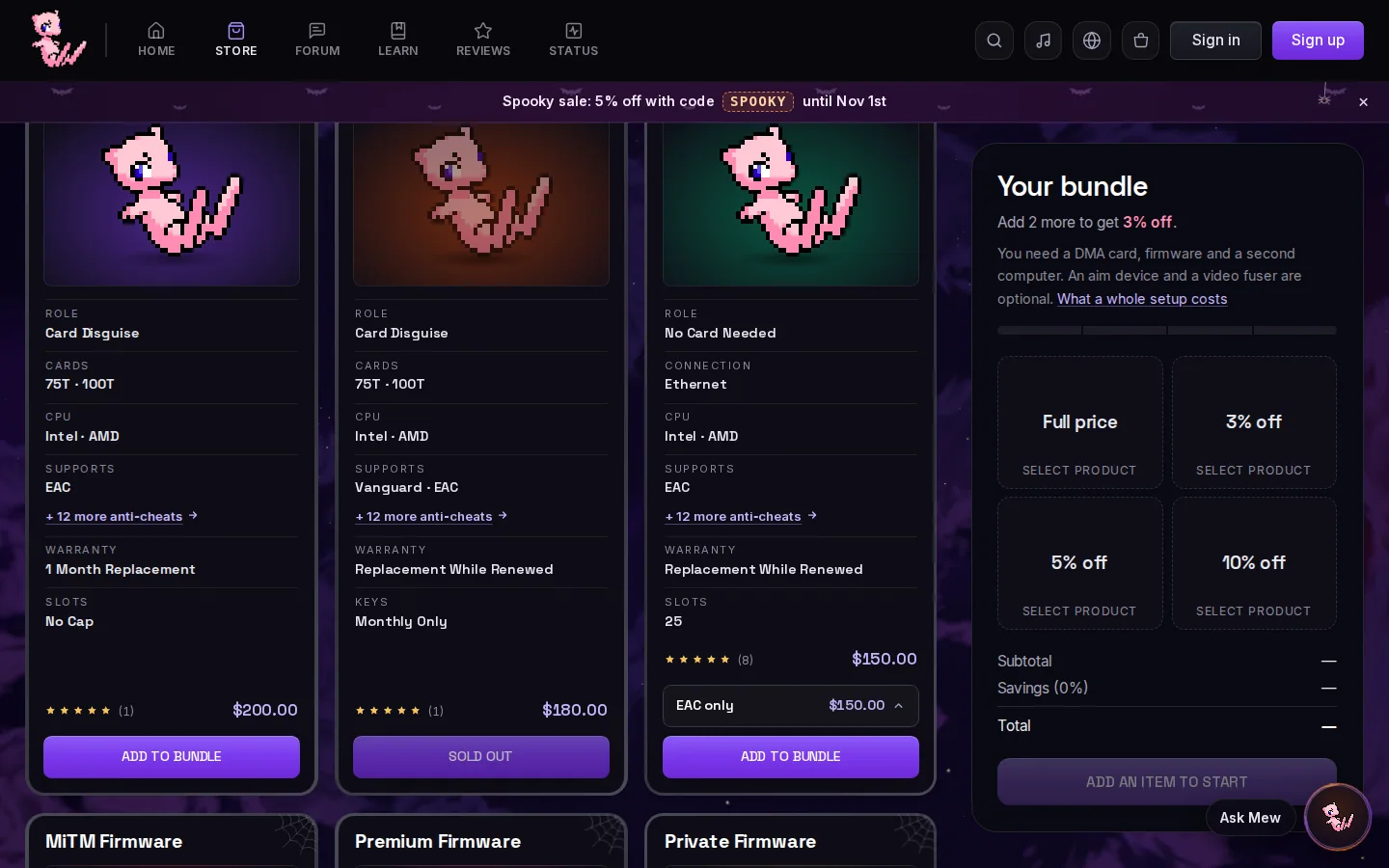
In September their cards had a picture, a price and View Details. Now they have labeled rows above the price, like ours.
- 1Labeled rows above the price
06
The “Before you buy” checklist
Same title and a square in front of each line, next to the buy box. You can tick ours. Theirs are drawn squares, so clicking does nothing.
- 1Our title, Before you buy
- 2A square in front of each line
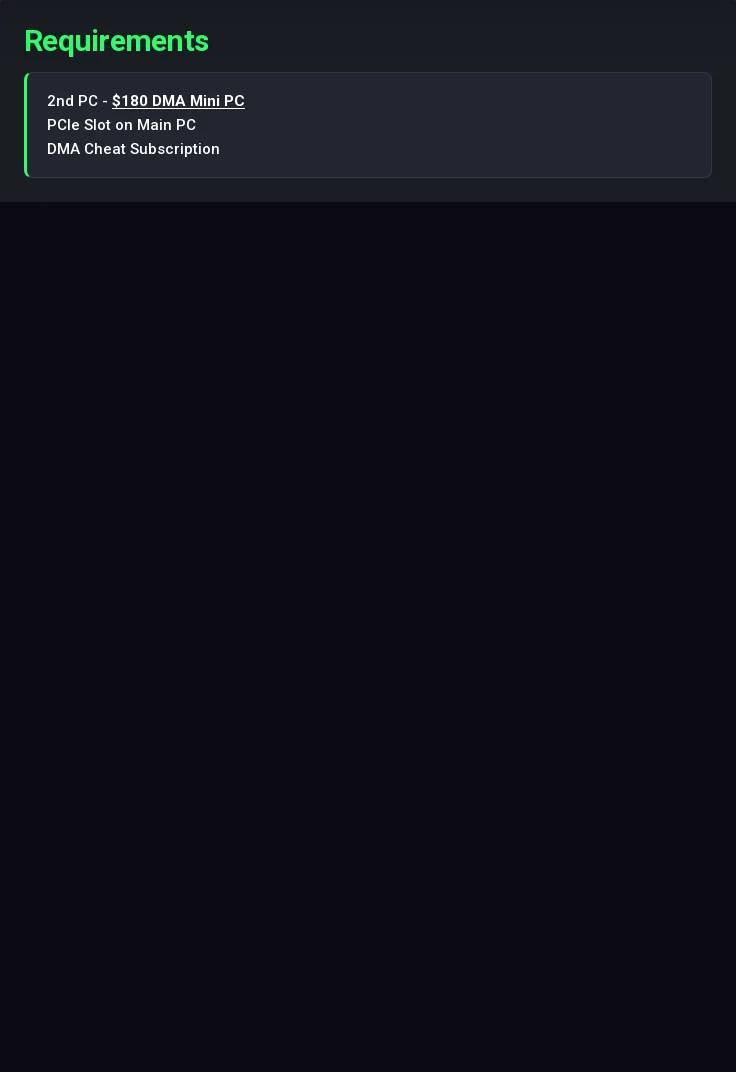
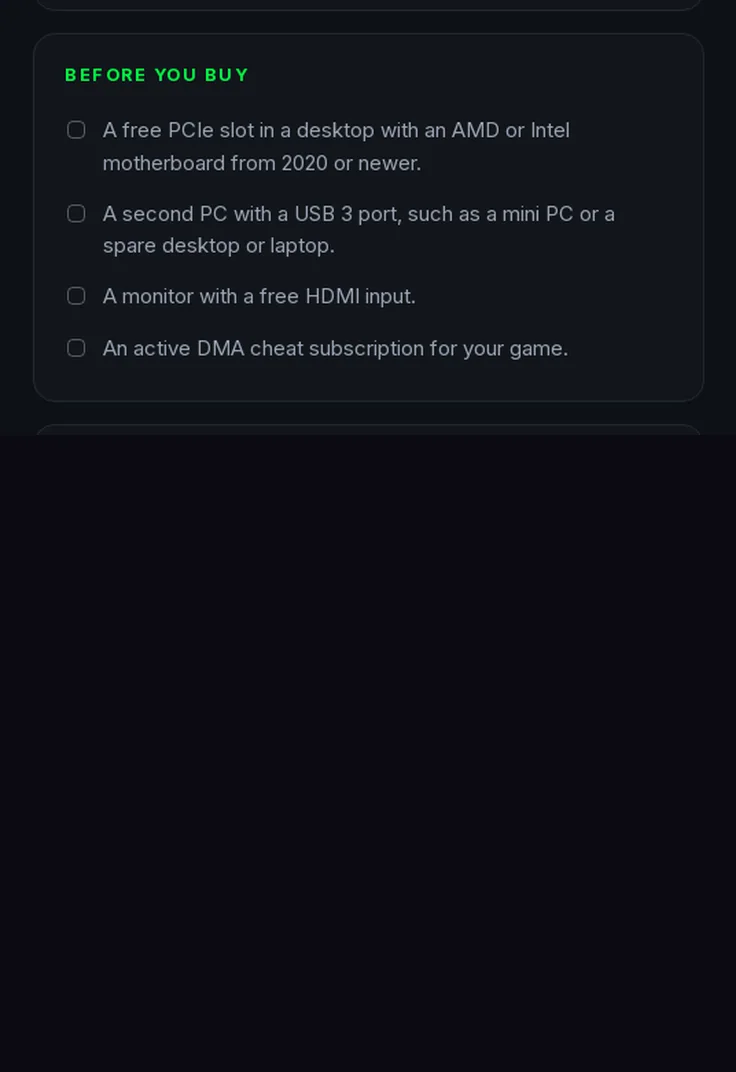
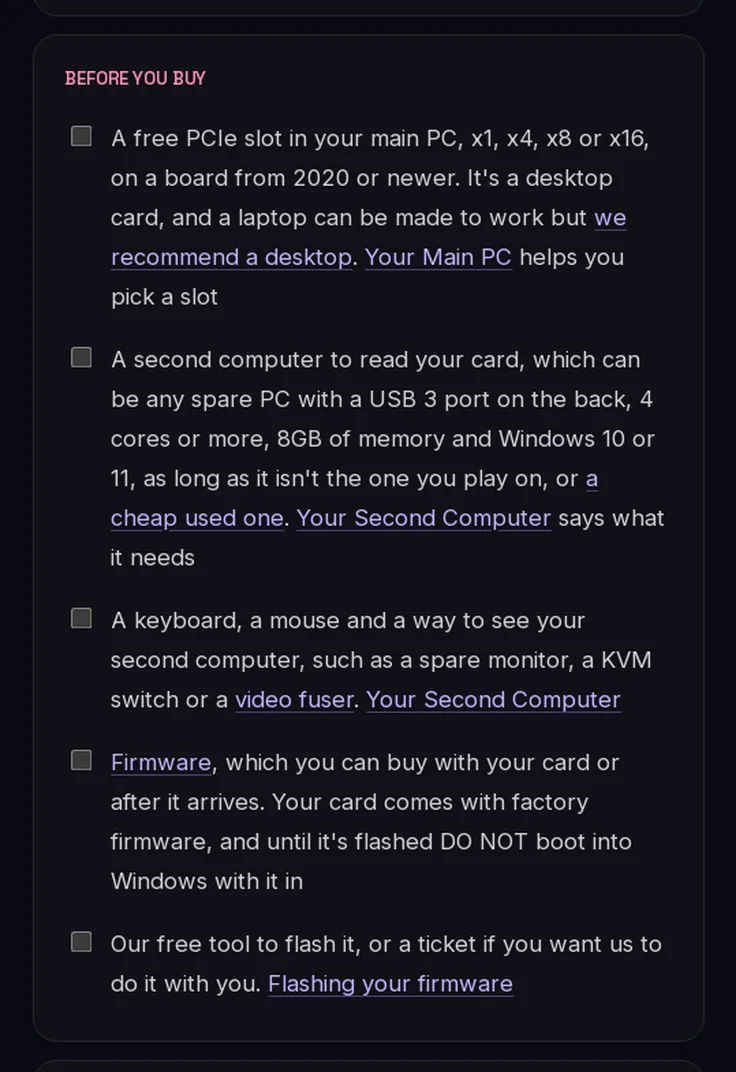
Both lists after we clicked every box and every line. Their list has 4 items and no inputs, buttons or labels, and the page code was the same before and after.
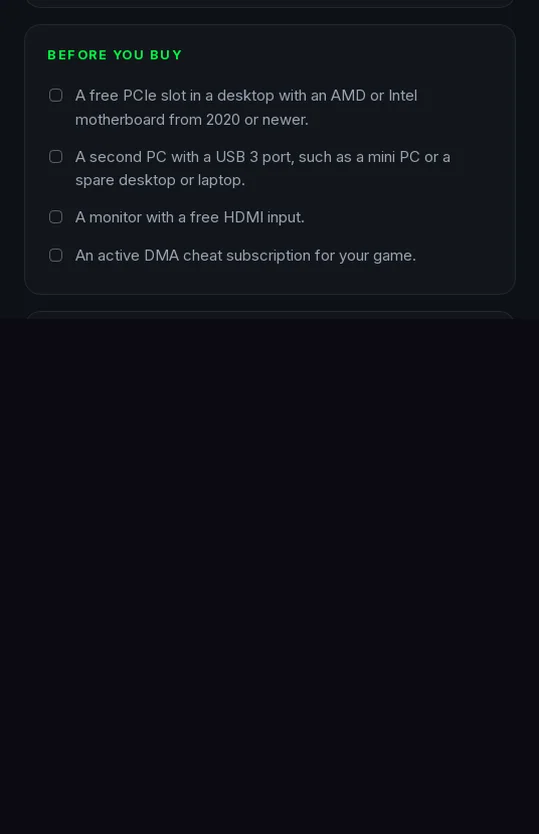
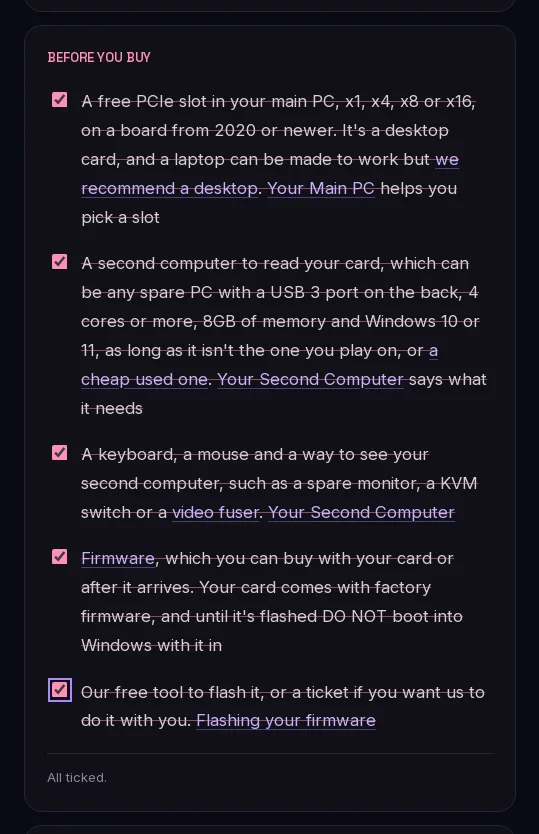
Try it yourself, click both lists. Each one works the way the real one does.
Theirs
Before you buy
- A free PCIe slot in a desktop with an AMD or Intel motherboard from 2020 or newer.
- A second PC with a USB 3 port, such as a mini PC or a spare desktop or laptop.
- A monitor with a free HDMI input.
- An active DMA cheat subscription for your game.
Click a box or a line.
Ours
Before you buy
0 of 5 ticked
07
Their German pages
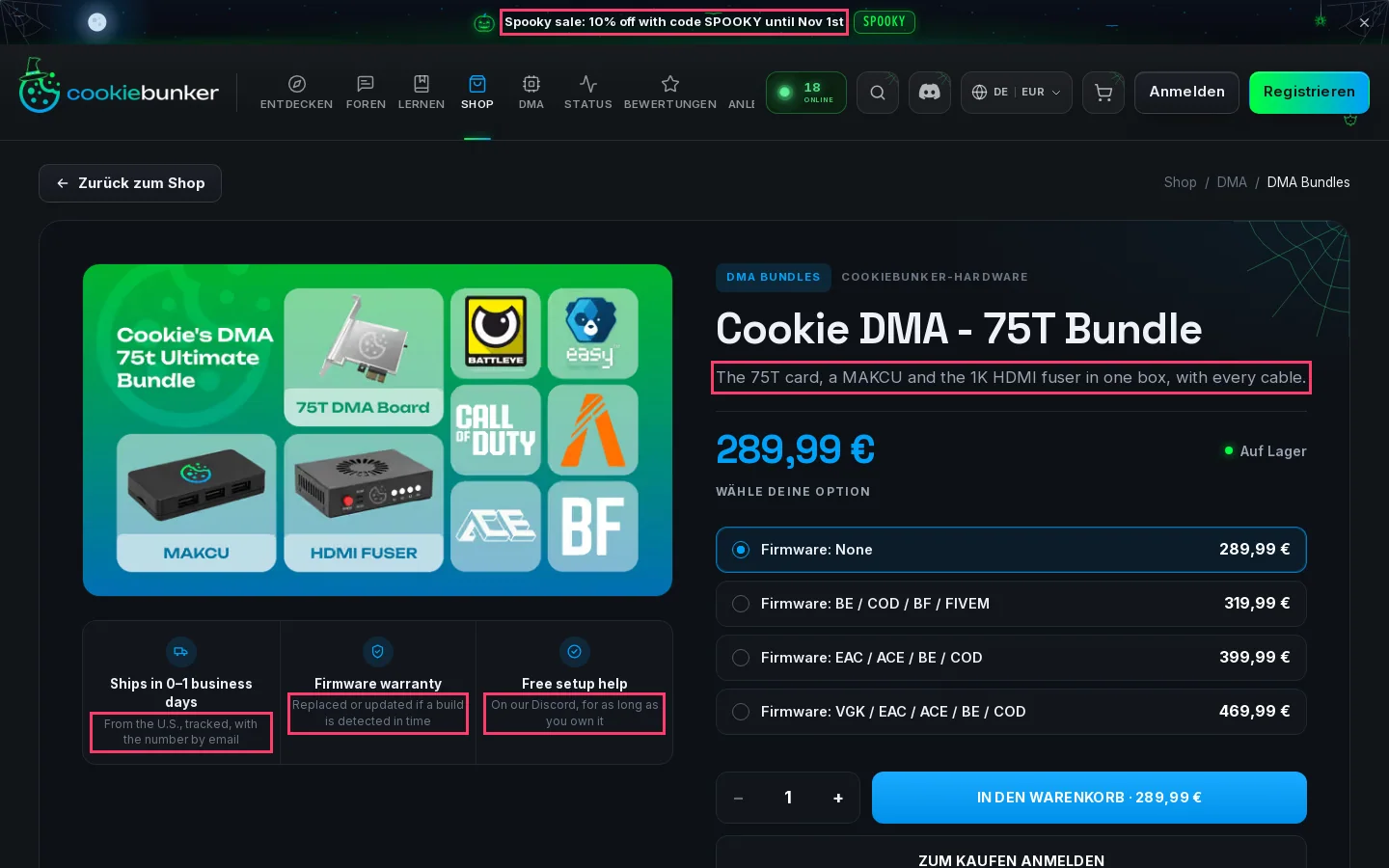
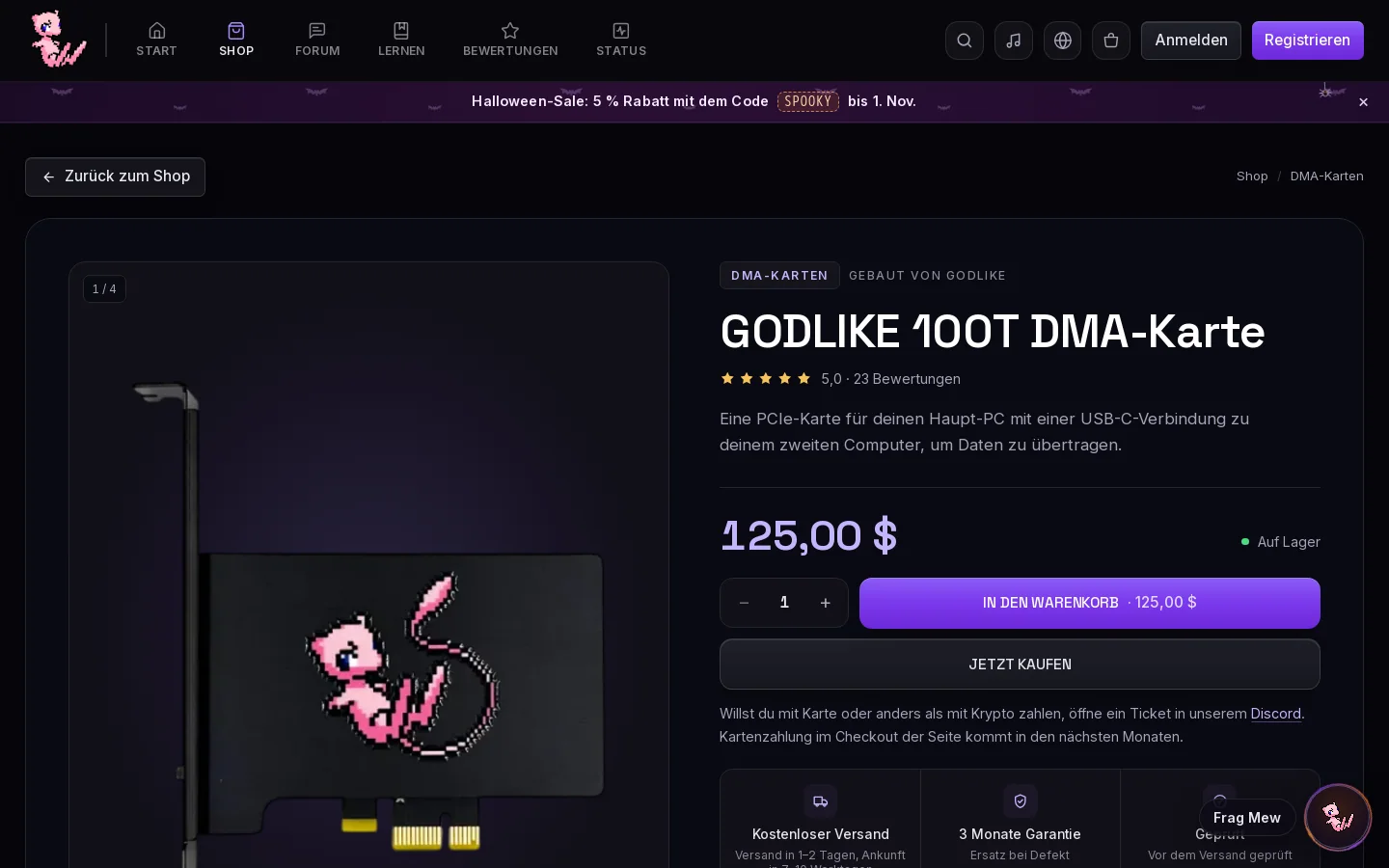
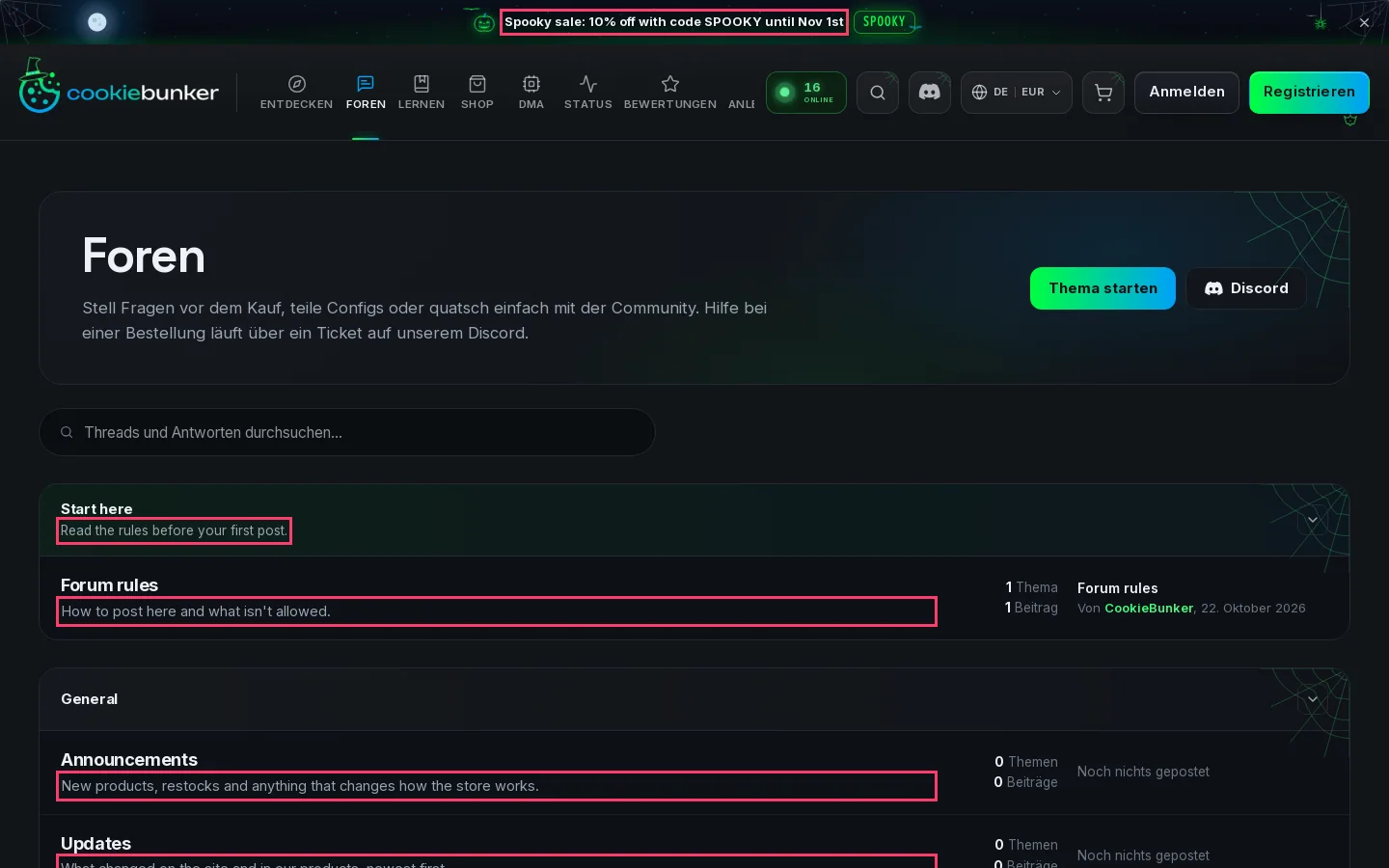
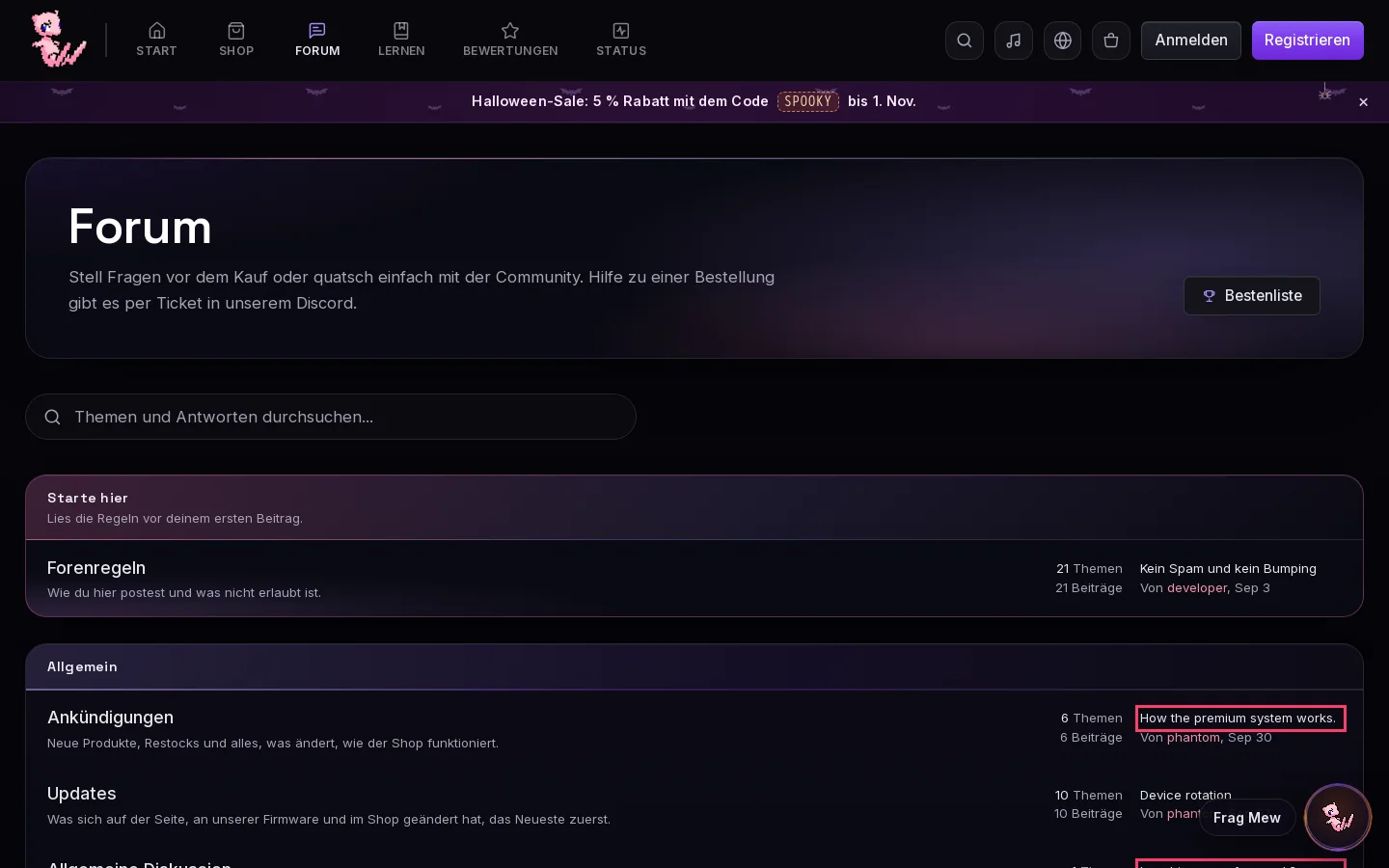
We set both sites to German. The red boxes mark lines left in English.
The product page. Their summary and all three trust boxes stay in English, ours has none on the same screen.
The forum. Their board subtitles stay in English. The two marked lines on ours are thread titles members wrote.
08
The top bar and its icons
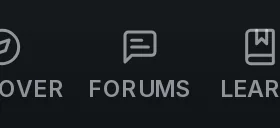
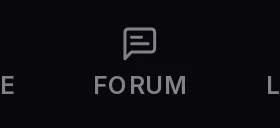
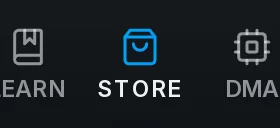
In September their menu was text links. Now it's icons over uppercase labels, like ours.
- 1Icons over uppercase labels



Four of their five icons are now the icons we use in the same slots. They come from Lucide, a free icon set.





2 more: the buttons on the right and the Halloween banner
On the right, search and language moved into square buttons, and Sign In and Sign Up became Sign in and Sign up, like ours.



The Halloween banner. Same code, same wording and the same end date, only the percent is different. In September their banner was about a spoofer.



09
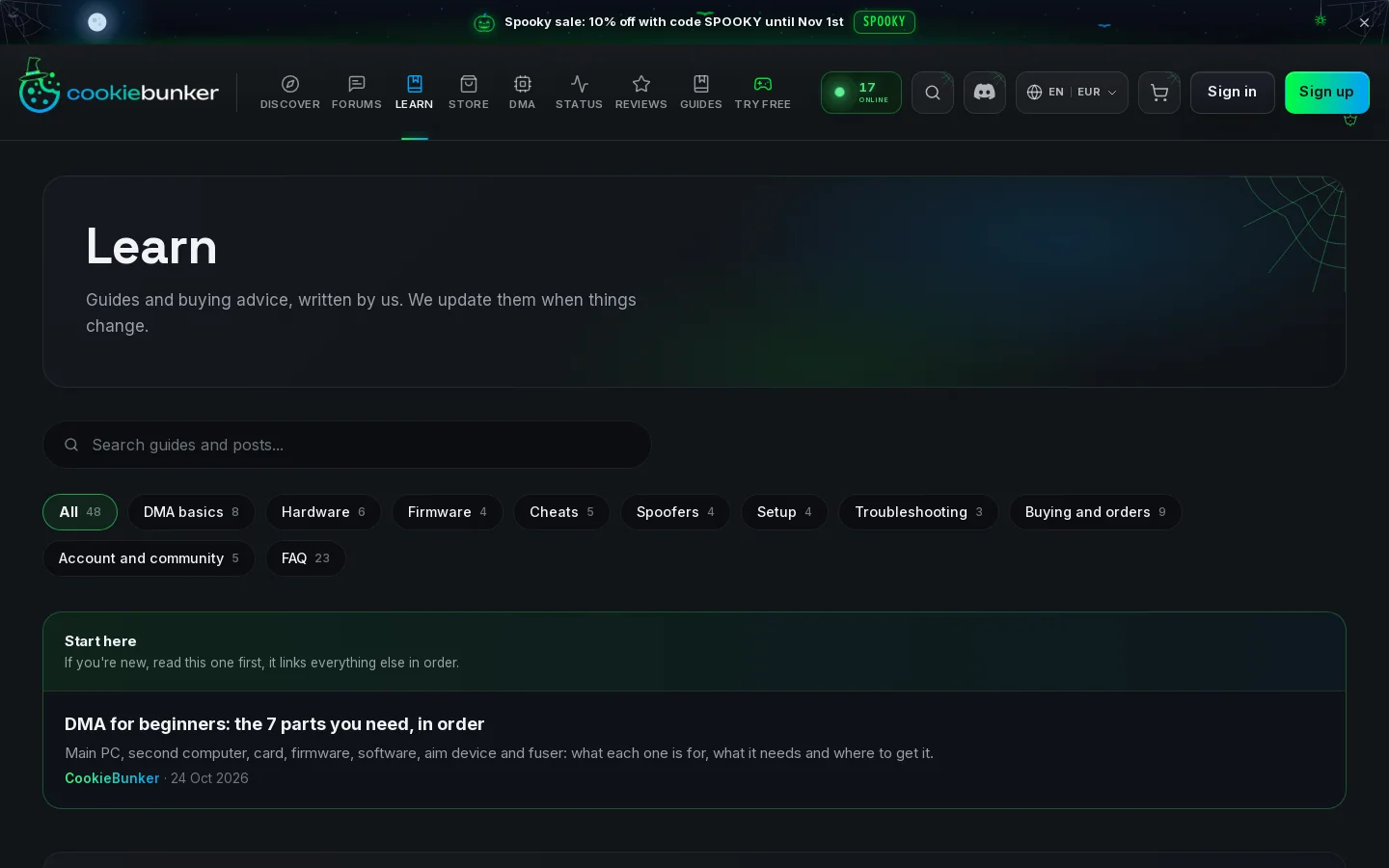
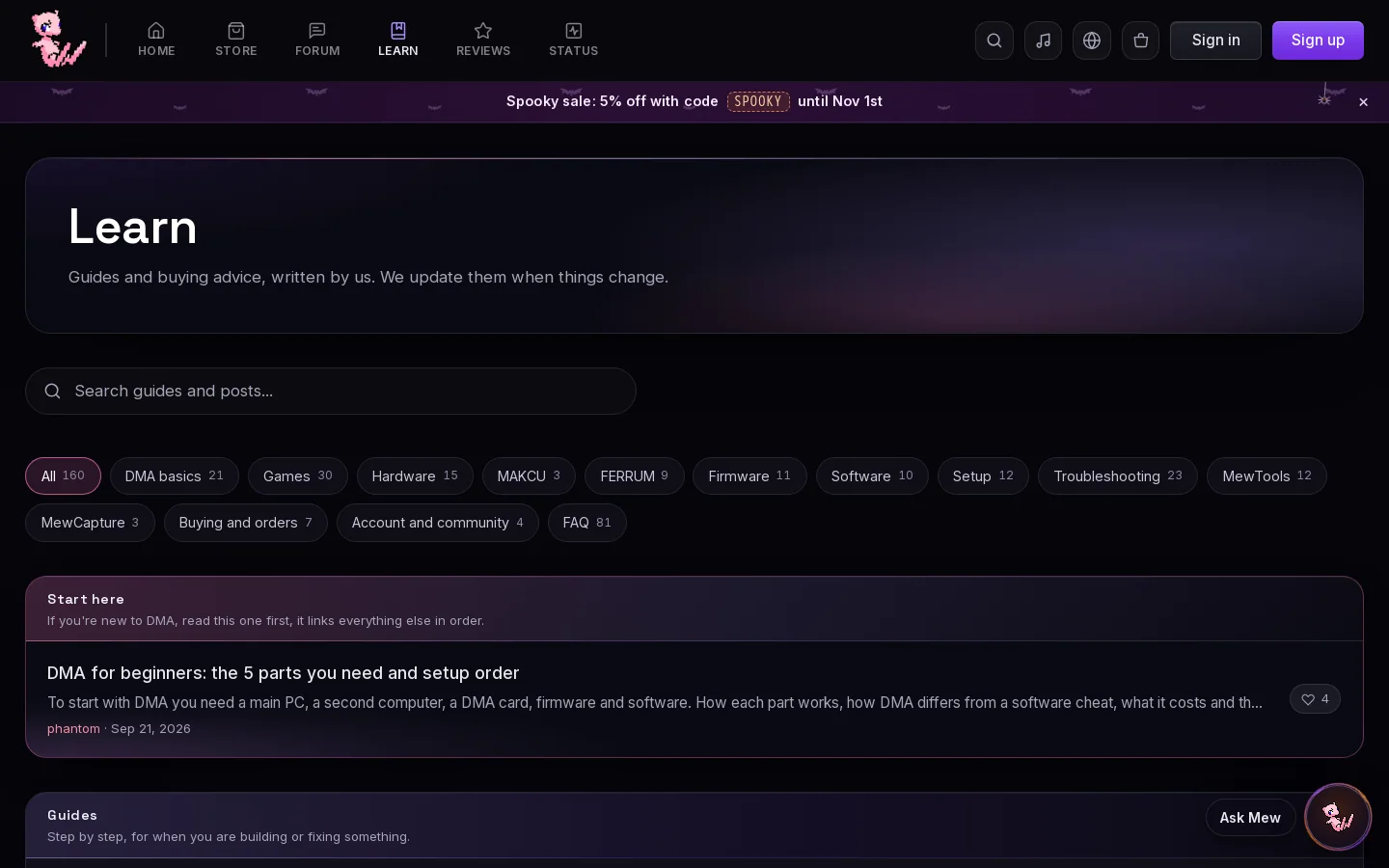
Learn
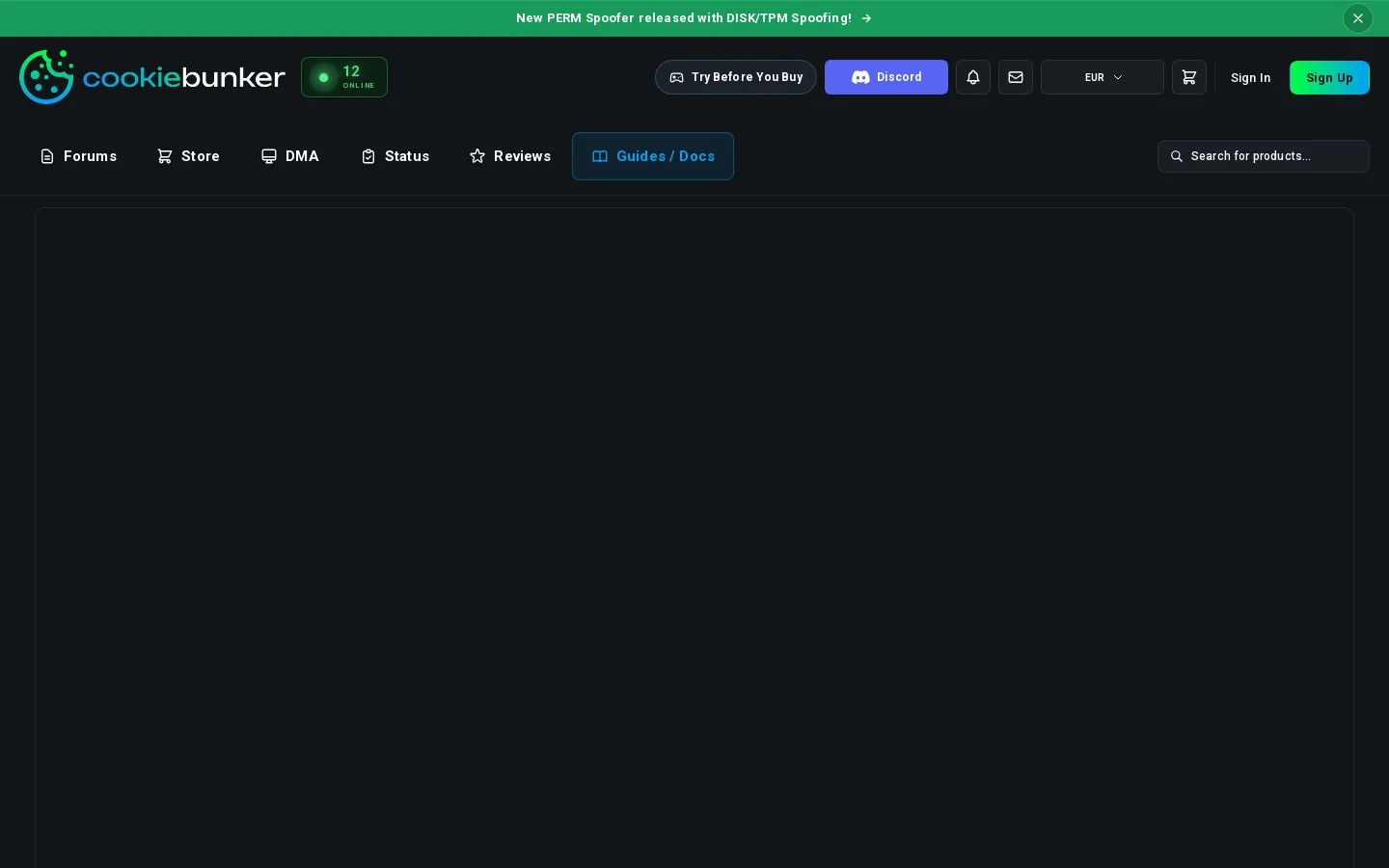
In September they had an empty Guides / Docs page. Now they have a Learn page laid out like ours, and 4 of its posts are written from ours.
- 1Our subtitle
- 2Search box
- 3Topic pills with counts
- 4Start here box with our line
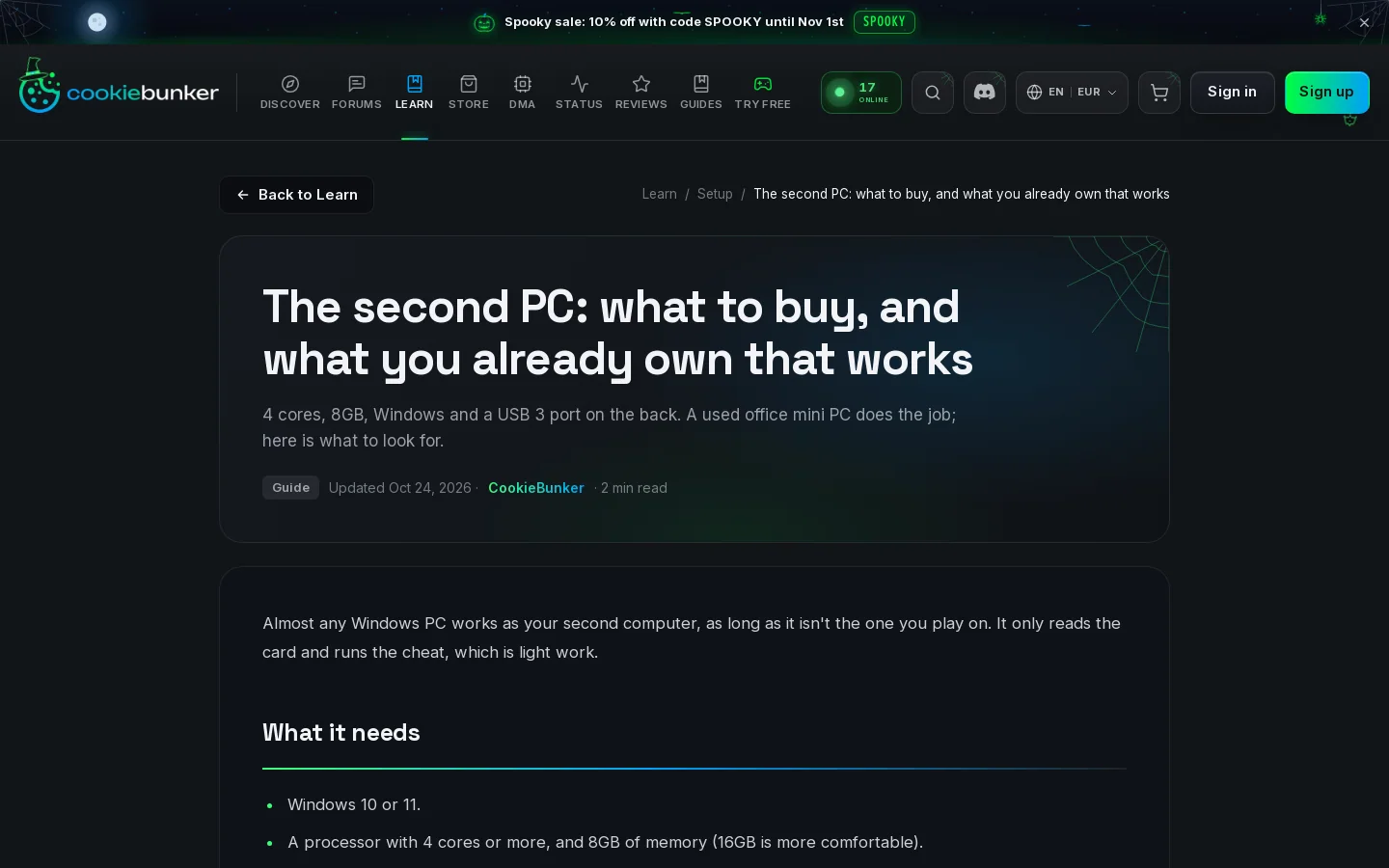
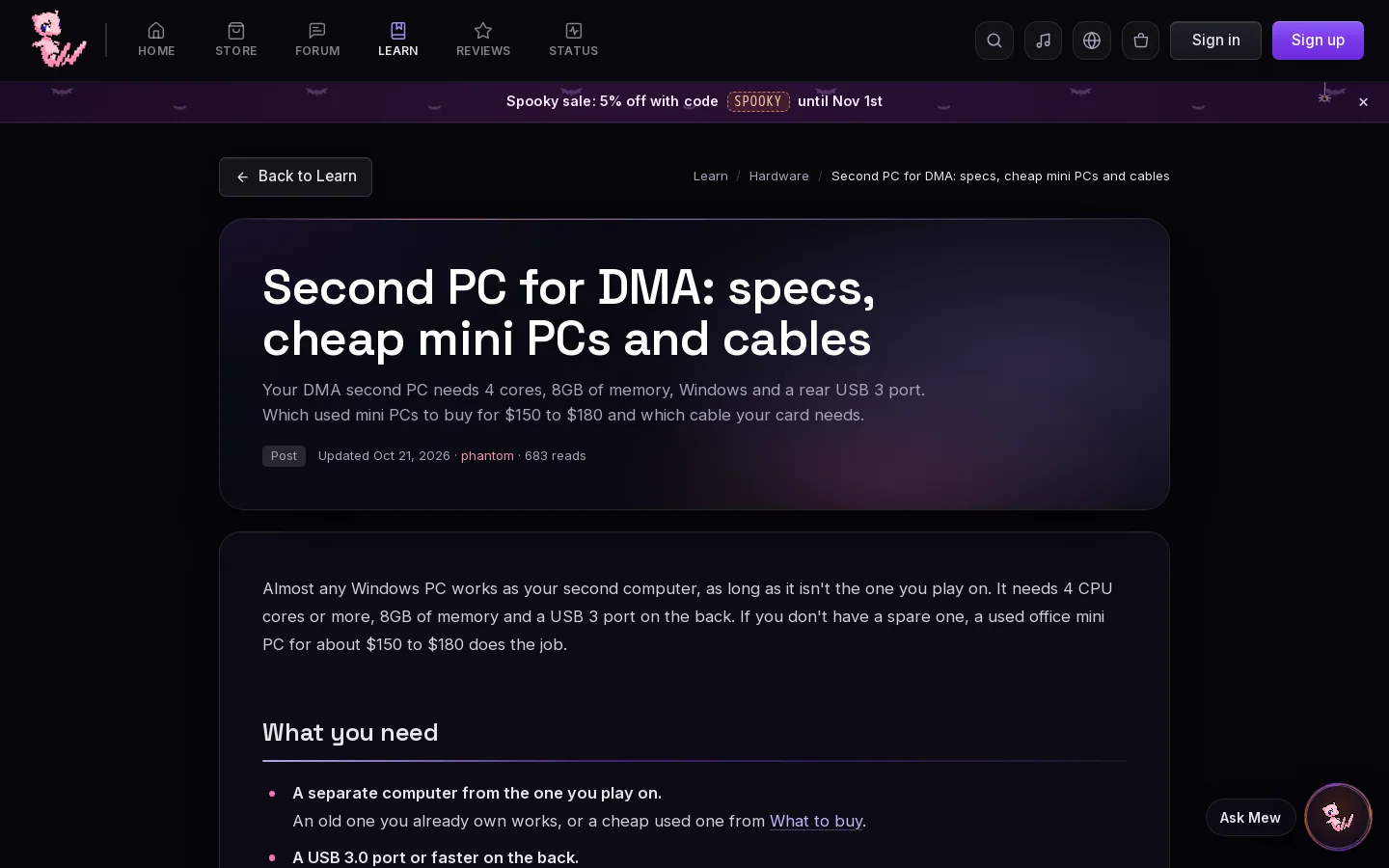
The second PC: what to buy, and what you already own that works
Strong matchFrom our Second PC for DMA: specs, cheap mini PCs and cables, up since Sep 9, 2026. Our opening line, our spec list, our three mini PCs with our core counts, our Before you pay list in our order, and our four-port count.
- 1Back to Learn
- 2Breadcrumb on the right
- 3Title box with summary, tag, date, author and read time
- 4Our opening line
Show all 14 lines
Will DMA work on my PC? 5 checks before you buy
Medium matchFrom our Will DMA work on my PC? 5 checks before you buy, up since Sep 21, 2026. Our title word for word, five numbered checks like ours, and our slot, board and laptop checks.
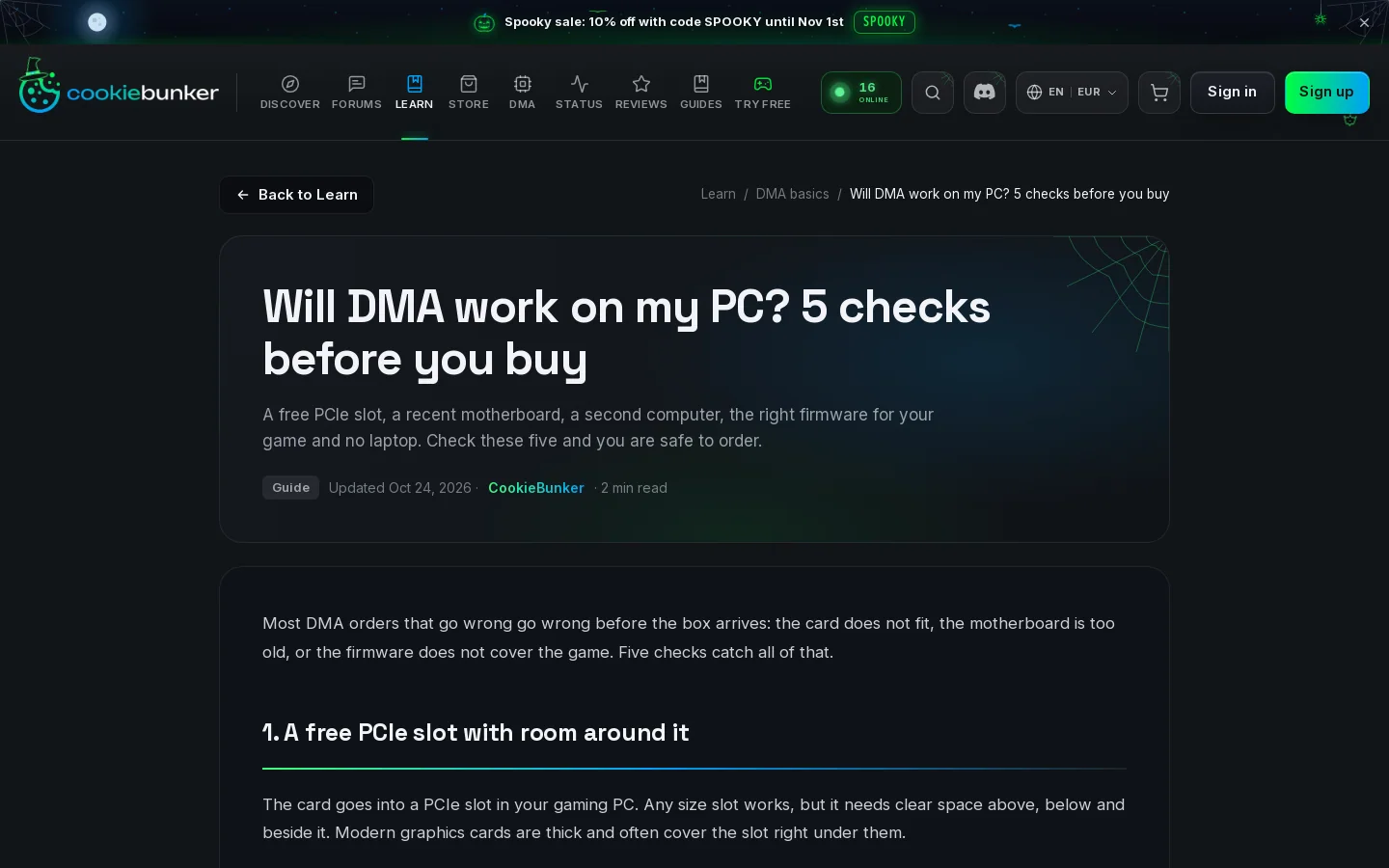
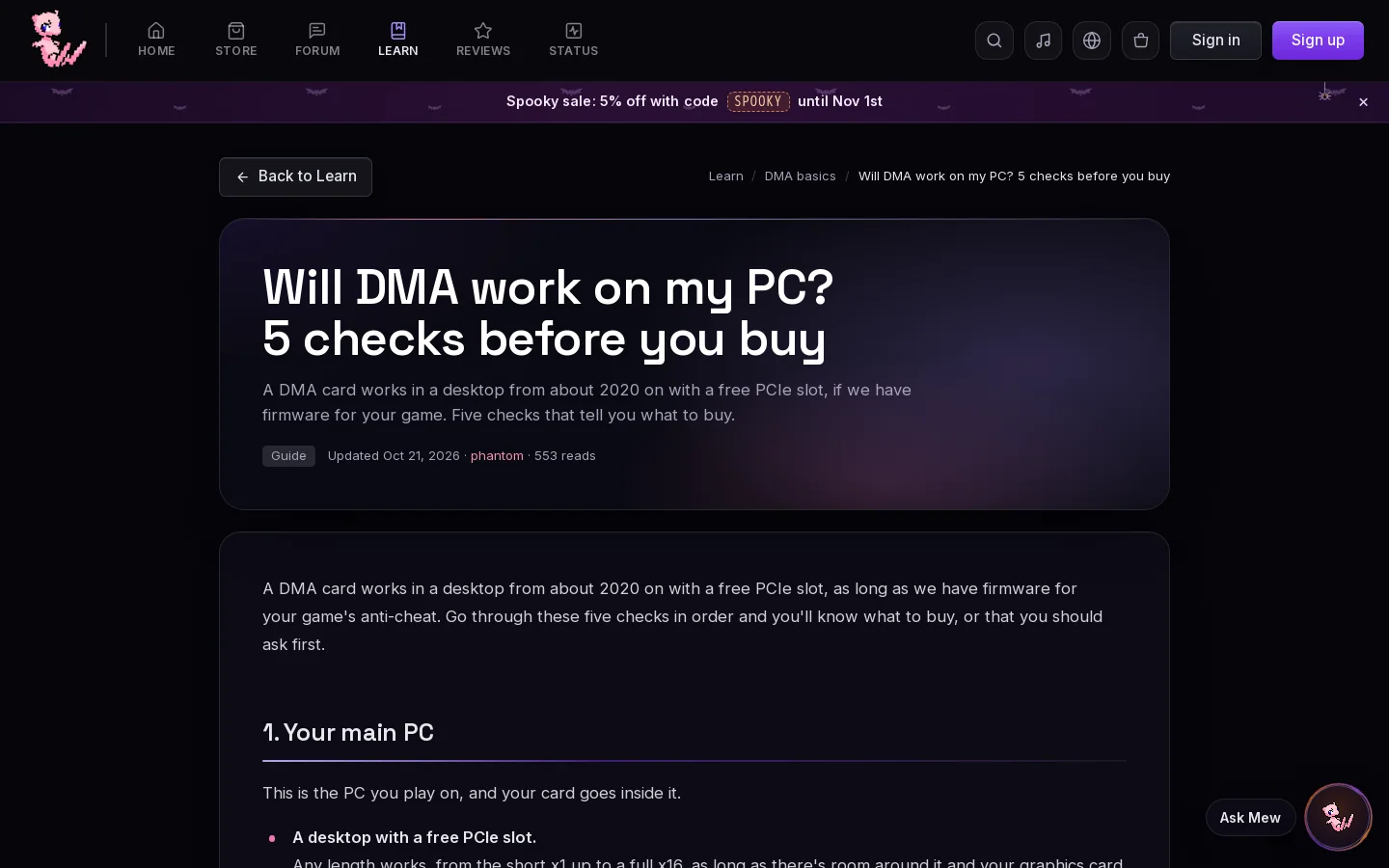
Show all 6 lines
DMA vs software cheats: what is different and why it costs more
Medium matchFrom our DMA vs software cheats: what changes when you switch?, up since Sep 17, 2026. Our address and title start, our opening, our internal and external lines, and our cost list.
- 1Back to Learn
- 2Breadcrumb on the right
- 3Title box with summary, tag, date, author and read time
- 4Our opening, reworded
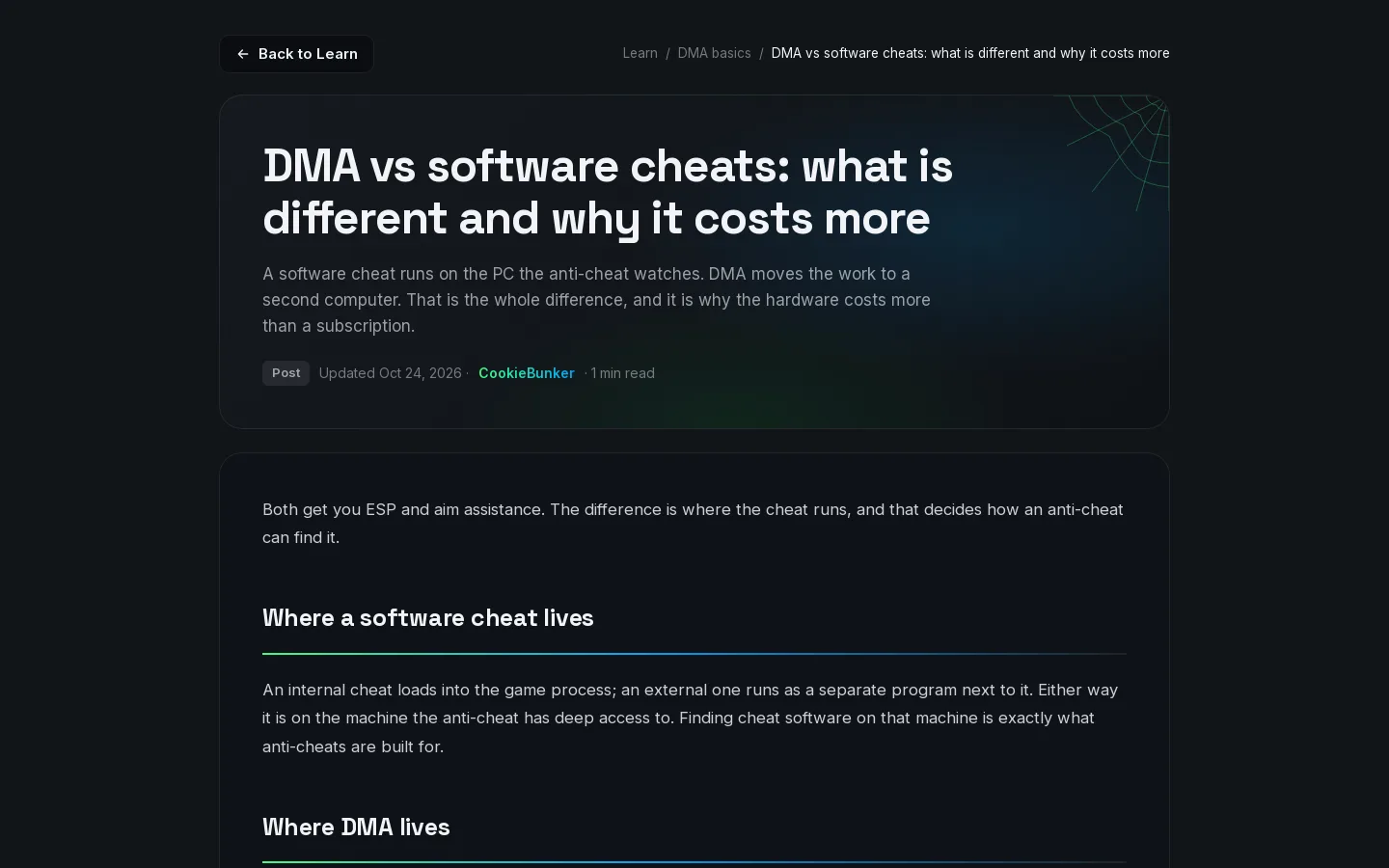
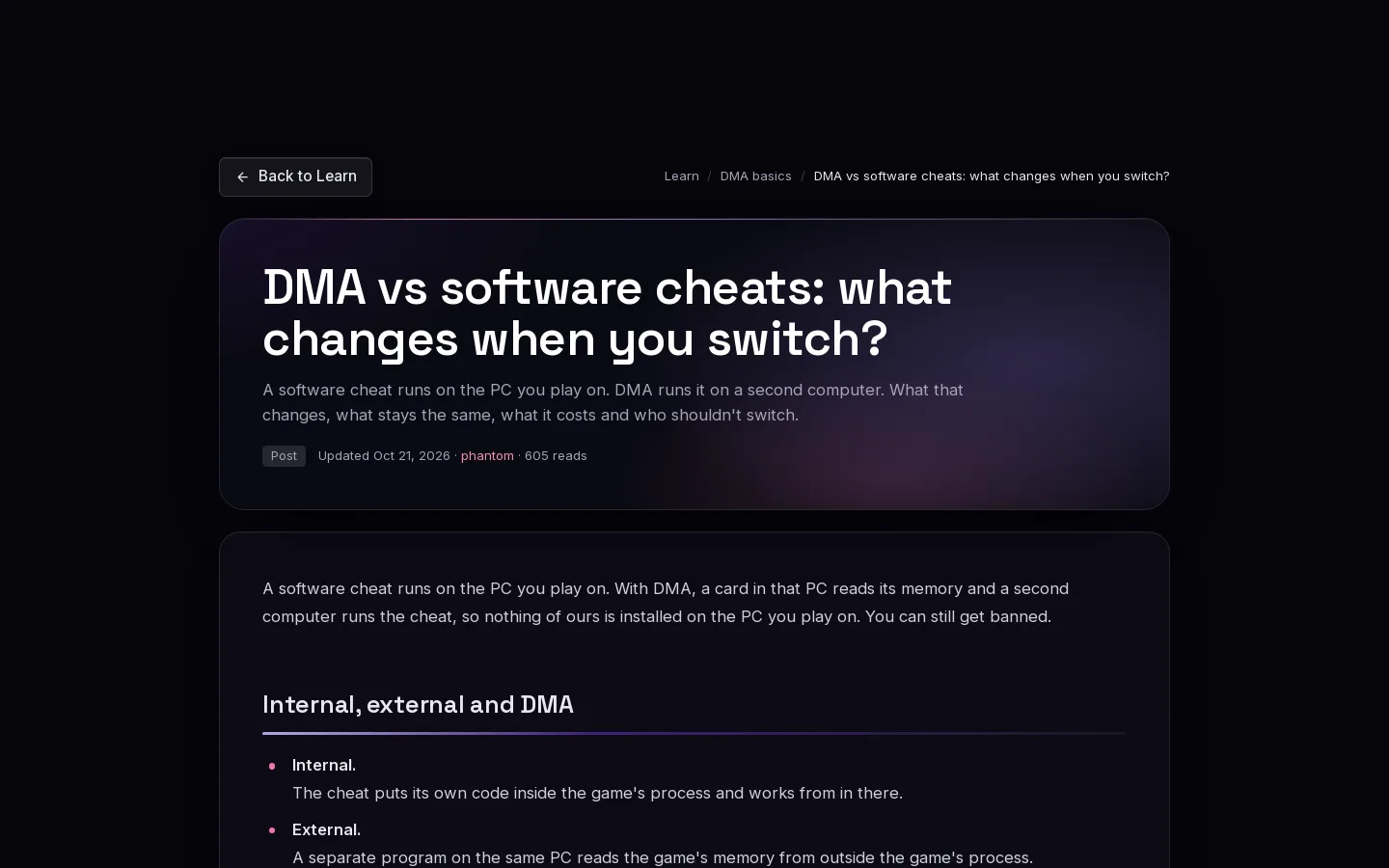
Show all 7 lines
The second PC does not see the card: what to check
Medium matchFrom our DMA card not working? (DMA card not showing in Device Manager), up since Sep 17, 2026. The checks from our DMA card not showing list: cable, port, slot, power and the shared M.2 slot.
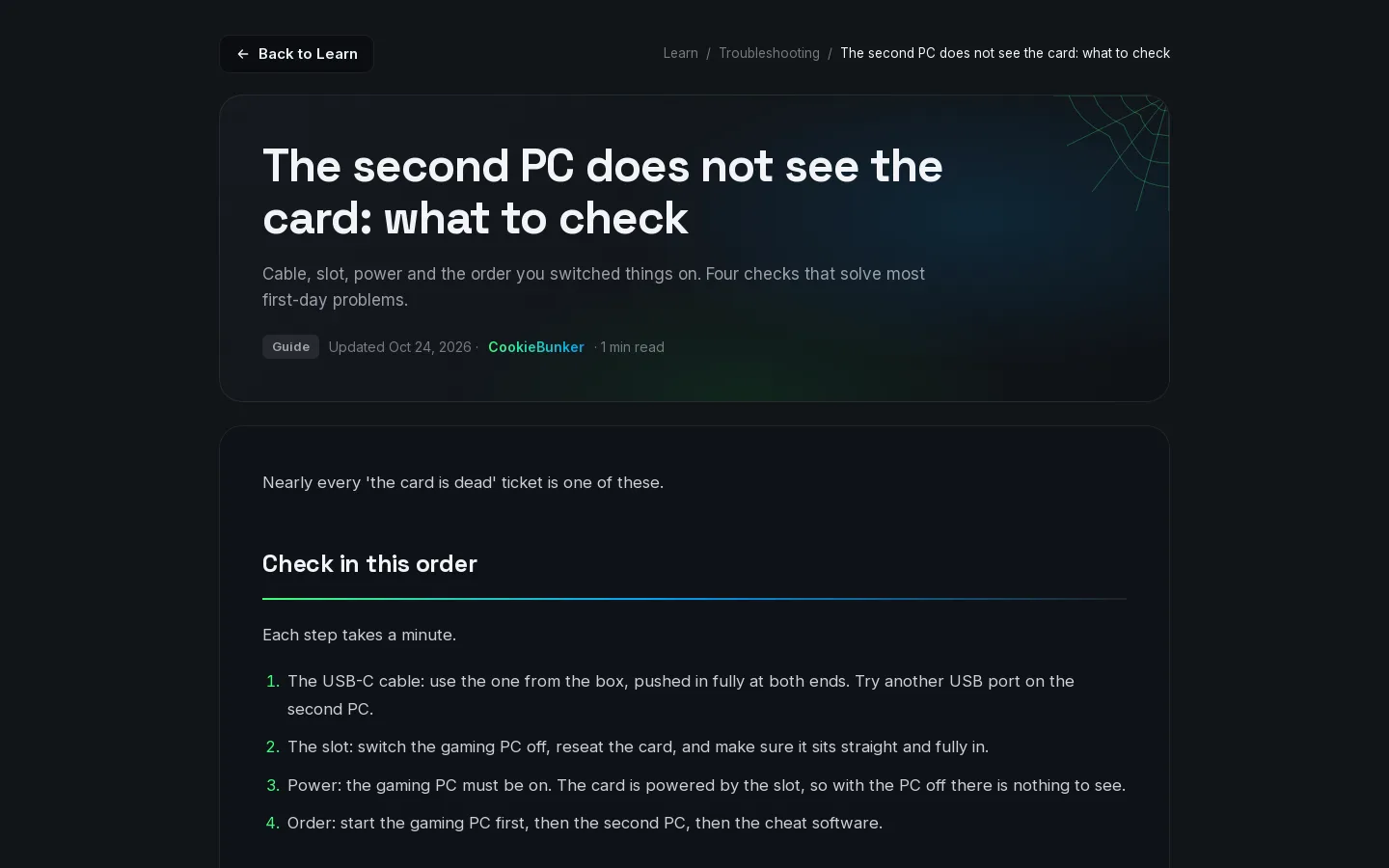
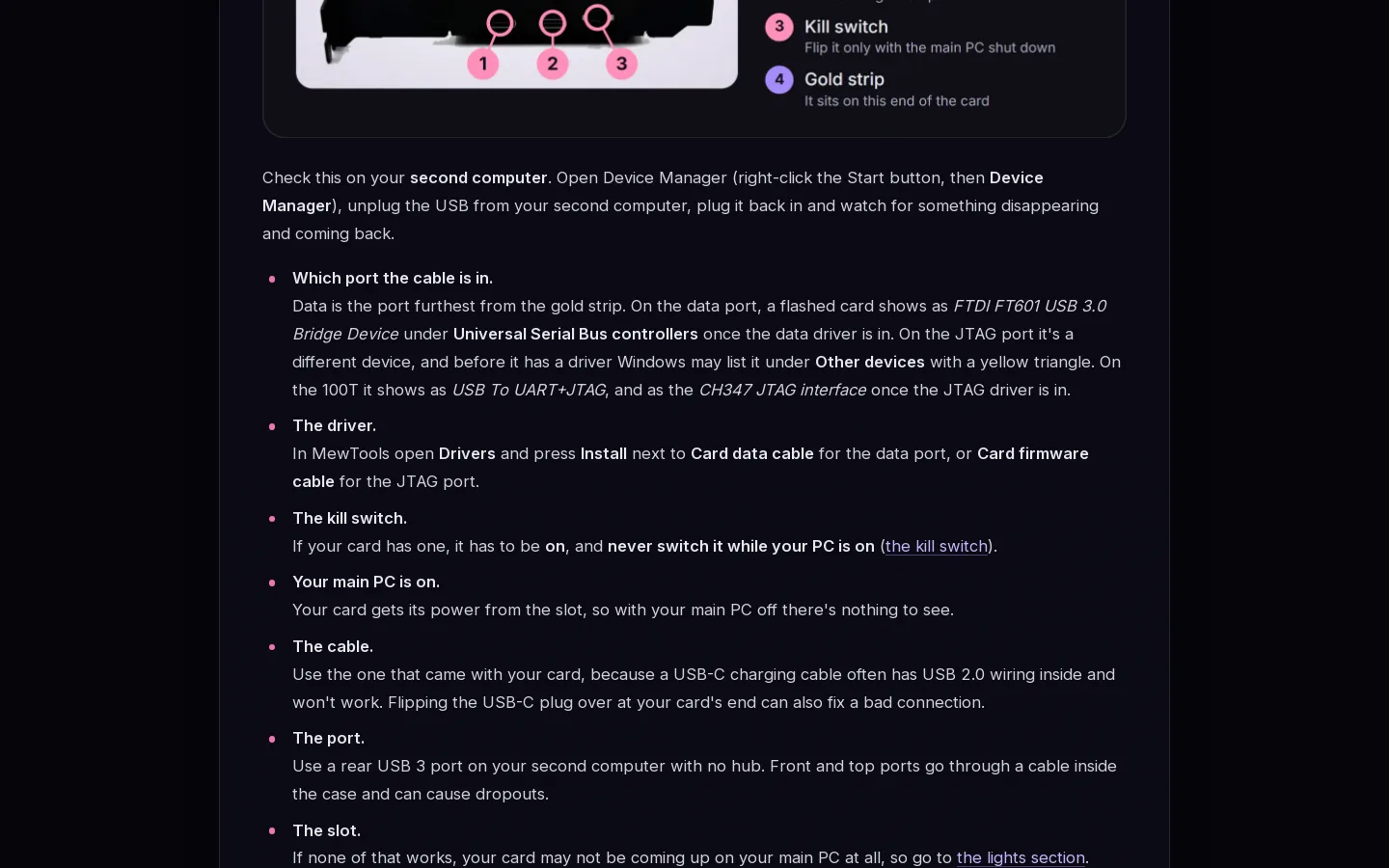
Their Learn page and posts aren't in the archive. Every post of theirs says Updated Oct 24, 2026.
Smaller matches
10
Forum
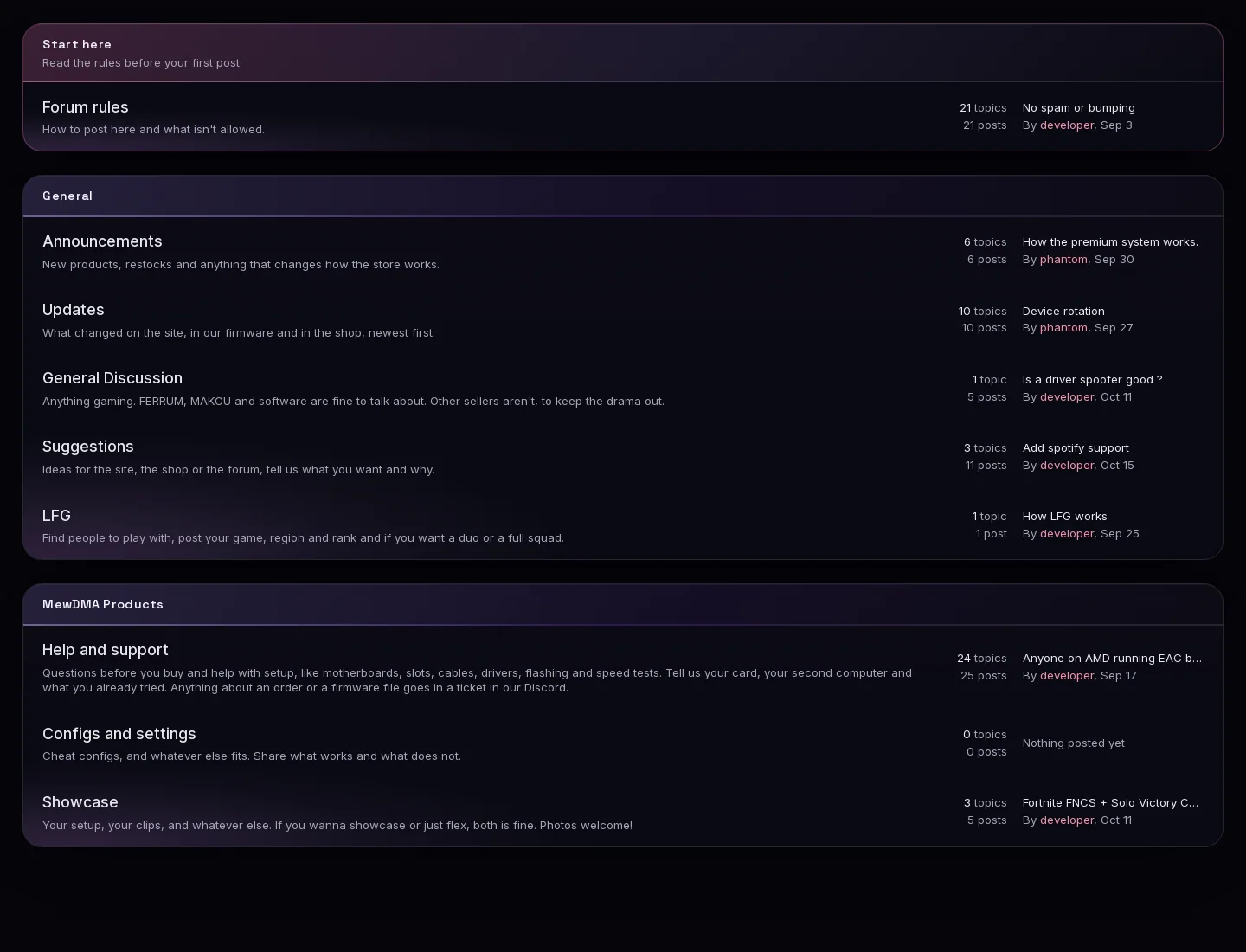
In September they had Information, Tools and Support & Feedback. Now it's our sections, our boards in our order, our subtitles and our page layouts.
- 1Start here with our line
- 2Our Forum rules subtitle
- 3Our General boards in our order
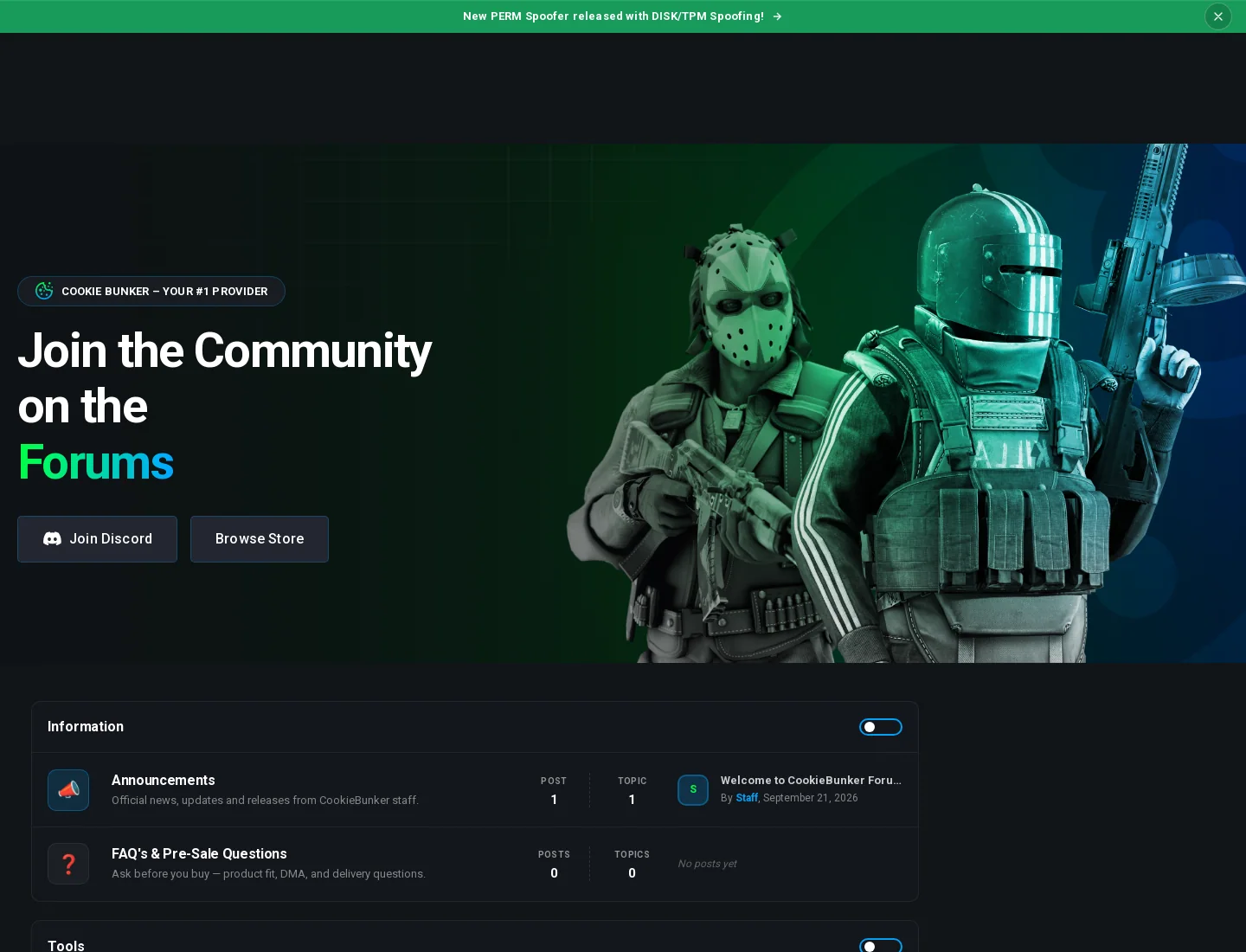
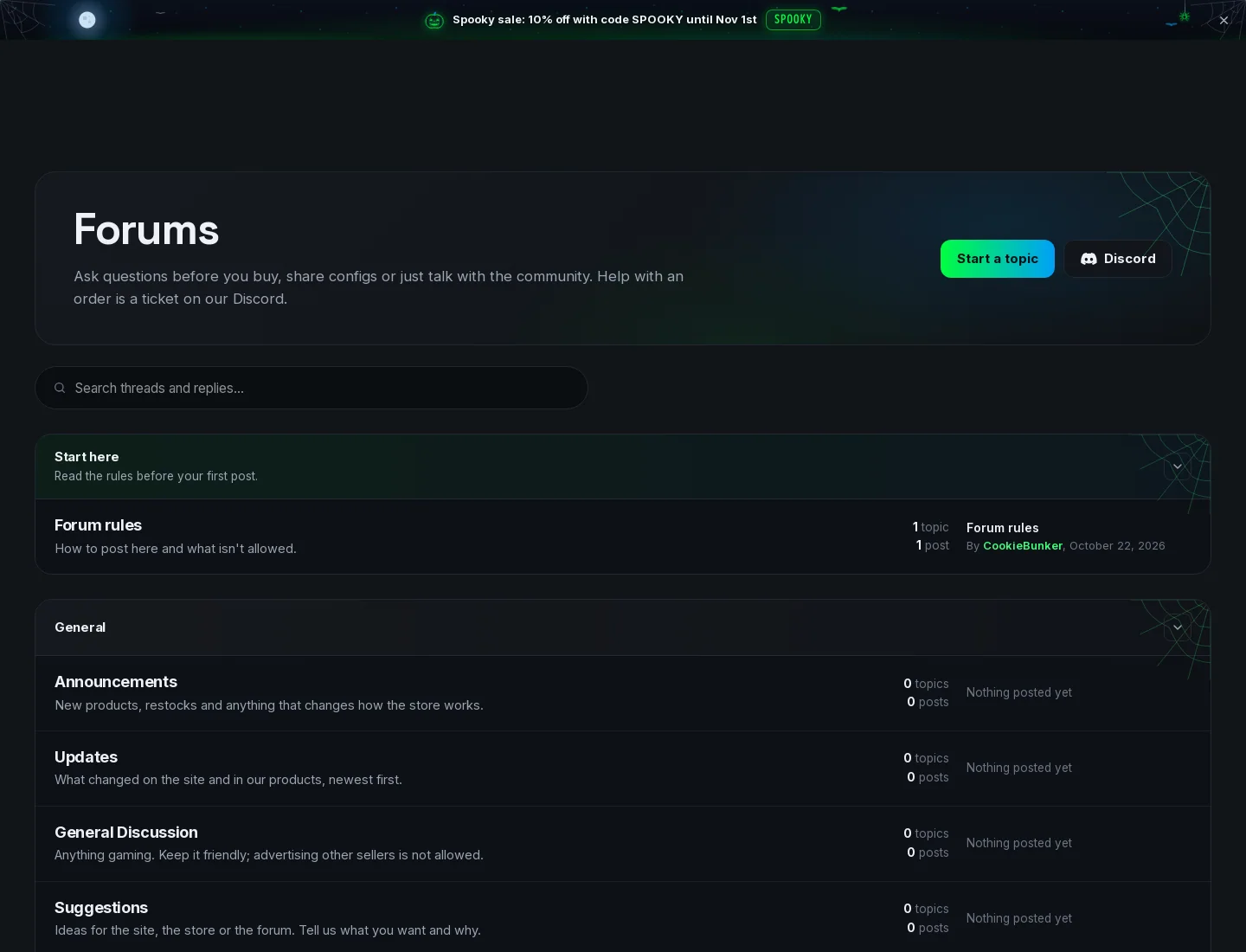
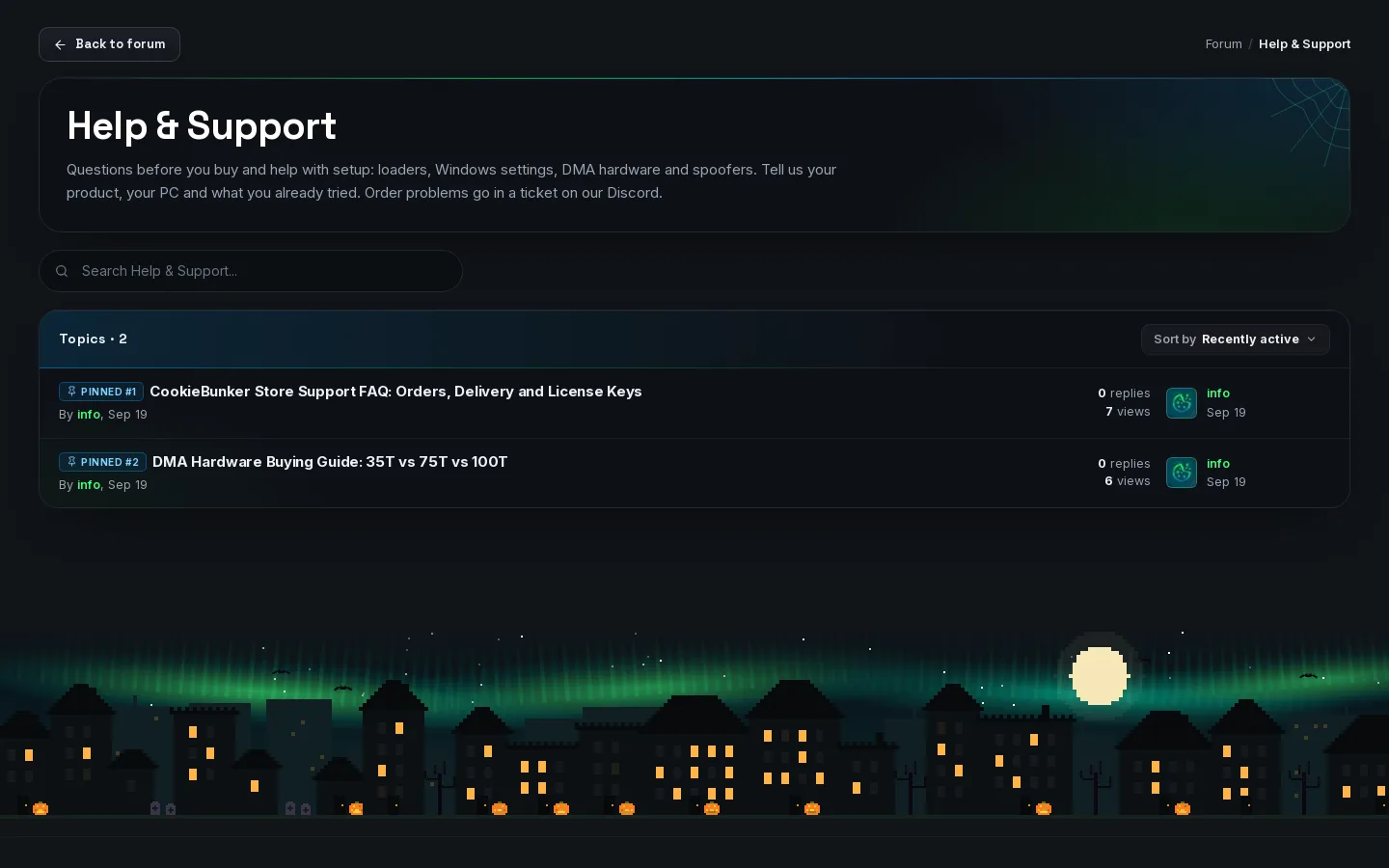
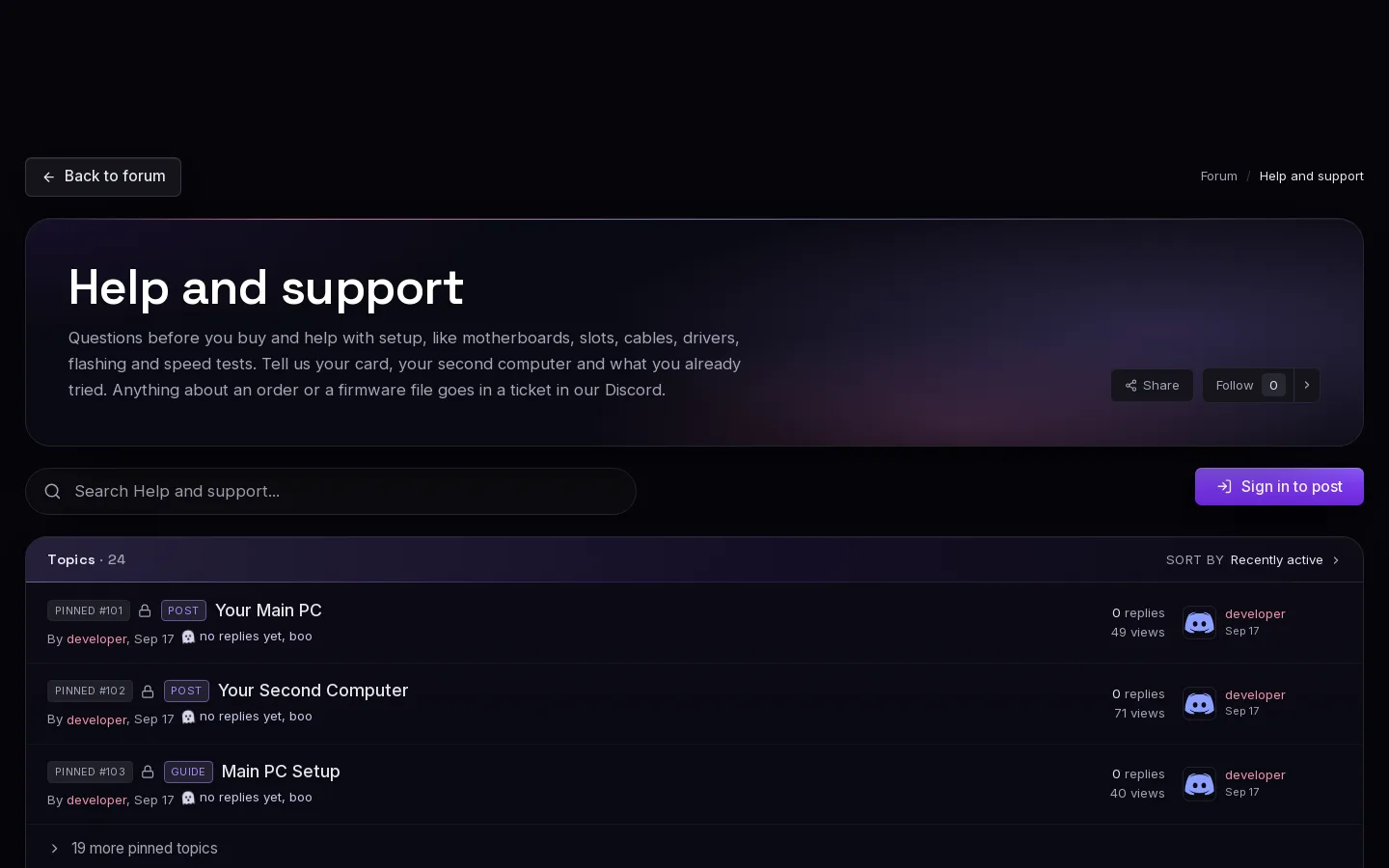
A board page.
- 1Back to forum and the breadcrumb
- 2Name and subtitle in a lit box
- 3Search bar
- 4Topics count and Sort by Recently active
- 5PINNED #1 chips
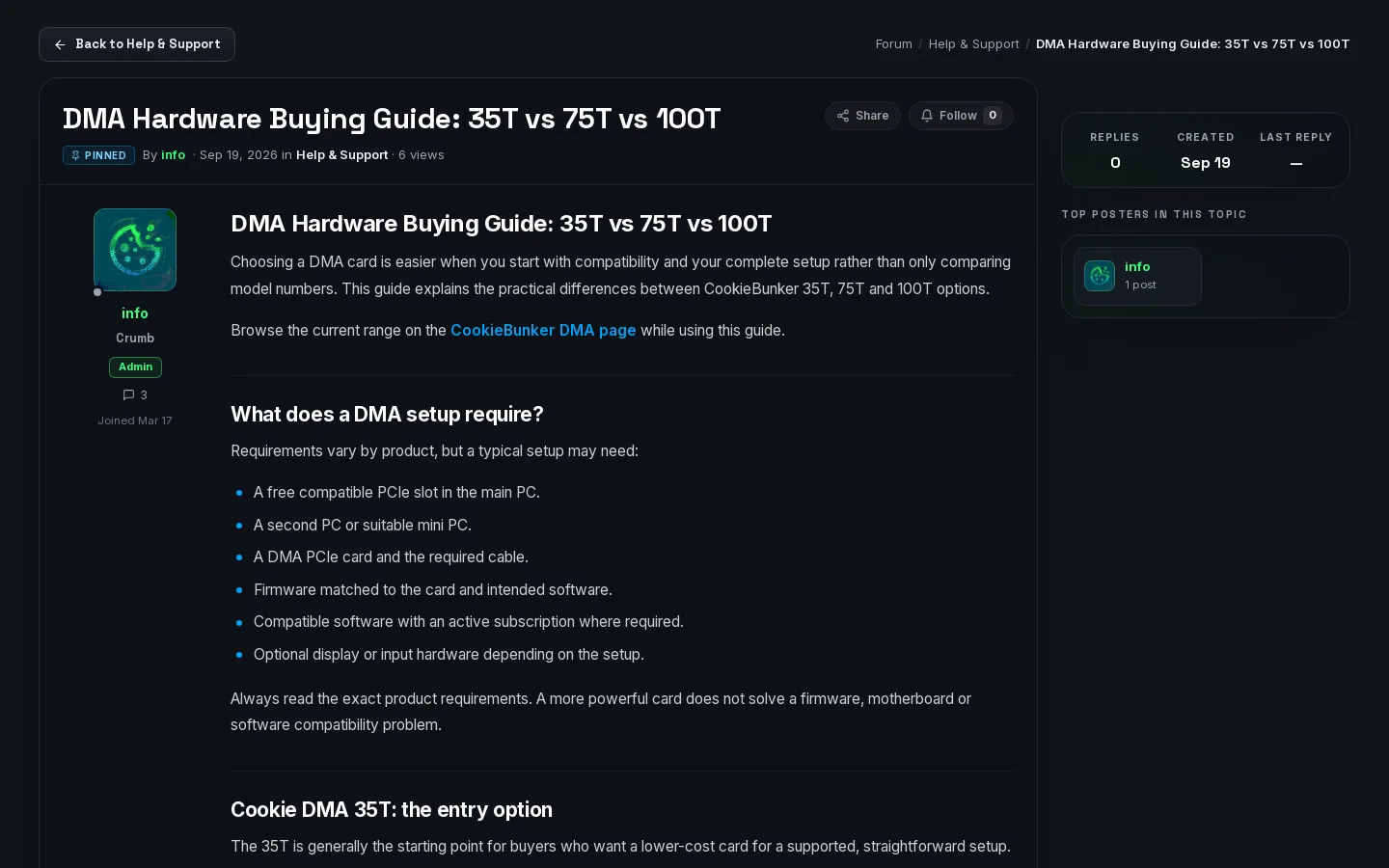
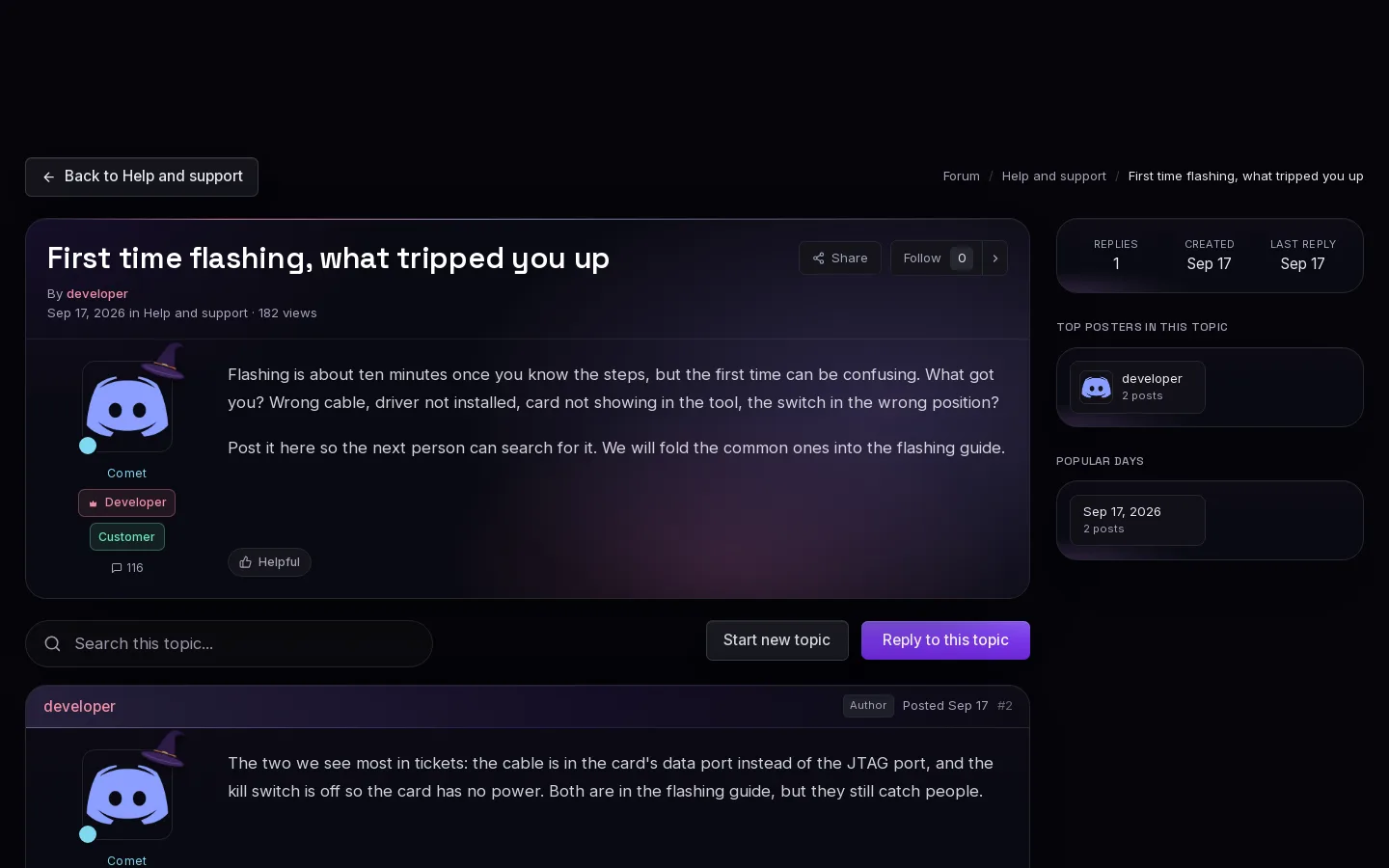
A topic page. The words in their post are their own.
- 1Back to the board
- 2Title with Share and Follow
- 3Author card with rank and badge
- 4Replies, Created and Last reply
- 5Top posters in this topic
Board subtitles
Show all 9 lines
11
Ranks and points
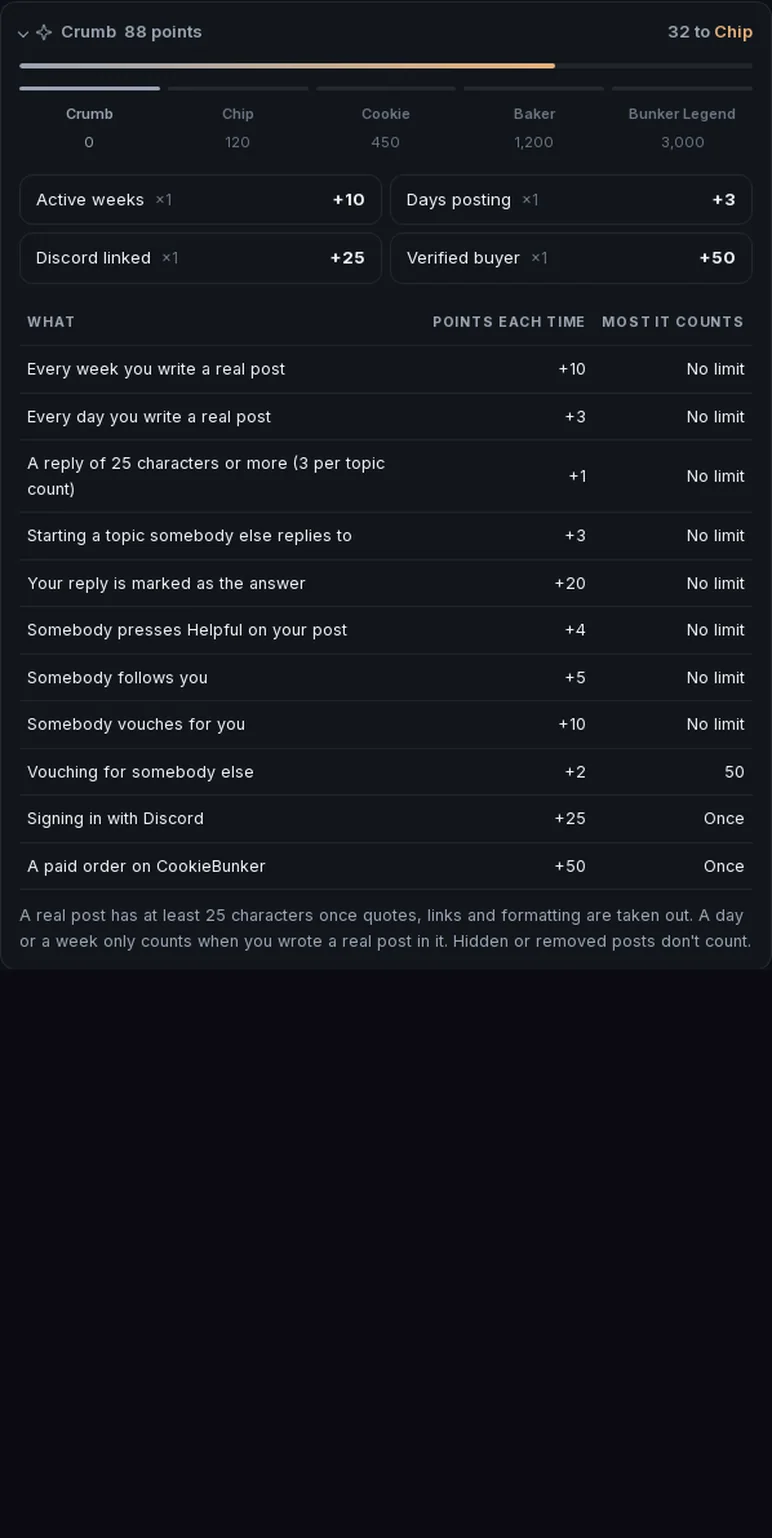
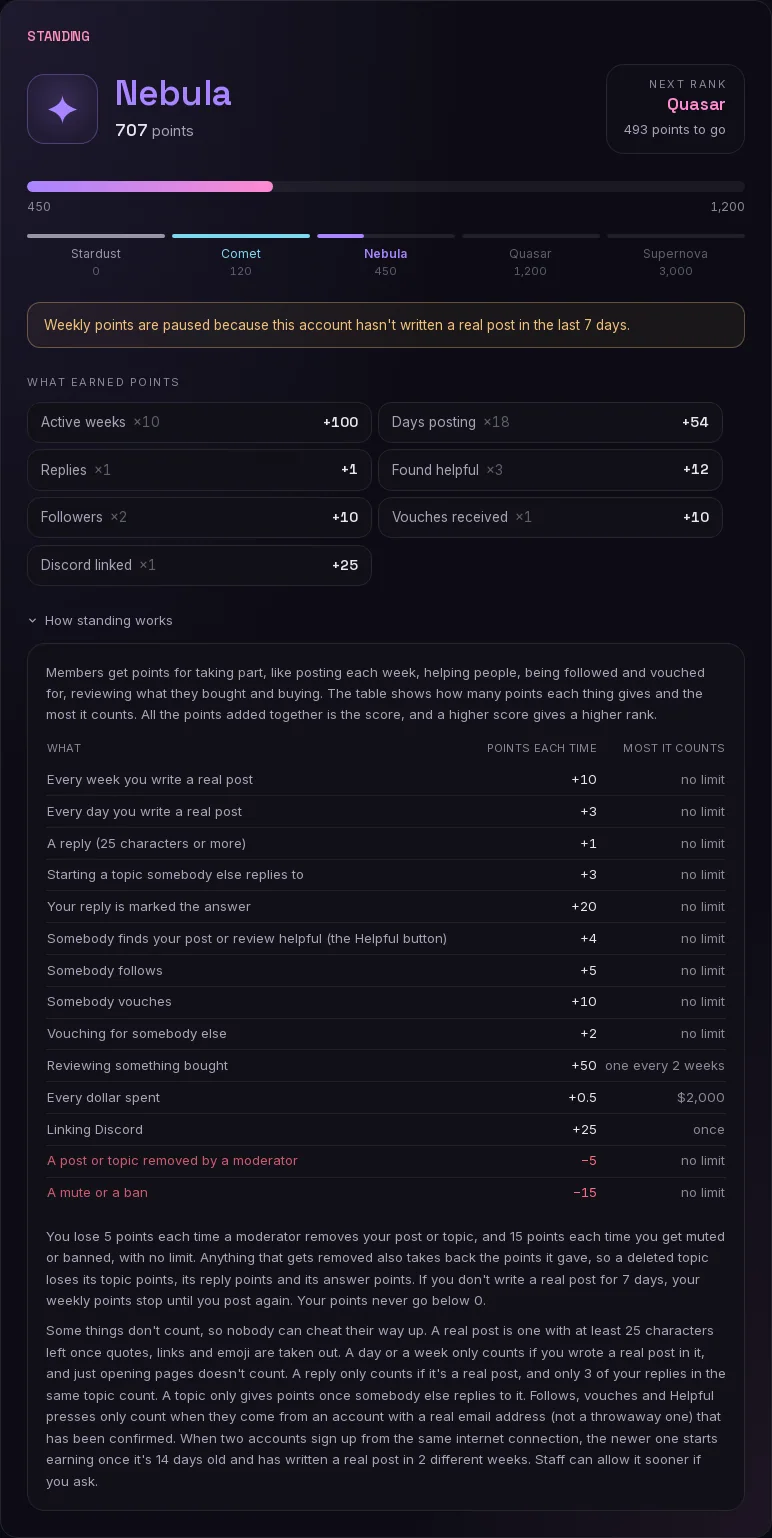
Our rank steps and our points table, line for line, with different rank names.
On September 21 they had no ranks and no points table.
- 1Our rank steps: 0, 120, 450, 1,200 and 3,000
- 2Our points table, line for line
12
Member profiles
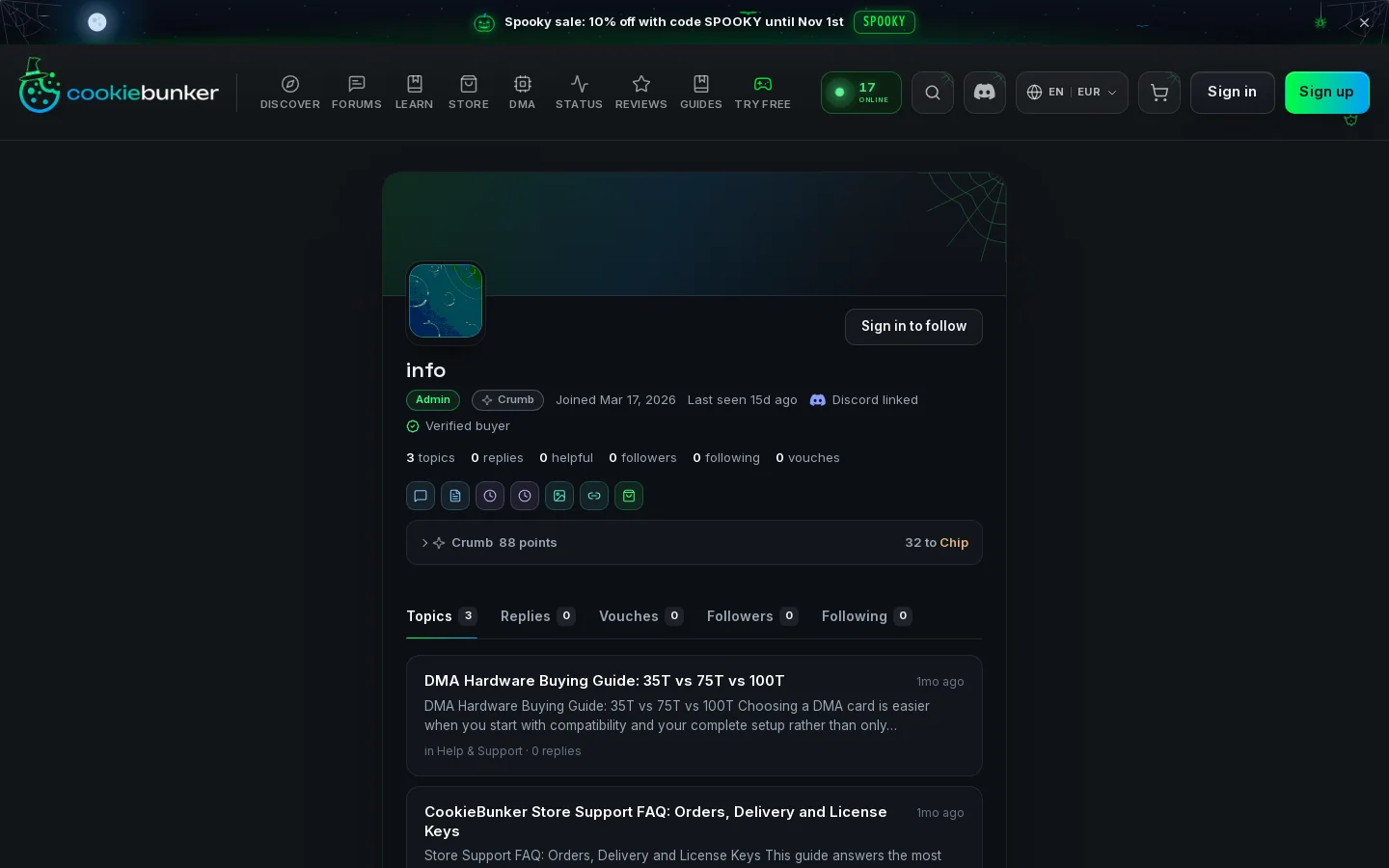
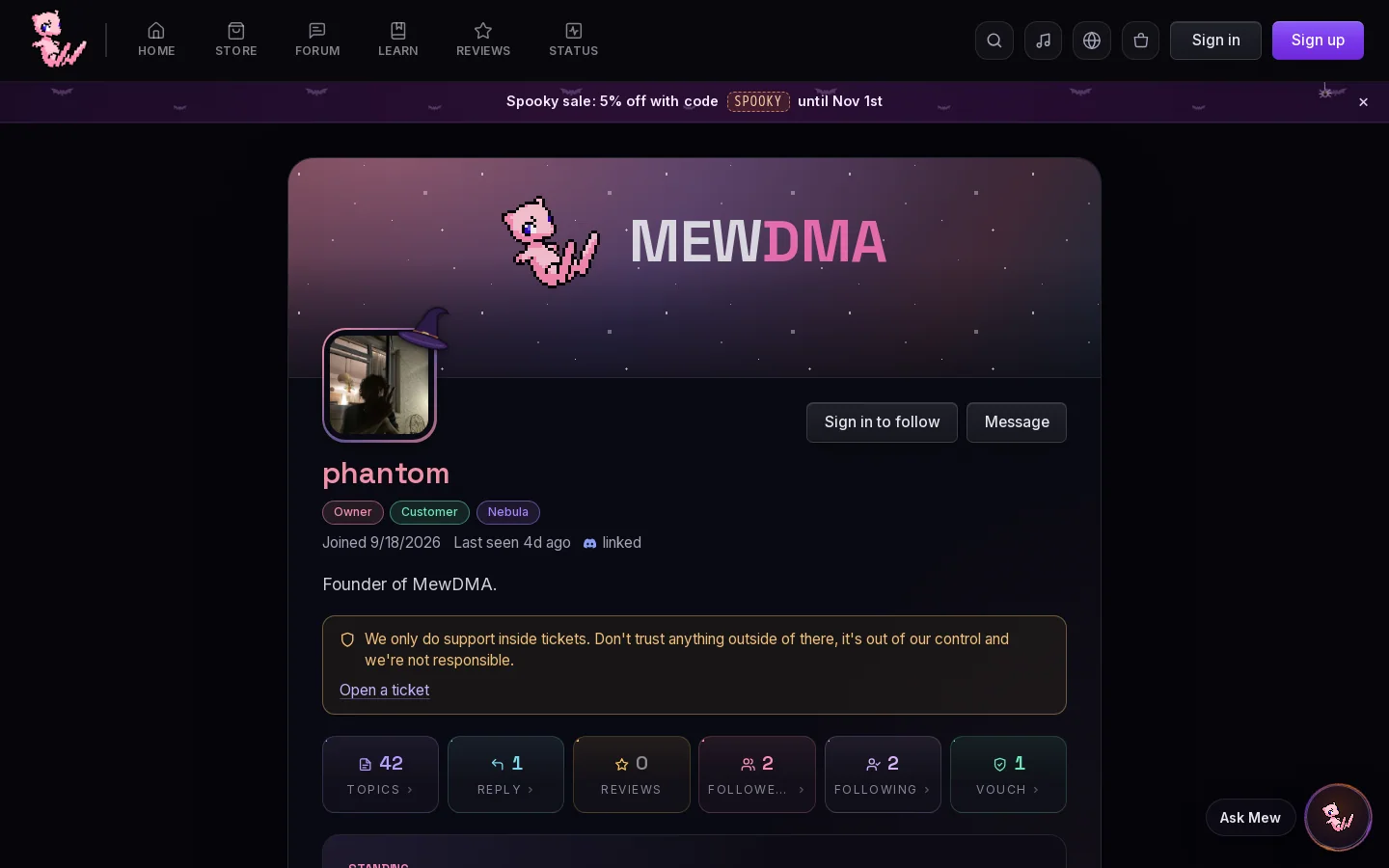
The same parts in the same order, and five of our badge names: Conversation starter, First week, Settled in, Face to the name and Two places at once.
- 1Banner over the avatar
- 2Badges under the name
- 3Topics, Replies, Vouches, Followers and Following
13
Reviews
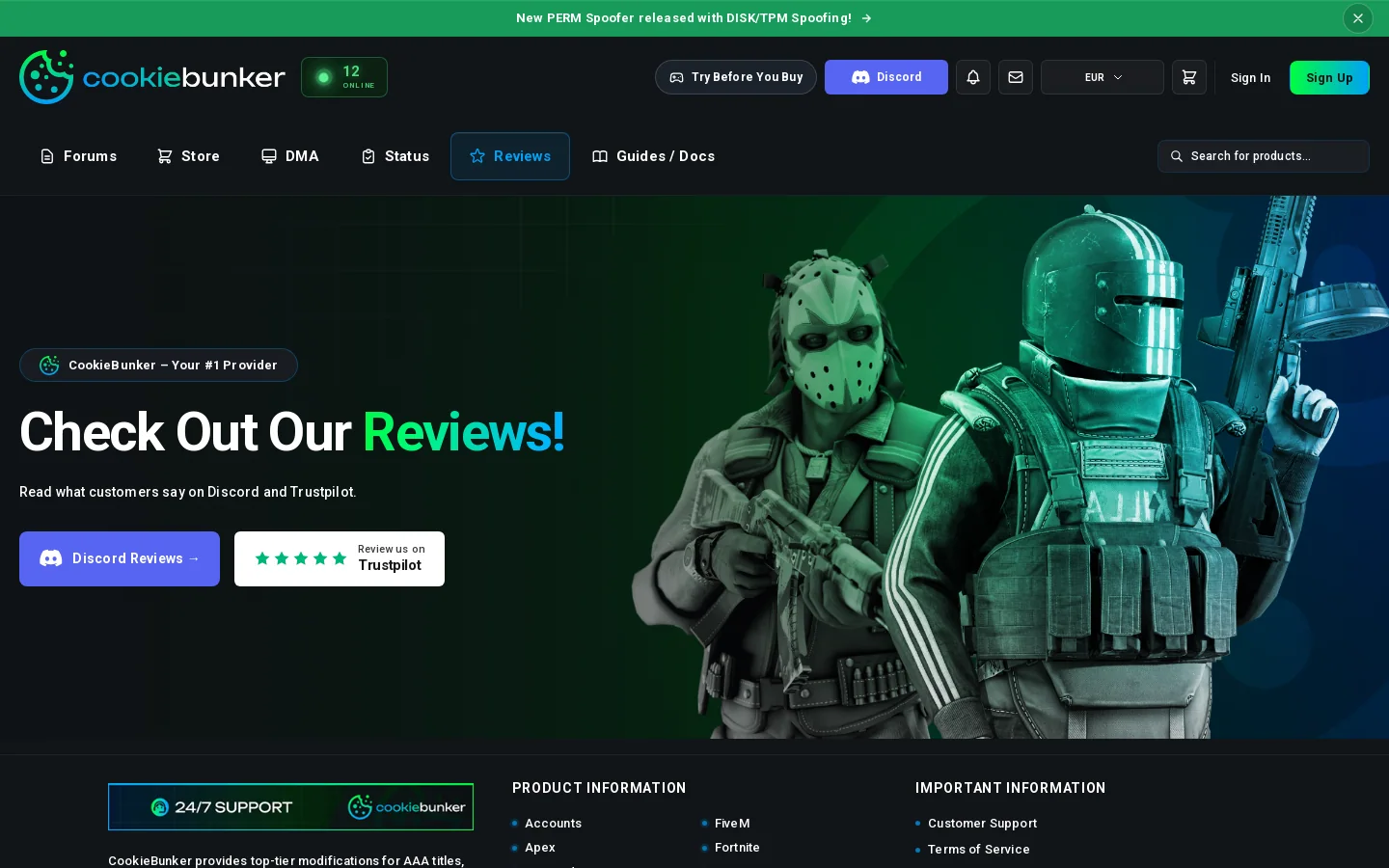
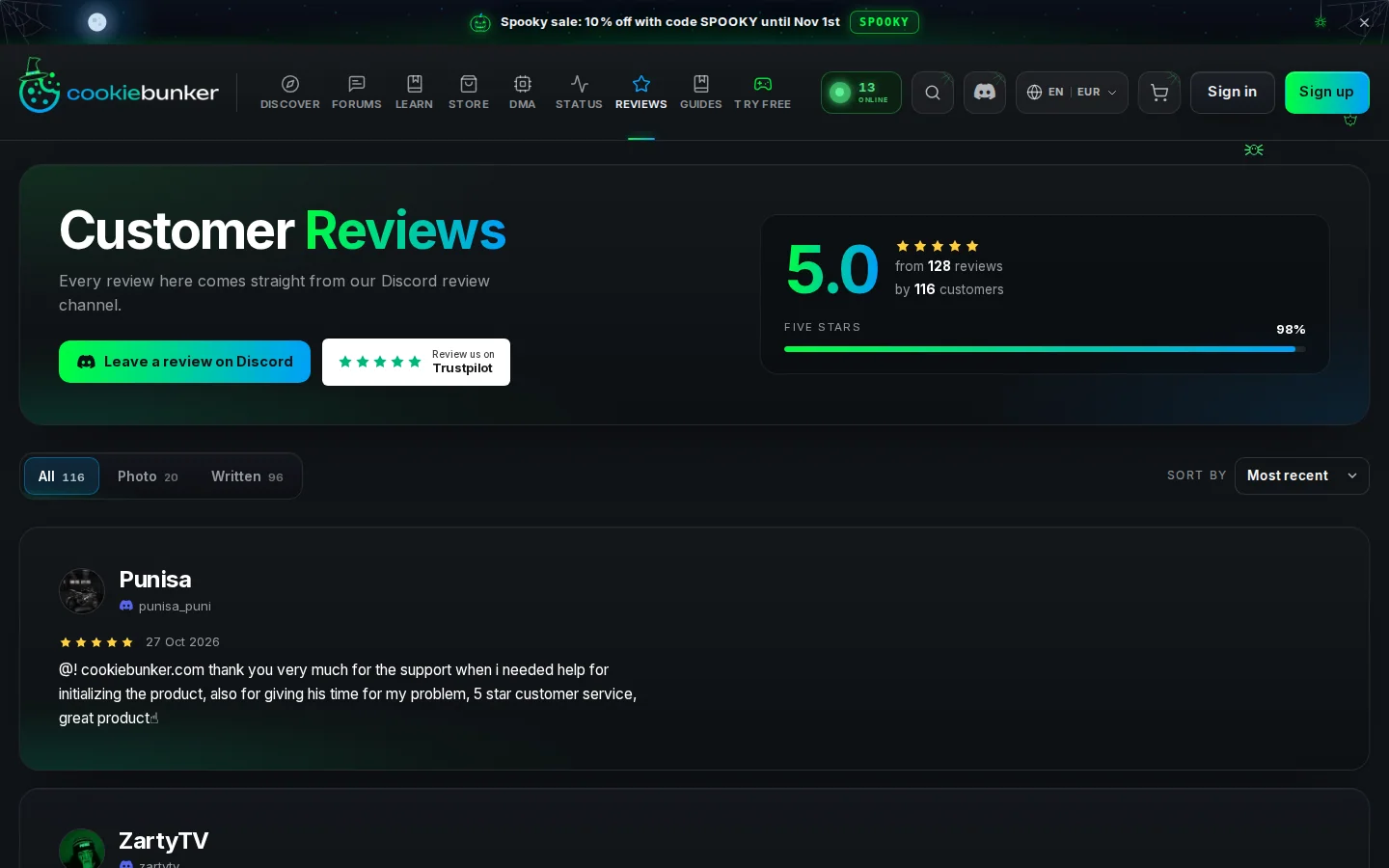
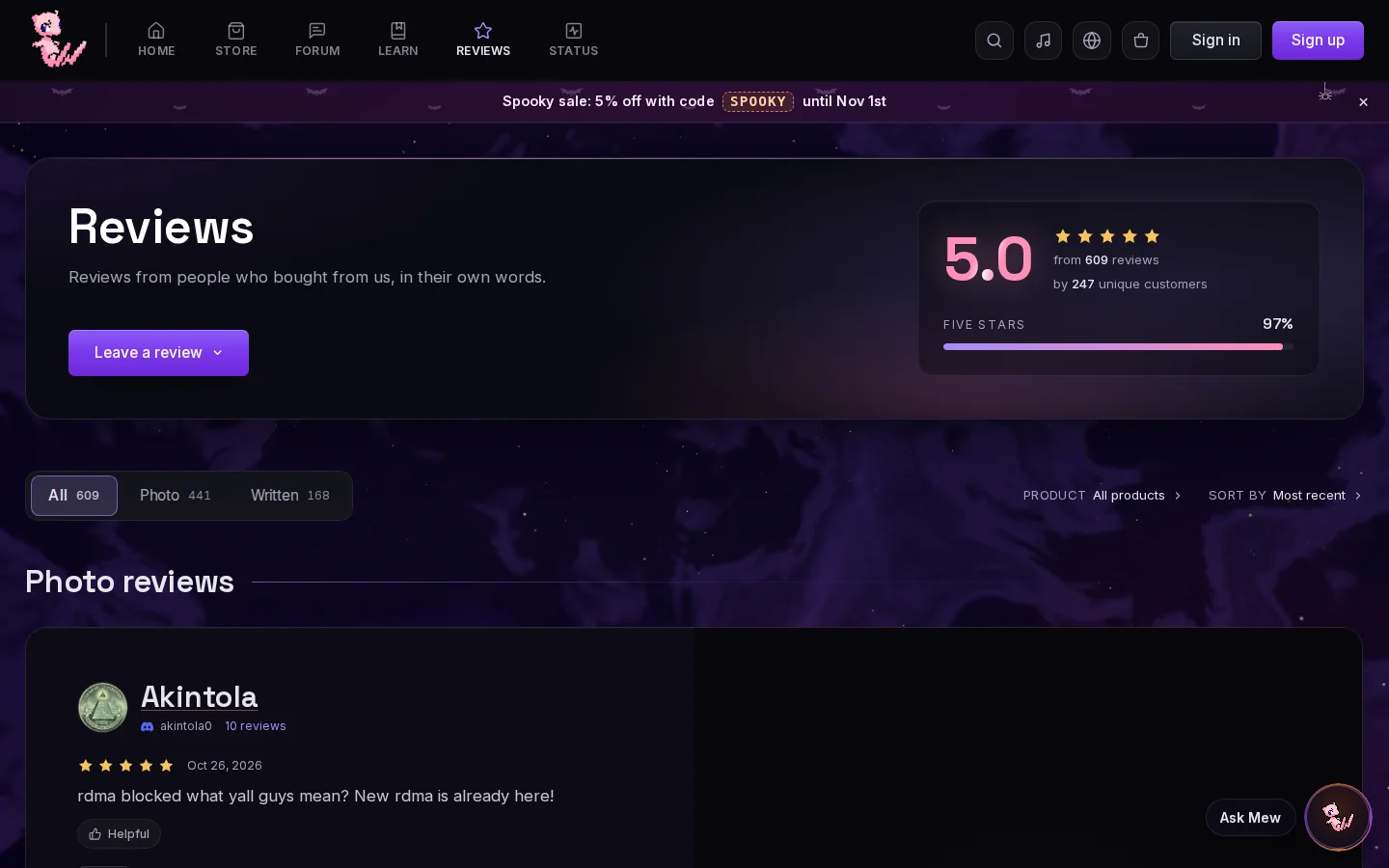
In September the page had two buttons, Discord Reviews and Trustpilot. Now it's our layout.
- 1Rating and star bars on the right
- 2Review button on the left
- 3All, Photo and Written
14
Status
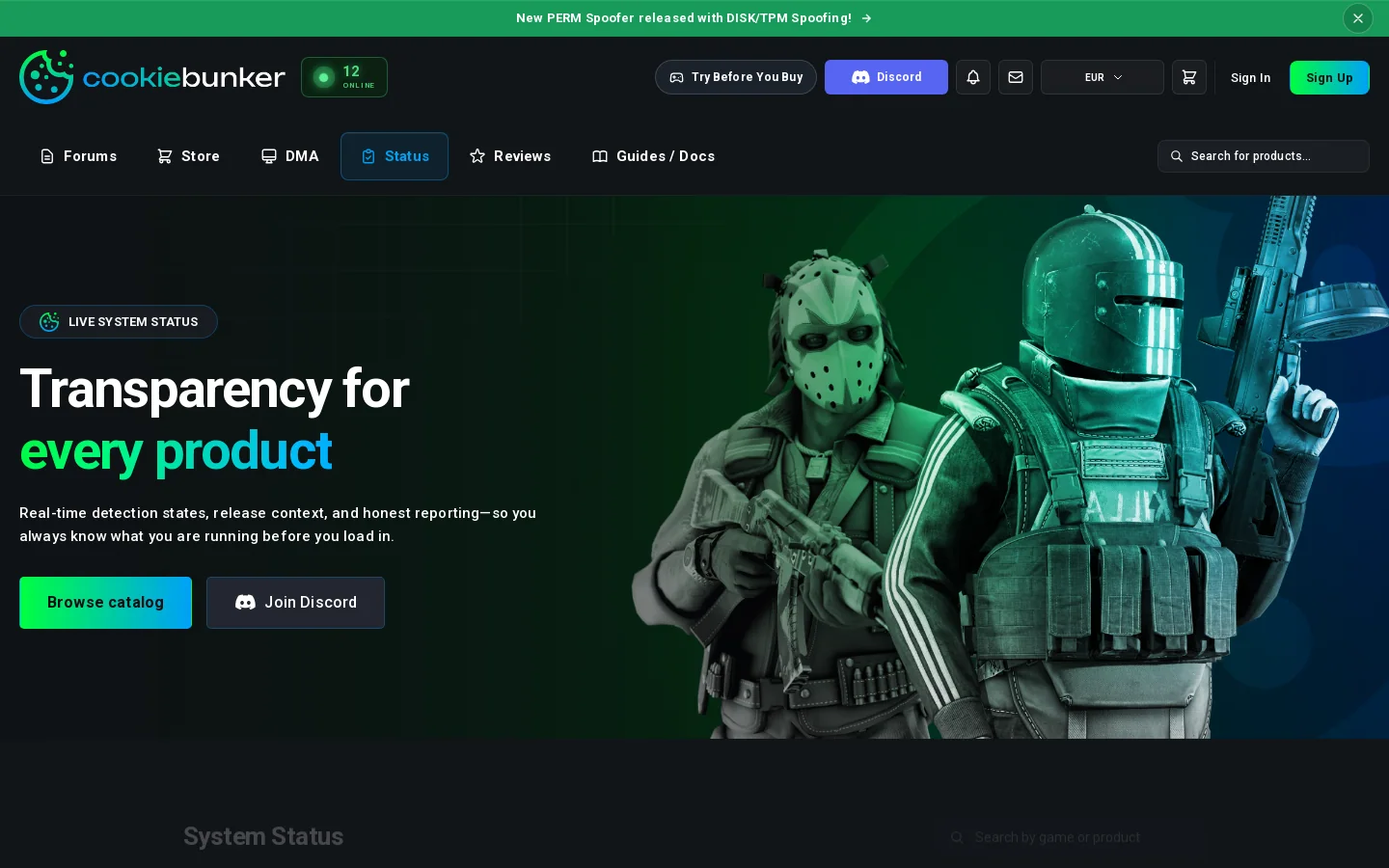
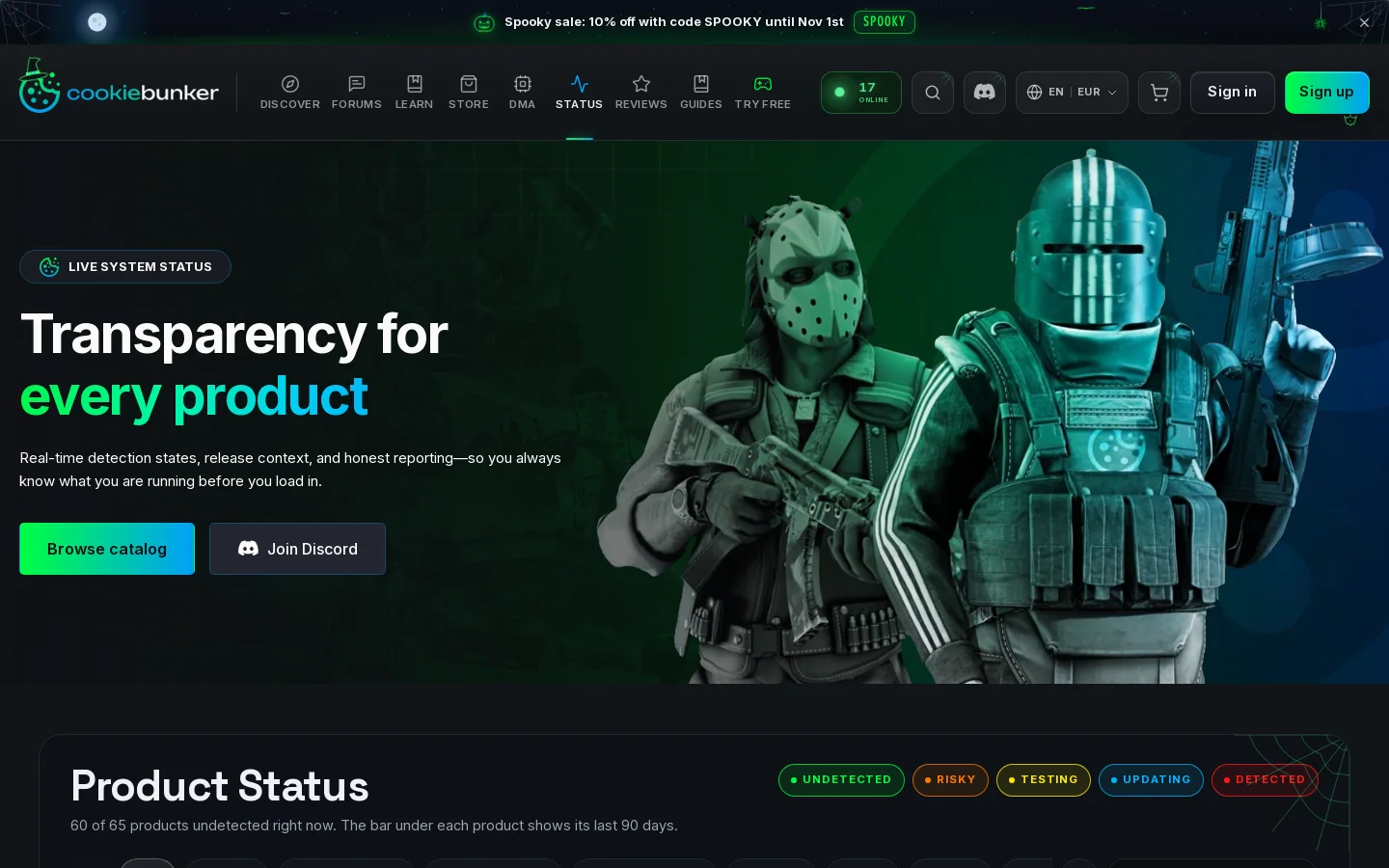
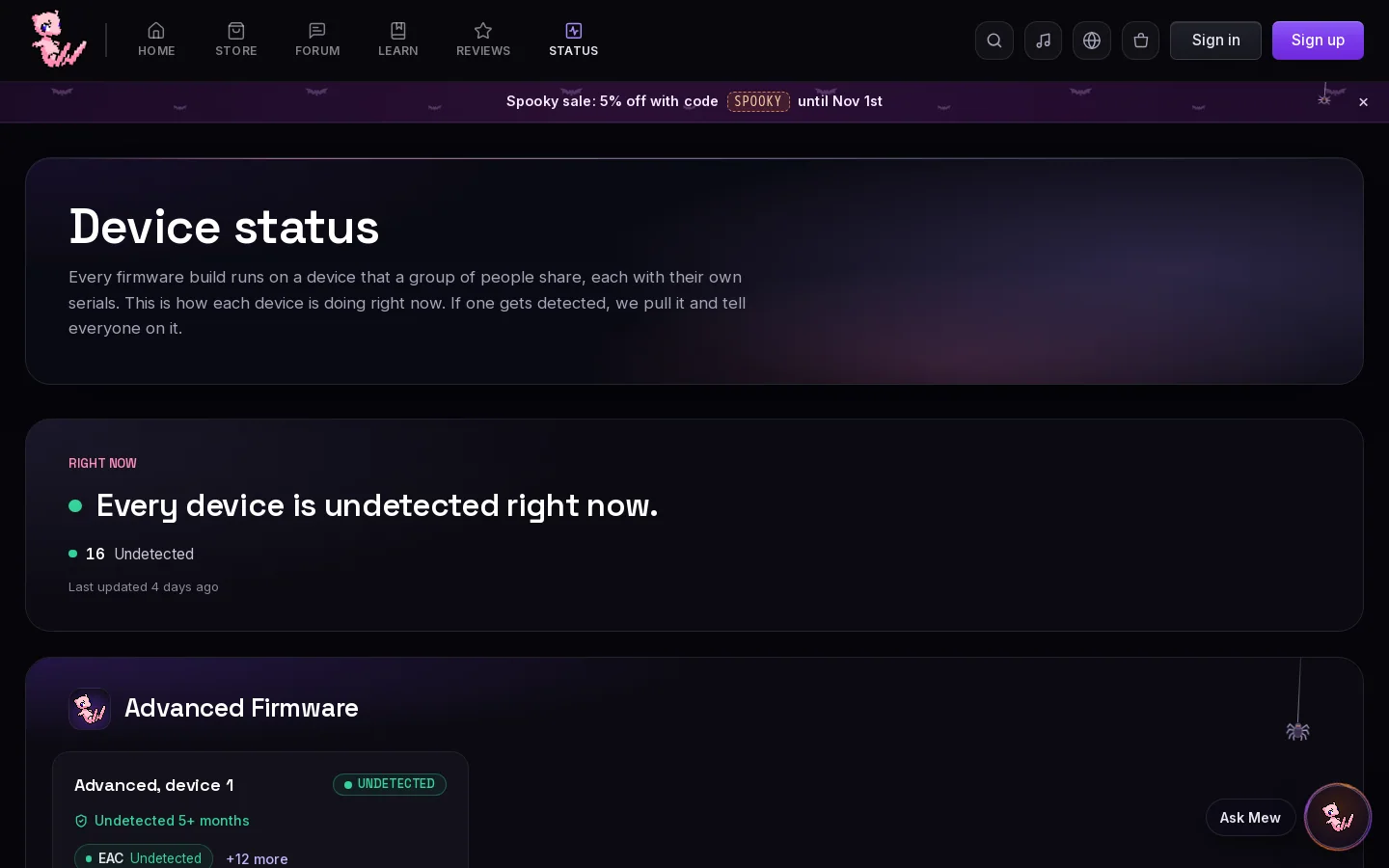
New since September: “60 of 65 products undetected right now”, next to our “Every device is undetected right now”, and an Undetected since line on each product.
- 1One line on how many are undetected
15
Bundle builder
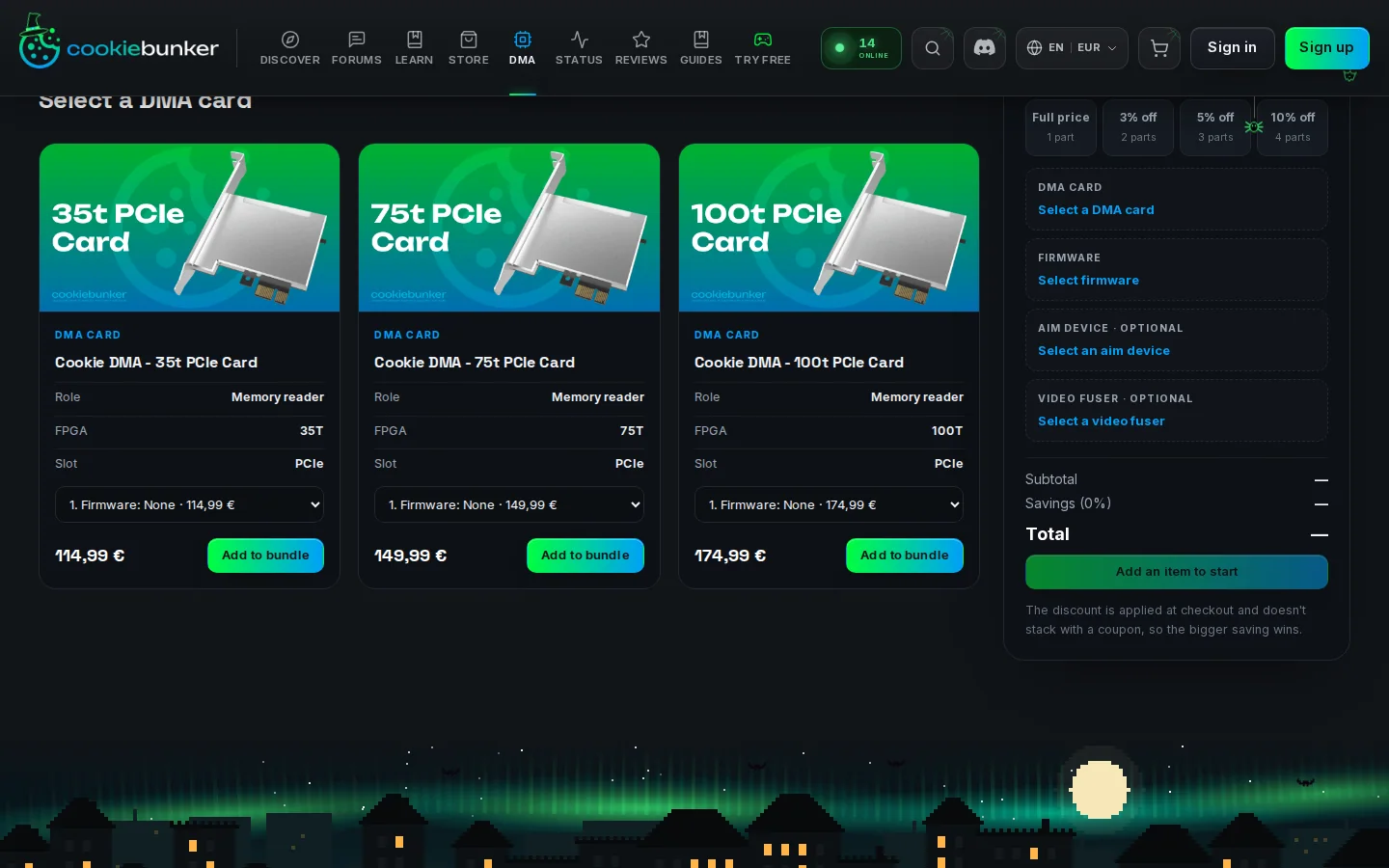
Our discount steps, our order of parts and 21 words of our instructions in a row.
- 1Our discount steps: 3%, 5% and 10%
- 2Card and firmware needed, aim device and fuser optional
People can copy our frontend and our layout, but they can't copy our quality, our service or the months of work that went into making MewDMA what it is. That goes for the backend that runs every order, the SEO, training Mew on real support questions and all the little quality of life things. We go through our site again and again, and our testers check it to make sure everything is right before you see it. If our work gets copied, we will take legal action to defend it.
What we want from CookieBunker
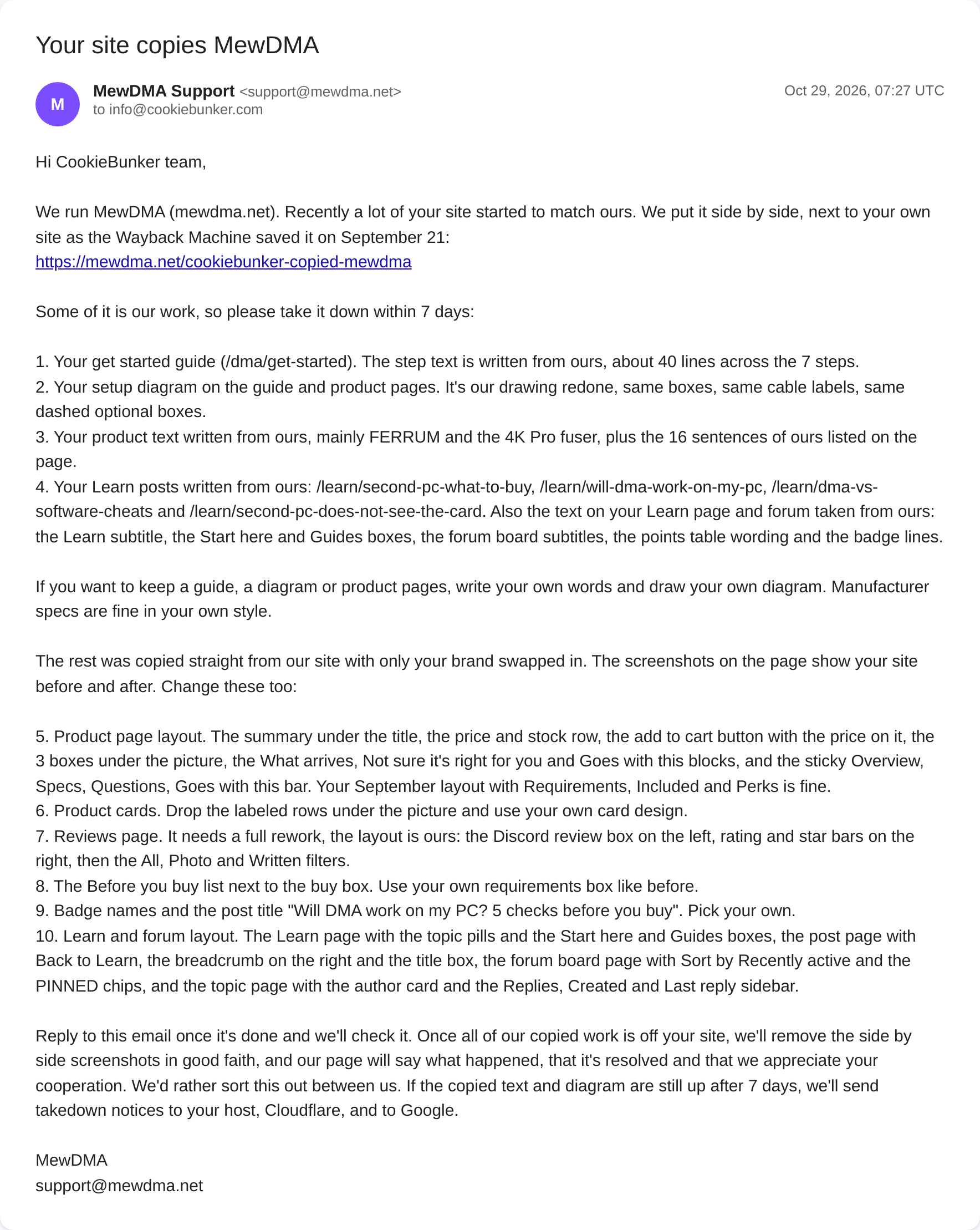
Take down within 7 days
- Your get-started guide at /dma/get-started. The step text is written from ours.
- Your setup diagram on the guide and product pages. It's our drawing redone.
- Your product text written from ours, mainly FERRUM and the 4K Pro fuser, and our sentences listed above.
- The text on your Learn page and forum taken from ours: the Learn subtitle, the Start here and Guides boxes, the board subtitles, the points table, the badge lines and your 4 Learn posts written from ours (/learn/second-pc-what-to-buy, /learn/will-dma-work-on-my-pc, /learn/dma-vs-software-cheats, /learn/second-pc-does-not-see-the-card).
Change, copied with only their brand swapped
- Product page layout: the summary, the price and stock row, the add to cart button with the price, the 3 boxes, the blocks under it and the sticky tab bar.
- Product cards. Drop the labeled rows and use your own card design.
- Reviews page: the Discord review box, the star bars and the All, Photo and Written filters.
- The Before you buy list next to the buy box.
- Badge names and the post title Will DMA work on my PC? 5 checks before you buy.
- Learn and forum layout: the Learn page, the Learn post page (Back to Learn, the breadcrumb on the right, the title box) and the forum board and topic pages.
To keep a guide, a diagram or a product page, write your own words and draw your own diagram. Manufacturer specs are fine to keep.
Once all of our copied work is off their site, we will remove the side by side screenshots in good faith, and this page will say what happened, that it was resolved and that we appreciate their cooperation.
The archive has nothing of theirs between September 21 and now, so it shows that each part wasn't on their site on September 21 and is there now, without the exact day it changed. “In git Oct 15” means the part was in our first commit and may be older. Their status list and profiles didn't load in the archive. Pages change, so open the links to see them today.